Best Expandi Alternatives for LinkedIn Outreach in 2026

Try Valley
Make LinkedIn your Greatest Revenue Channel ↓

Saniya Sood
Published:
Updated:
Best Expandi Alternatives for LinkedIn Outreach in 2026
Expandi has been a reliable LinkedIn automation tool for B2B teams for years. Cloud-based deployment, conditional sequences, multi-account support, and GIF/video personalization put it ahead of basic browser extensions when it launched. But in 2026, more teams are asking whether $99/month per seat delivers the reply rates and meeting quality their pipeline demands, and whether a generic automation-plus-sequences approach is still the right architecture.
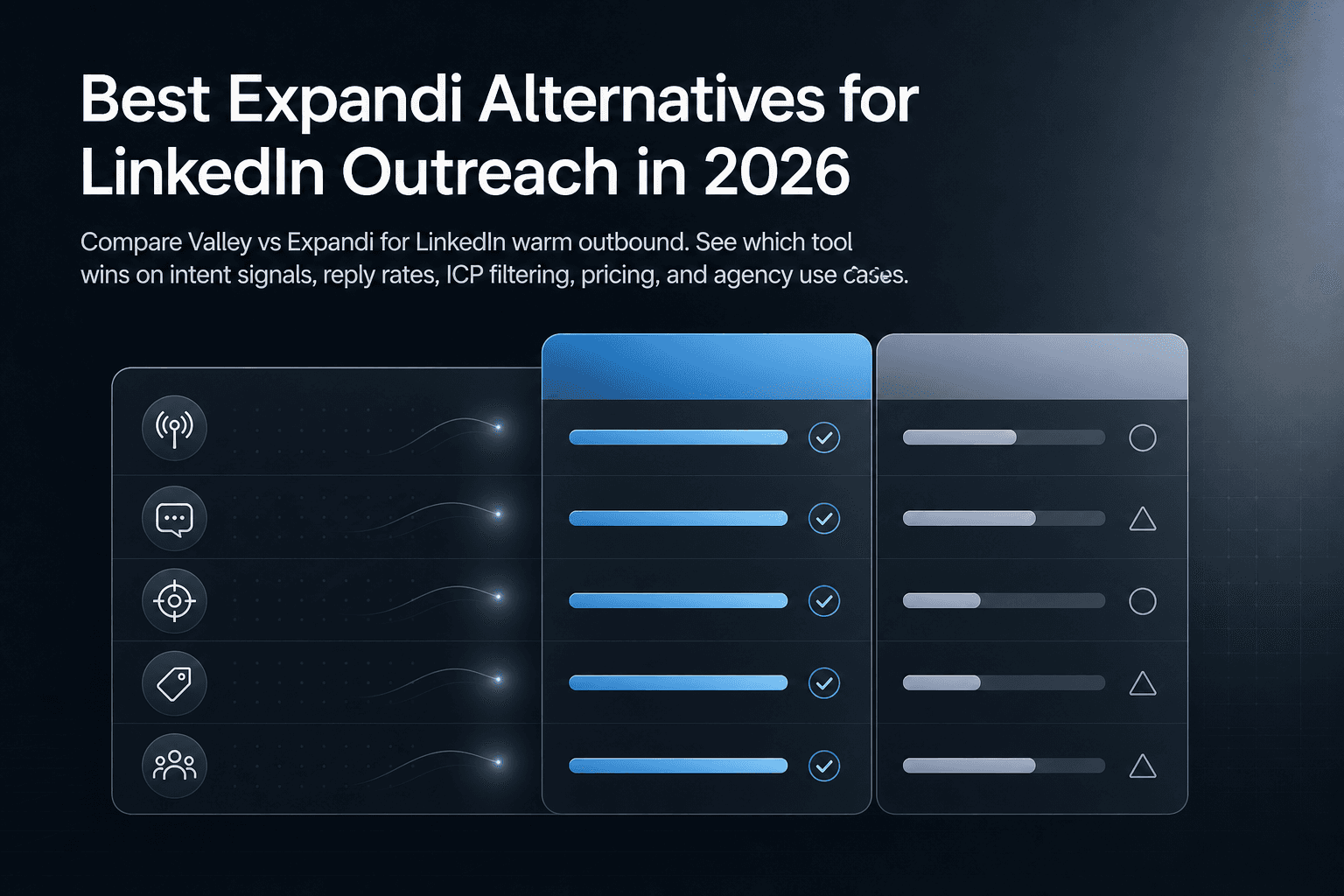
This guide breaks down the best Expandi alternatives by use case, covers the evaluation criteria that matter in 2026, and includes a migration checklist for teams ready to switch without losing pipeline.
► Book a demo and explore how Valley can support your use case
► Shortlists are theory; a 7-day free Valley trial is evidence. See your own warm pipeline by tonight.

Quick answer: best Expandi alternatives by use case
Here's how the main tools stack up at a glance:
Tool | Best for | Deployment | Multichannel |
|---|---|---|---|
Valley | Signal-based warm outbound, reply rate | Cloud | LinkedIn-first + email integration |
Dripify | Solo users, quick LinkedIn setup | Cloud | LinkedIn + email enrichment |
Waalaxy | Budget-conscious, simple LinkedIn+email | Extension | LinkedIn + email |
HeyReach | Agencies, multi-sender rotation | Cloud | |
Skylead | All-in-one multichannel, smart sequences | Cloud | LinkedIn + email |
SalesRobot | AI-first messaging, appointment setting | Cloud | LinkedIn + email |
Clay | Data enrichment + GTM workflow building | Cloud | Not a direct outreach tool |
Pick this if...
You need multichannel (LinkedIn + email): Skylead, SalesRobot, Waalaxy, or Valley (with email integration)
You need multi-sender agency scale: HeyReach or Valley (multi-client/account management)
You need warm intent signals instead of cold lists: Valley
What Expandi does (and why teams look for alternatives)
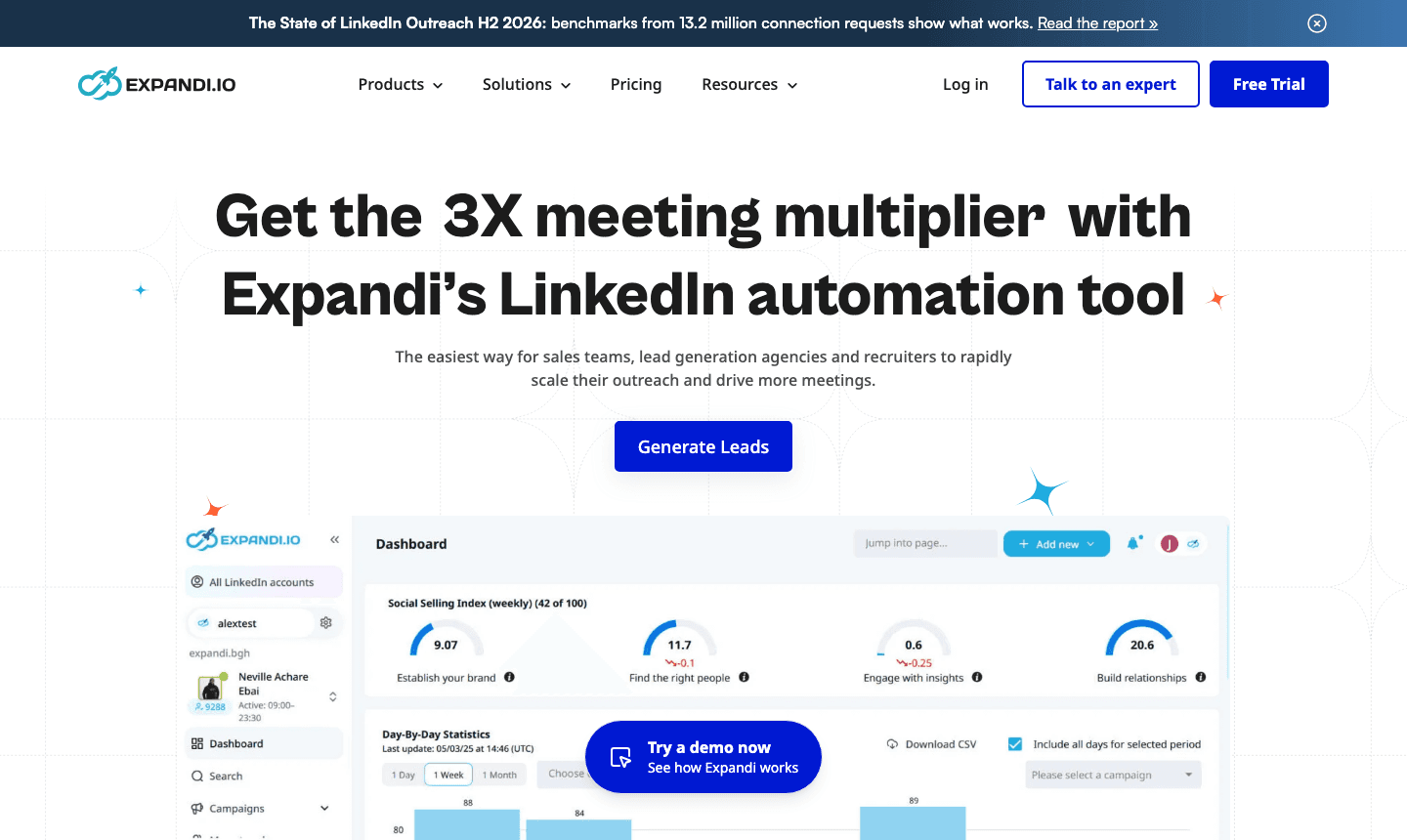
Expandi runs entirely in the cloud (no Chrome extension required), which is a meaningful safety advantage over extension-based tools. It supports smart conditional sequences, integrates with email outreach, handles multi-account setups for agencies, and offers personalization through GIFs and video thumbnails. Pricing starts at $99/month per seat on the monthly plan, with an annual option available.
Expandi's own Help Center documents daily limits and recommends following them to protect accounts, and it covers Open InMail campaigns for Premium/Open Profile outreach. That transparency is useful. Still, teams regularly evaluate alternatives for a few consistent reasons:
Scaling costs: at $99/seat, multi-sender agencies face compounding per-account costs as they add LinkedIn profiles
Learning curve: conditional sequences and campaign logic require setup time that slows new team members
Account risk concerns: LinkedIn actively restricts accounts showing patterns of automated activity, and teams want stronger safety rails than daily-limit guidance alone provides
Reply rate ceilings: sequence-based cold automation typically delivers single-digit reply rates; teams increasingly want higher-intent approaches
Integration overhead: connecting Expandi to CRMs and enrichment tools adds stack complexity
The 2026 checklist: how to evaluate any LinkedIn automation tool
Before picking a tool, evaluate it across five dimensions.
Account safety and risk controls
Cloud-based tools are generally safer than browser extensions because they operate on dedicated IPs rather than sharing your browser session. But cloud deployment alone isn't enough. Look for configurable daily limits, randomized send timing, ramp-up protocols for new accounts, and whether the vendor can articulate their approach to LinkedIn's detection patterns. LinkedIn's own guidance makes clear that automated activity can lead to account restrictions or permanent closure.
Sales Navigator users get 50 InMail credits per month from LinkedIn. Any tool that promises unlimited InMail sending without addressing credit management is worth questioning.
Sequencing needs
Are you running LinkedIn-only sequences or LinkedIn plus email? Some tools handle both natively; others require integrations. The right answer depends on your ICP's channel behavior, not a vendor's feature roadmap.
Scaling model
Solo reps and agencies have fundamentally different needs. Agencies need multi-sender rotation (sending from multiple LinkedIn accounts without manual switching), a unified inbox across all accounts, and per-client campaign segmentation. Most tools are built for one model or the other; verify before committing.
Quality over volume
Acceptance rate, reply rate, and meetings booked per 100 outreach sequences matter far more than raw connection volume. If a vendor's primary metric is "connections sent," that's a signal about their philosophy. Look for reply rate and meeting quality data alongside volume claims.
Personalization approach
Template variables (first name, company, job title) are table stakes. Research-based personalization, referencing a prospect's recent post, company news, or observed LinkedIn behavior, drives materially higher reply rates. The gap between the two approaches widens as LinkedIn's algorithm rewards genuine engagement patterns over automated-looking outreach.
Side-by-side feature comparison
Tool | Cloud vs Extension | LinkedIn + Email | Solo or Agency | Standout feature | Pricing |
|---|---|---|---|---|---|
Expandi | Cloud | Yes (integration) | Both | Conditional sequences, GIF personalization | $99/mo/seat |
Valley | Cloud | LinkedIn-first + integration | Both (multi-client) | Warm signal capture, ICP scoring, voice matching | $395/seat/mo |
Dripify | Cloud | Yes (email enrichment) | Solo/small team | Quick setup, analytics dashboard | Not clearly disclosed on main page |
Waalaxy | Extension | Yes | Solo/small team | Free tier, simple 4-step workflow | Not clearly disclosed on main page |
HeyReach | Cloud | Agency | Multi-sender rotation, unified inbox | Not clearly disclosed on main page | |
Skylead | Cloud | Yes (built-in email discovery + warm-up) | Both | Smart sequences, built-in email warm-up | Not clearly disclosed on main page |
SalesRobot | Cloud | Yes | Both | AI appointment setting, voice/video personalization | Not clearly disclosed on main page |
Clay | Cloud | N/A | GTM teams | Data enrichment, AI workflow orchestration | Not clearly disclosed on main page |
Pricing transparency note: Most competitor landing pages (Dripify, Waalaxy, HeyReach, SalesRobot, Skylead) do not clearly disclose plan limits or per-seat pricing on their main pages. Verify directly before starting a trial.
Tool deep dives: who should choose each alternative
Dripify
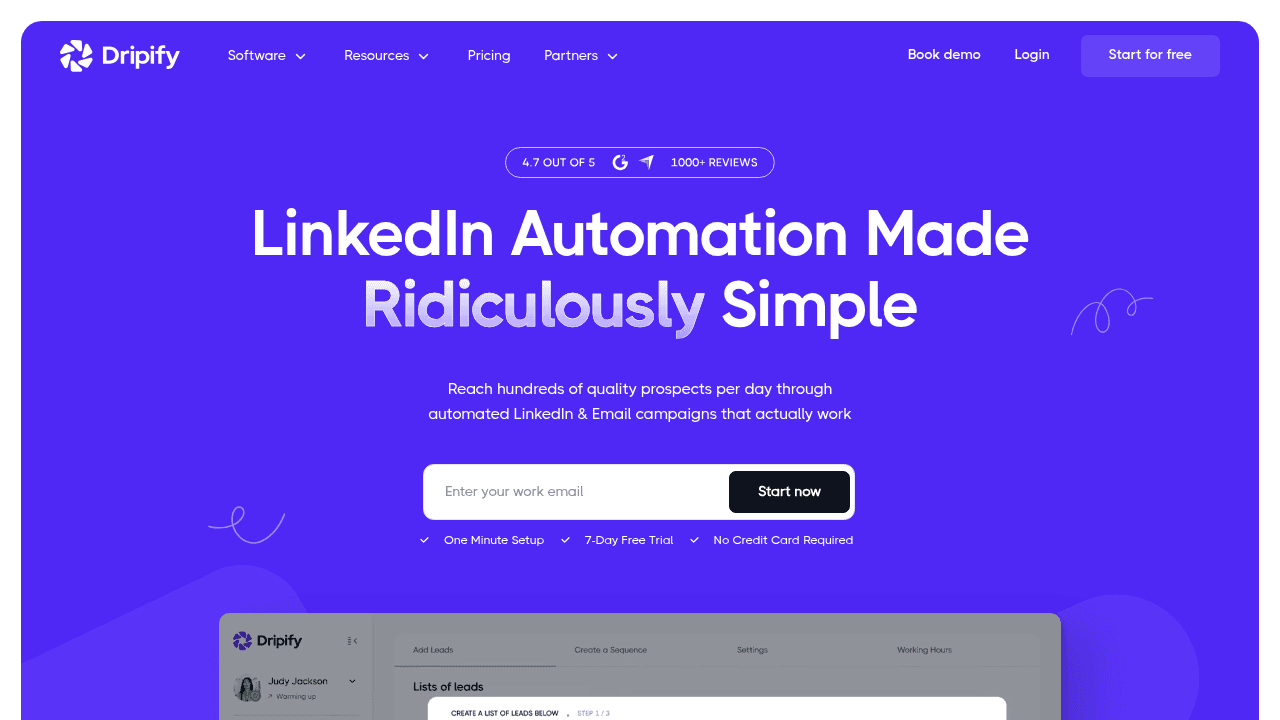
Dripify is the most beginner-friendly option in this list. The landing page leads with a one-minute setup claim and a 7-day free trial, which signals its target user: solo reps or small teams who want LinkedIn drip campaigns running quickly without heavy configuration. Features include drip campaigns, email enrichment, a personal inbox, team management, and an analytics dashboard.
The gaps worth knowing: plan limits aren't clearly disclosed on the main landing page, and there's limited published methodology behind their performance claims. For teams that need to audit campaign ROI rigorously, you'll need to dig into plan documentation or contact sales.
Best for: Individual reps and small teams who want LinkedIn-only sequences with minimal setup.
Waalaxy
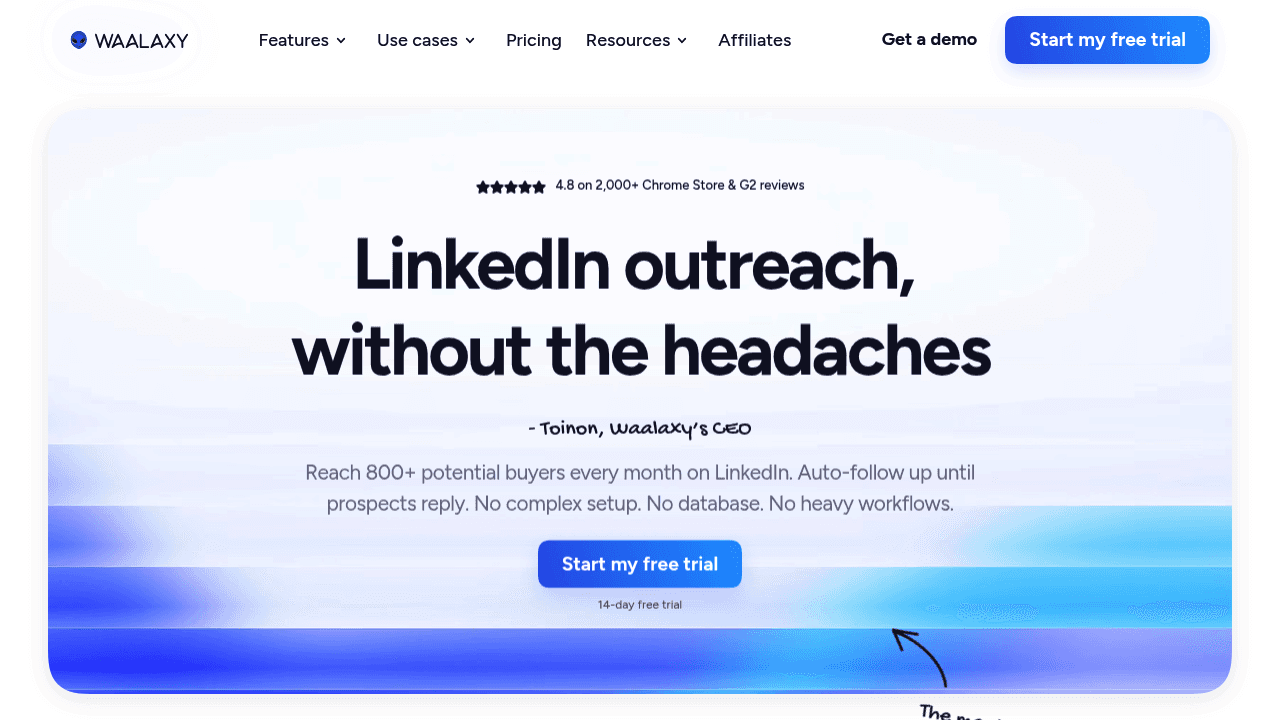
Waalaxy runs as a browser extension and explains its value prop through a simple 4-step workflow: find prospects, launch personal outreach, measure replies, sync to CRM. There's a free tier, which makes it accessible for early-stage teams testing LinkedIn outreach before committing to a paid tool.
The extension-based architecture introduces more account detection risk at higher volumes compared to cloud tools. Third-party reviews consistently flag limitations at agency scale, and detailed account safety guidance is thin on the main site. Pricing transparency is also limited on the landing page.
Best for: Budget-conscious solo users who want a basic LinkedIn + email outreach workflow without a large upfront cost.
HeyReach
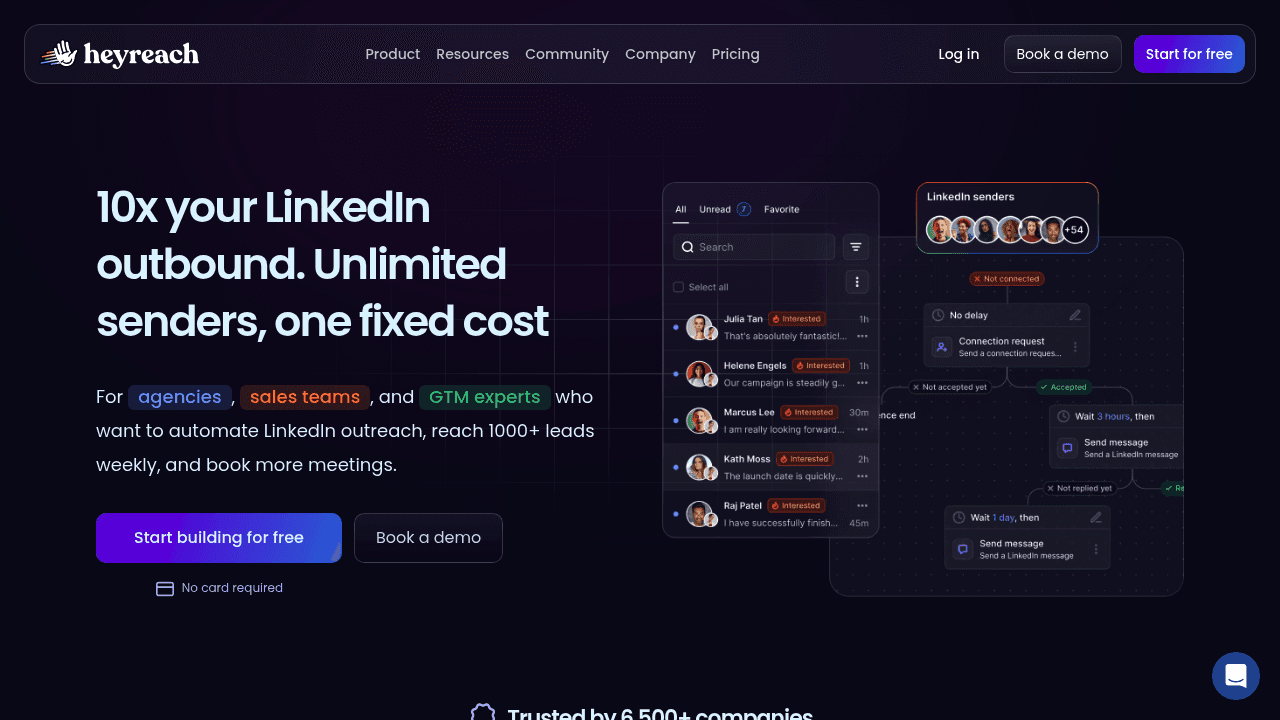
HeyReach is built for agency-scale LinkedIn outreach. Its core differentiators are multi-sender rotation (running outreach across multiple LinkedIn accounts simultaneously) and a unified inbox that consolidates replies from all senders in one place. The API and integration documentation signal a developer-friendly, operationally mature product.
Pricing transparency and detailed ROI case studies are light on the main landing page. For agencies evaluating cost-per-sender math, you'll need to request a quote or trial. Safety and compliance documentation is also thinner than you'd want before putting multiple client accounts through the tool.
Best for: Agencies and lead gen teams running high-volume LinkedIn outreach across multiple senders who need a unified reply management layer.
For a detailed head-to-head, see Valley vs HeyReach vs Expandi for agencies.
SalesRobot
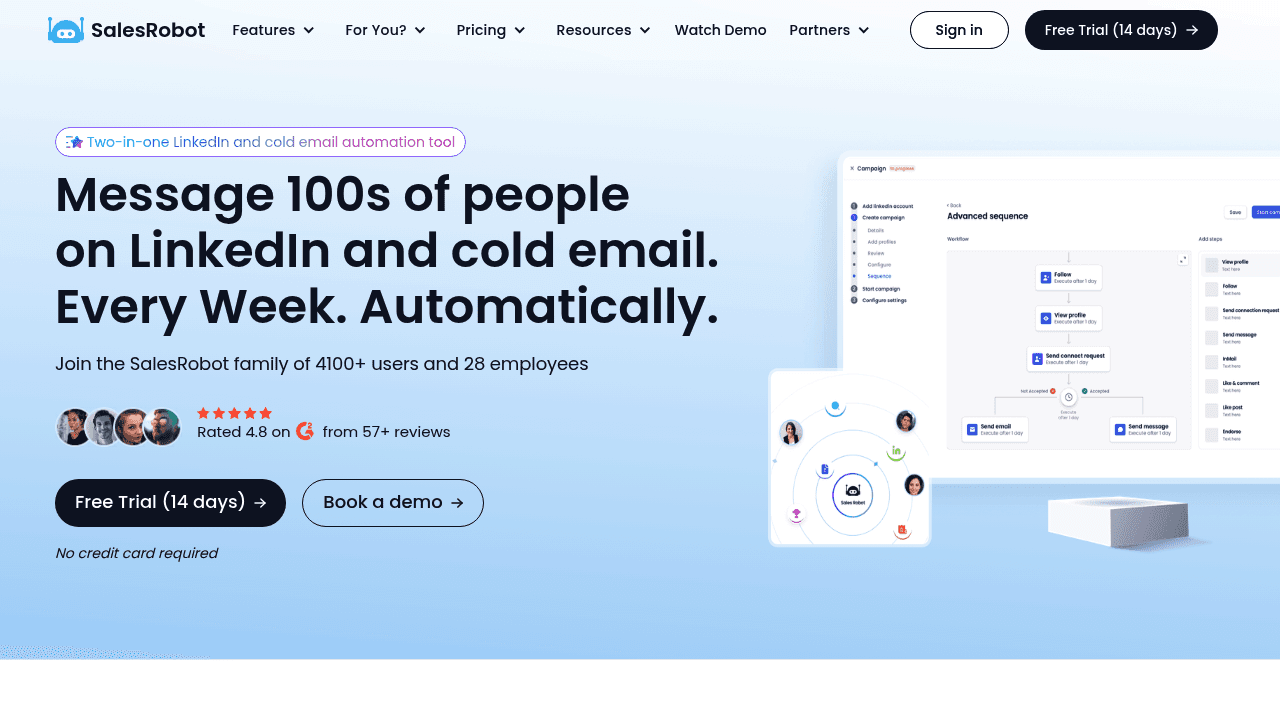
SalesRobot positions itself heavily around AI-generated messaging and appointment setting for LinkedIn plus cold email. Voice and video personalization are called out as differentiators, and comparison links to competitor tools suggest a buyer-ready SEO strategy.
Independent benchmark methodology and transparent pricing are missing from the main landing page, which makes it harder to verify performance claims independently. Technical explanations of safety and throttling are also surface-level.
Best for: Teams who want AI-assisted messaging and appointment-setting workflows across LinkedIn and email, and are comfortable validating claims through a sales call rather than public documentation.
Skylead
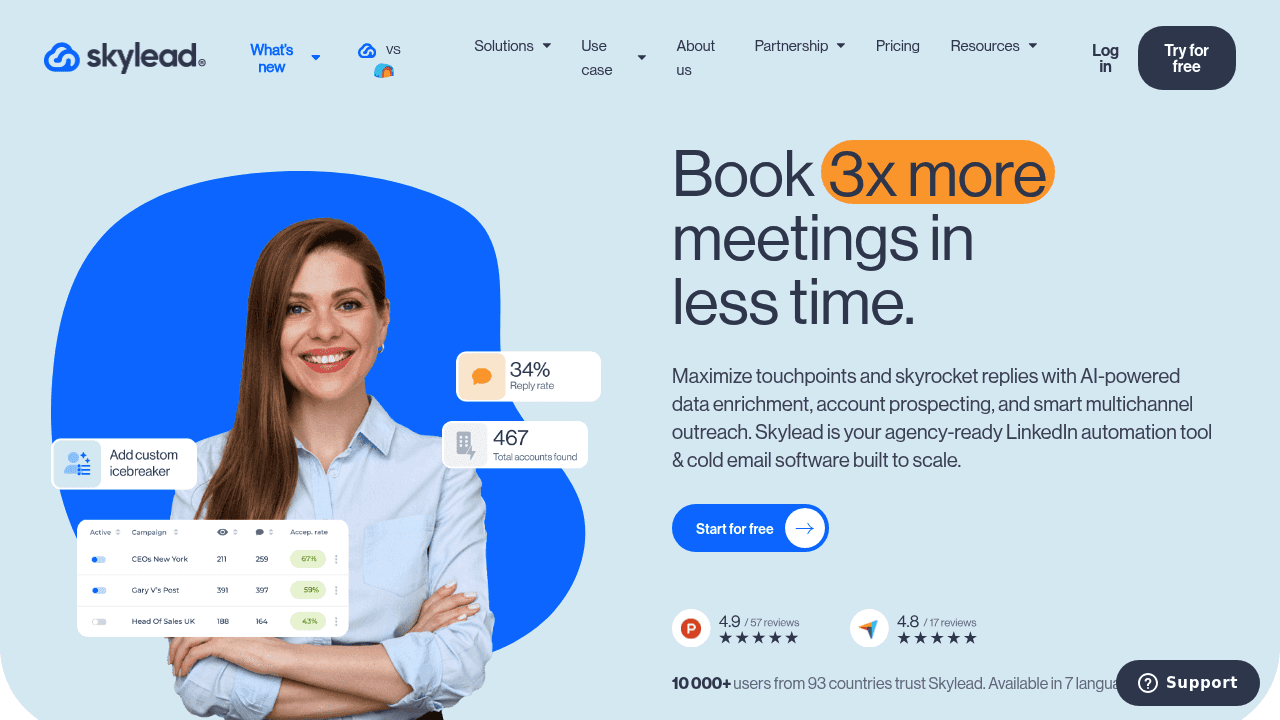
Skylead is all-in-one positioning covers LinkedIn automation and cold email with "smart sequences" and built-in email discovery and warm-up. That last piece matters: most tools require a separate email warm-up tool, so having it native reduces the number of vendors you manage.
Pricing and plan limits aren't clearly shown on the main landing page, and deep technical proof for smart sequence execution and deliverability methodology is thin. For teams that need to validate email deliverability claims before committing, request specifics during a trial.
Best for: Teams who want LinkedIn and cold email in one tool with smart conditional branching, and don't want to manage separate email warm-up infrastructure.
Clay
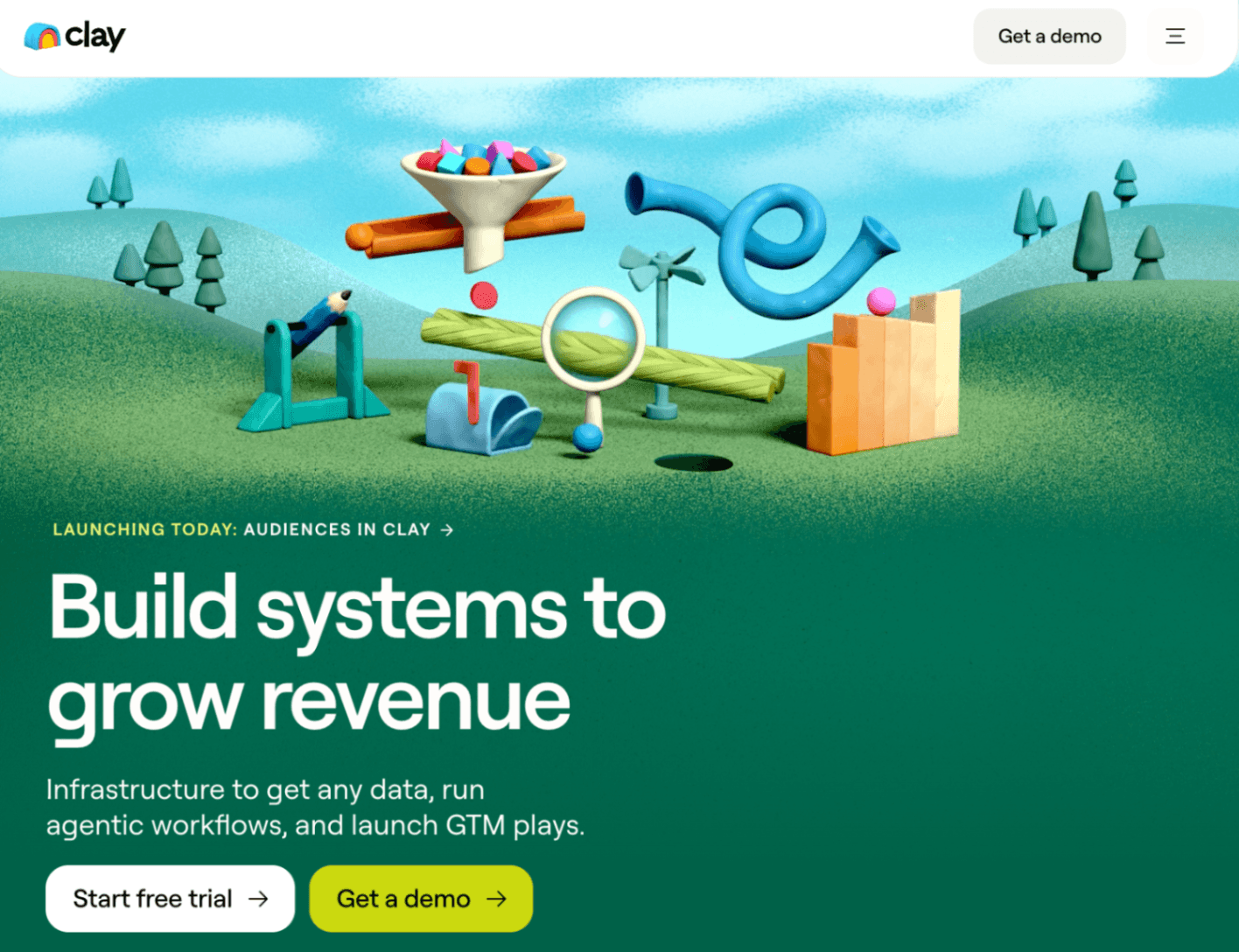
Clay sits in a different category than the tools above: it's a data enrichment and GTM workflow platform, not a LinkedIn outreach tool in the traditional sense. It pulls from a wide data marketplace, runs AI agents for enrichment and research, and orchestrates workflows across your stack.
Where Clay fits in an Expandi alternatives conversation: if your core issue is prospecting data quality and you're already investing in outreach execution elsewhere, Clay can strengthen the research layer feeding your sequences. It's not a replacement for a LinkedIn automation tool. Teams using Clay for outreach typically still need a dedicated sending tool alongside it.
Best for: RevOps and GTM engineers building sophisticated data pipelines and enrichment workflows. Not a standalone LinkedIn outreach replacement.
Valley
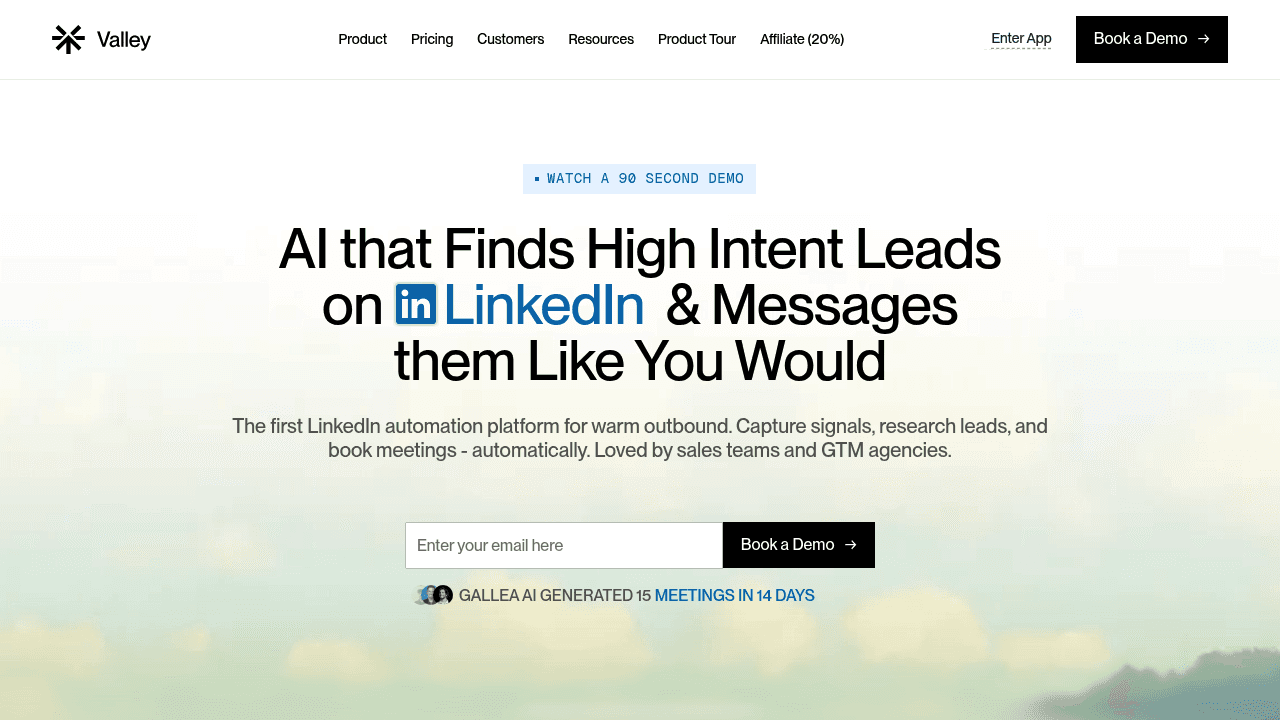
Valley takes a fundamentally different approach to the LinkedIn outreach problem. Where Expandi and most alternatives start with a list and automate outreach to it, Valley starts with intent signals: who is already showing interest in your brand or your competitors on LinkedIn right now.
The workflow runs as follows: Valley captures warm leads from profile viewers, post engagers, followers, commenters, company page visitors, and competitor engagers. It then runs ICP scoring and enrichment, automatically removing prospects that don't fit so your team messages only the top 20%. For each qualified lead, Valley researches 60+ signals and 100+ data points to understand why that person showed interest, then drafts messages in your writing voice rather than a generic template.
Outreach executes natively inside LinkedIn (connection requests and InMails) with built-in safety limits. Valley claims zero LinkedIn account suspensions across its user base. The positioning is explicit: responding to interest, not creating it.
On outcomes: Valley's product materials cite 15 - 45% reply rates for warm signal capture outbound, compared to 1 - 3% for cold email. The platform has generated $128M+ in pipeline across its customers.
Pricing starts with $149/seat/month, which reflects the managed research and personalization layer rather than purely automation infrastructure. For teams where meeting quality and reply rate matter more than volume, the unit economics typically hold up.
Best for: B2B sales teams and GTM agencies that want to convert existing LinkedIn engagement into pipeline rather than spray cold lists, and for whom reply rate and account safety are primary concerns.
For more on the methodology, see how Valley's warm outbound on LinkedIn works.
Migration guide: switching from Expandi without losing pipeline
Switching tools mid-campaign is the most common reason teams delay. Here's how to do it cleanly.
Step 1: Build a message library before you cancel. Export or document every sequence variant that's generated a reply or a meeting. Don't copy-paste them into your new tool verbatim, use them as a reference for what angles work, then rewrite them to fit the new tool's personalization model.
Step 2: Recreate your targeting logic. Document exactly how you were identifying prospects in Expandi: search filters, saved searches, CSV sources, Sales Navigator lists. In your new tool, decide whether you're replicating the same list logic or shifting to a warm-signal approach. This is the most important decision in the migration.
Step 3: Rebuild sequences by intent stage. Structure new sequences around observed engagement rather than a linear time-based drip. Connect request copy should reflect why you're reaching out; follow-ups should add value based on what the prospect has seen or engaged with.
Step 4: Ramp up safely. Don't launch at full volume on day one. Start at 20 - 30% of your target daily limit and scale up over two to three weeks. Use safe LinkedIn automation practices including randomized send timing and varied message templates to avoid triggering LinkedIn's spam detection patterns.
Step 5: Instrument your success metrics properly. Connection acceptance rate, reply rate, and meetings booked are the metrics that matter, not connections sent. Set baseline benchmarks in week one so you can evaluate the tool accurately by week four.

FAQs
FAQs
Is Expandi risky for LinkedIn accounts?
Expandi is cloud-based, which reduces the detection risk associated with browser extensions. However, any tool that automates LinkedIn activity carries risk if daily limits aren't respected or if message templates look spammy. LinkedIn's policy guidance is clear that automated activity can trigger restrictions or account closure. The risk is manageable with proper daily limits, ramp-up periods, and varied messaging.
What's the best Expandi alternative for agencies managing multiple senders?
HeyReach is the most agency-native option with multi-sender rotation and a unified inbox. Valley also supports multi-client/multi-account workflows and is a strong fit for agencies that want warm signal capture across client accounts without scaling headcount.
What tool is best for LinkedIn + email automation?
Skylead is the most complete all-in-one option with built-in email discovery and warm-up. Waalaxy and SalesRobot also offer LinkedIn + email. Valley focuses primarily on LinkedIn with email integration options for teams that want to layer channels.
Which alternative focuses on reply rate vs connection volume?
Valley is the most explicitly reply-rate-focused tool in this list. Its entire workflow is designed around signal-based outbound vs cold email, responding to demonstrated interest rather than blasting a list. Dripify and Skylead also include reply-rate analytics, though their underlying approach remains list-based.
How do I avoid getting my LinkedIn account restricted?
Stay within LinkedIn's daily limits (roughly 25 connection requests per day is a widely cited safe threshold). Use cloud-based tools rather than browser extensions. Vary your message templates so no two messages are identical. Ramp up slowly on new accounts. Avoid using shared IPs. For a full breakdown, see LinkedIn connection limits and account safety.
Do I need Sales Navigator with these tools?
Not always, but it helps significantly for targeting precision. LinkedIn allocates Sales Navigator users 50 InMail credits per month for outreach to non-connections. Most automation tools support both standard LinkedIn and Sales Navigator, but advanced search filters and saved lead lists are generally Sales Navigator features. If your ICP targeting relies on detailed firmographic filters, Sales Navigator is worth the cost regardless of which automation tool you choose.

Related Blogs

FEATURED READ
5 min
LinkedIn + Email Outreach in One Tool (2026): What Actually Exists
Read
Read

FEATURED READ
5 min
Cold Email Without Buying Domains and Inboxes (2026): the One-Inbox Playbook
Read
Read

FEATURED READ
5 min
Email or LinkedIn First? Building the Multi-Channel Outbound Cadence (2026)
Read
Read

FEATURED READ
5 min
Compliant Cold Email in 2026: GDPR, Opt-Outs & the Google/Yahoo Rules, Plainly
Read
Read
Which channels does Valley support?
Valley supports LinkedIn outreach, including connection requests and InMails. Valley users safely send 1000-1200 messages per seat every month.
How safe is it and does Valley risk my LinkedIn account?
Do I have to commit to an Annual Plan like other AI SDRs?
How does Valley personalize messages?
Is Valley available in my country?

VALLEY MAGIC