How Does Valley Handle LinkedIn Account Safety and Automation Restrictions?

Try Valley
Make LinkedIn your Greatest Revenue Channel ↓

Saniya Sood
Published:
How does Valley ensure LinkedIn accounts won't get flagged when using automation?
Valley hasn't had a customer account flagged since October 2023 because the platform was built with approximately 10 people from LinkedIn's advisory board. These advisorsincluding LinkedIn's former head of sales and chief of staff; helped engineer Valley to comply with how LinkedIn screens for spammy behavior and automation patterns.
The collaboration with LinkedIn insiders gave Valley unprecedented insight into the platform's detection mechanisms. While LinkedIn publicly opposes automation tools in their terms of service, Valley's engineering approach works within the boundaries of what LinkedIn's algorithms consider acceptable activity. This doesn't mean Valley has an official partnership or endorsement from LinkedIn—rather, the advisory board members participated in their personal capacity to help build a safer automation solution.
► Book a demo and explore how Valley can support your use case
What makes Valley different from other LinkedIn automation tools regarding account safety?
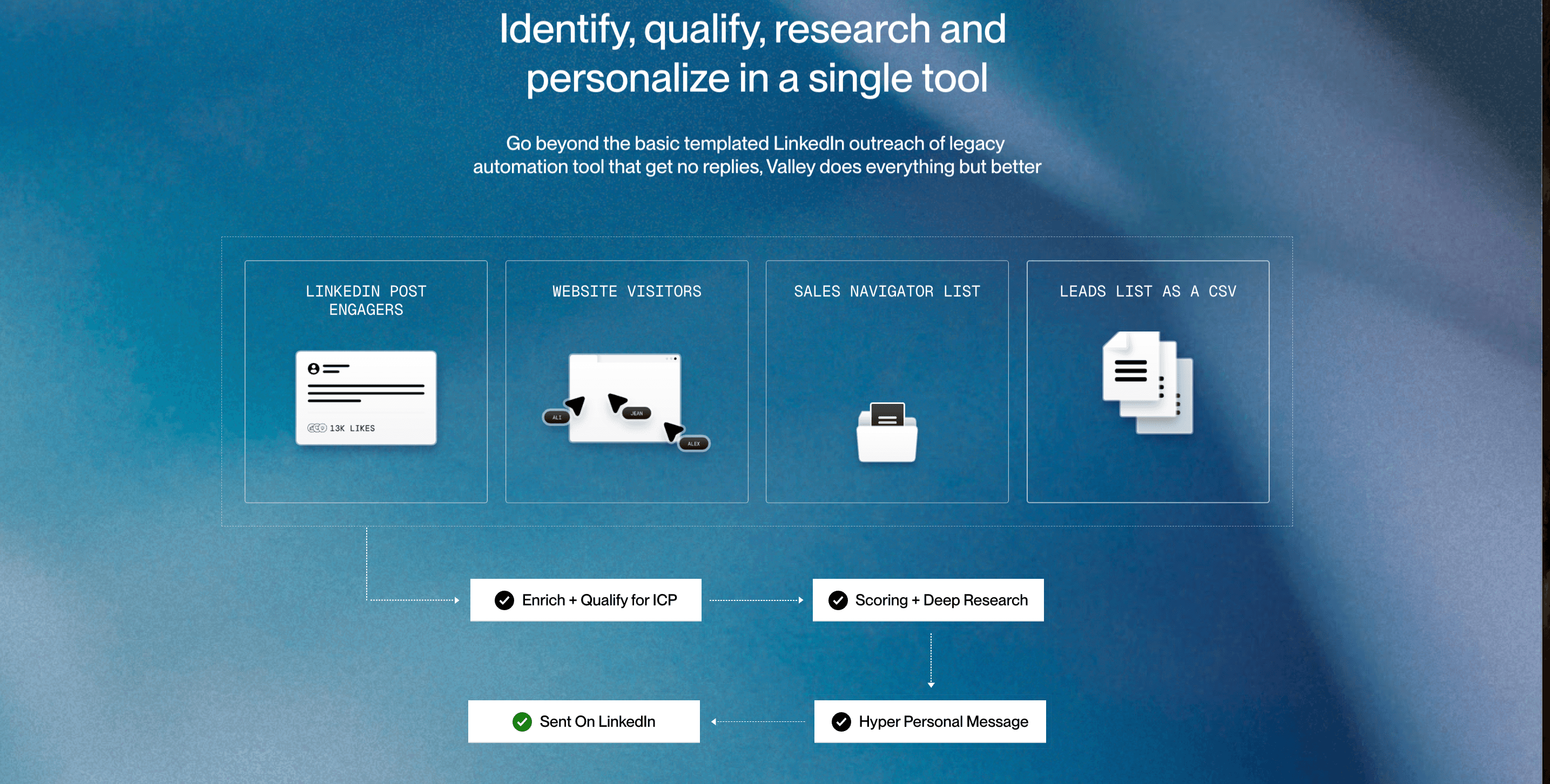
Valley understands LinkedIn's detection algorithms at a granular level. Unlike tools that scrape massive amounts of data from Sales Navigator and repackage it (which triggered LinkedIn's crackdown on Apollo, Seamless, and LeadIQ), Valley doesn't maintain a prospecting database. Valley operates by authenticating through LinkedIn session tokens and conducting actions using those tokens, which makes the activity appear native to your account rather than external automation.
The key distinction is in how Valley processes data. When tools like Apollo built massive databases by scraping millions of LinkedIn profiles and selling access to that data, LinkedIn identified this as terms of service violations and banned these tools from the platform. Valley takes a fundamentally different approach—it doesn't scrape data for resale. Instead, Valley accesses only the prospects you specifically direct it to research, using your authenticated session to pull publicly available information just as you would manually.

Does Valley require my computer to be running all the time for account safety?
No. Valley only needs the LinkedIn session token, which typically re-authenticates once monthly. Once Valley pulls your session token through the Chrome extension, your computer can be turned off. The IP address from your original login is maintained, meaning Valley pings LinkedIn from the same location where you authenticated. This consistency is crucial for avoiding red flags.
Many users worry about IP address conflicts when using automation—for example, if you're logging in from New York but automation runs from a data center in California, LinkedIn might flag suspicious activity. Valley solves this by capturing your session token along with your IP location data. When Valley conducts actions on your behalf, it does so from IP addresses that match your authentication location, maintaining consistency that prevents LinkedIn's security systems from detecting anomalies.
What are Valley's recommended daily limits for connection requests and InMails?
Valley recommends starting with 25-30 connection requests per day and a similar volume for InMails. These limits are built into the platform based on LinkedIn's natural restrictions. Valley's CEO has successfully sent nearly 800 connection requests in 30 days by maintaining 30-35 daily requests on weekdays. The platform includes guardrails that automatically stop sending when LinkedIn's limits are reached, then resume appropriately.
These recommendations come from extensive testing across thousands of accounts. Valley has observed that LinkedIn's limits vary by account—newer accounts with fewer connections might be restricted to 20-25 requests daily, while established accounts with 1,000+ connections and consistent activity history can push to 35-40 daily. Valley's system adapts to your specific account's limits by monitoring LinkedIn's responses and adjusting accordingly.
How does Valley handle accounts with different LinkedIn activity histories?
LinkedIn sets different limits for each account based on factors like account age, activity history, and connection count. Valley automatically detects when your specific account hits its limit by monitoring LinkedIn's responses. If a limit is reached, Valley pauses until the next week, tests with another request, and continues only if successful. This dynamic adjustment ensures Valley works within your unique account parameters.
For example, a brand new LinkedIn account created last month will have more restrictive limits than an account that's been active for five years with 3,000 connections. Valley doesn't assume universal limits; instead, it learns your account's specific thresholds through observation. When Valley attempts to send a connection request and receives a limit warning from LinkedIn, it logs that information and adjusts future sending patterns to stay just below your threshold.
Can Valley warm up new LinkedIn accounts gradually?
Yes. While Valley doesn't require a gradual warmup for established accounts, users can manually configure slower sending patterns if desired. However, most customers begin at recommended volumes immediately without issues. Accounts with fewer than 100-500 connections may see slightly reduced results, but Valley's personalization quality typically compensates for smaller network sizes.
The warmup strategy for new accounts involves starting at 10-15 connection requests daily for the first week, then increasing to 20-25 in week two, and reaching full volume (25-30) by week three. This gradual escalation mirrors natural human behavior—someone who suddenly sends 30 connection requests daily after months of inactivity looks suspicious, but steady increase appears organic.
► Check Out Valley's Incredible Outreach: A compilation of real time messages and responses!

What specific safety features does Valley have that competitors lack?
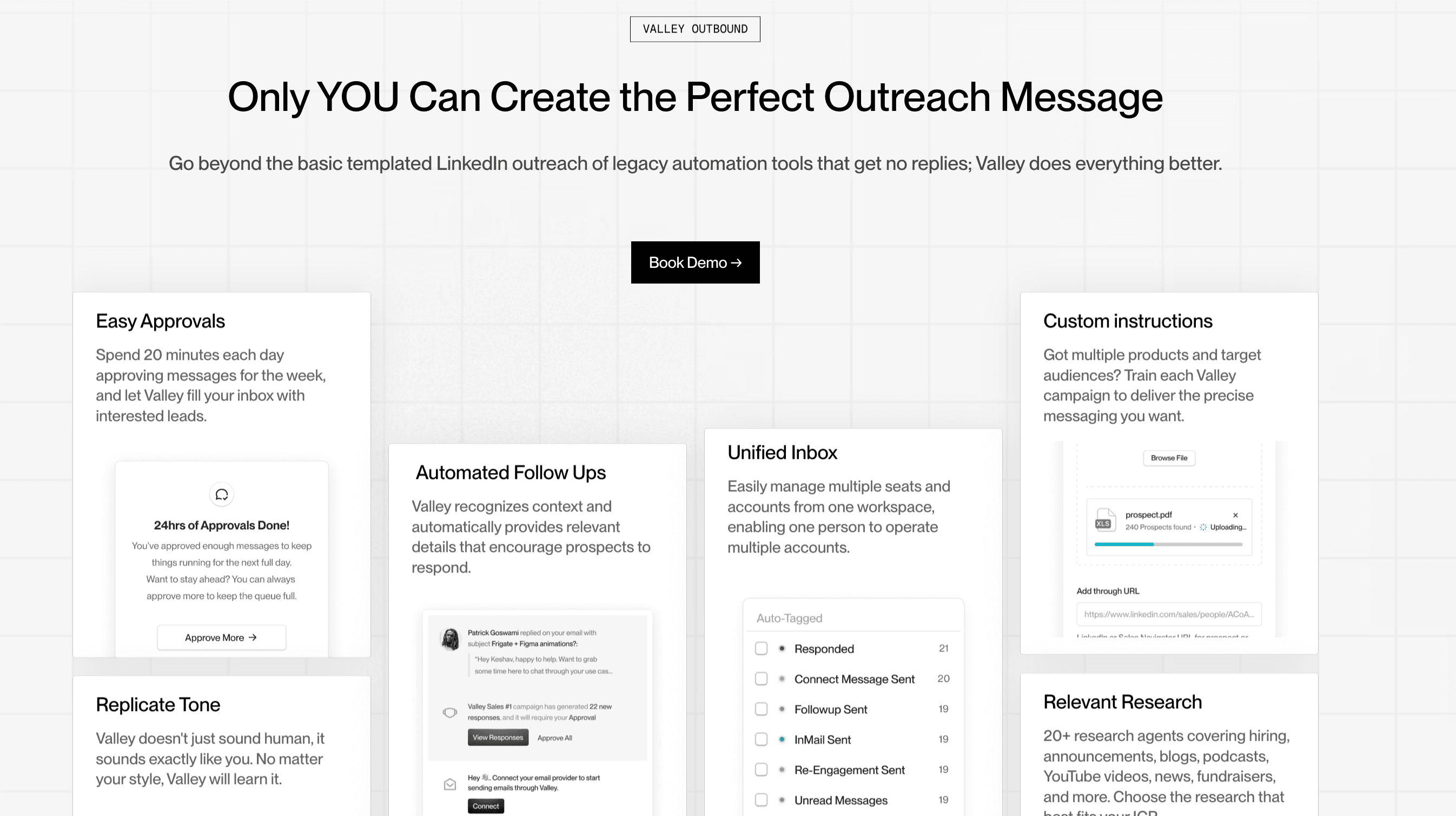
Valley uniquely detects open versus closed LinkedIn profiles, which prevents wasting InMail credits and helps optimize outreach strategy. The platform also uses dedicated IPs and randomizes message timing to avoid pattern detection. Most importantly, Valley personalizes every message individually rather than using templates with variables—this fundamental difference means LinkedIn's spam filters don't recognize repetitive patterns.
Template-based tools send messages like "Hi {{FirstName}}, I noticed you work at {{Company}} in {{Industry}}" to hundreds of prospects. LinkedIn's algorithms easily detect these patterns because the message structure remains identical with only variable replacements. Valley's approach generates completely unique messages for each prospect—the sentence structure, word choice, and content flow differ for every recipient, making pattern detection impossible.
How does Valley's extension-based approach enhance security compared to password-sharing tools?
Valley requires only the Chrome extension for authentication—your LinkedIn password never enters Valley's system. The extension captures your session token, which is significantly more secure than platforms requiring direct credential input. This approach minimizes security risks while maintaining the authentication needed for automated actions.
Session tokens function as temporary access passes that expire and refresh periodically. Even if a session token were somehow compromised (extremely unlikely given Valley's encryption), it would only provide access until the next expiration cycle, and wouldn't reveal your actual LinkedIn password. This architecture follows security best practices by separating authentication credentials from access tokens, creating multiple layers of protection for your account.
Valley's zero-password-storage policy also means your credentials can't be exposed in a data breach. Tools that require password input must store those passwords somewhere—encrypted, ideally, but still present in their systems. Valley eliminates this vulnerability entirely by never requesting or storing your LinkedIn password.
► Book a demo and explore how Valley can support your use case

Related Blogs

FEATURED READ
5 min
Valley vs HeyReach: Which LinkedIn Outreach Tool Wins More Qualified Meetings?
Read
Read

FEATURED READ
5 min
Valley in 2026: Is the Price Worth the Pipeline?
Read
Read

FEATURED READ
5 min
Valley vs Dripify: Which LinkedIn Outreach Tool Actually Converts in 2026?
Read
Read

FEATURED READ
5 min
Valley vs. Hiring an SDR: The Real Cost and ROI Breakdown for 2026
Read
Read
Which channels does Valley support?
Valley supports LinkedIn outreach, including connection requests and InMails. Valley users safely send 1000-1200 messages per seat every month.
How safe is it and does Valley risk my LinkedIn account?
Do I have to commit to an Annual Plan like other AI SDRs?
How does Valley personalize messages?
Is Valley available in my country?

VALLEY MAGIC





