How Does Valley Handle Linkedin Connection Limits and Account Safety?

Try Valley
Make LinkedIn your Greatest Revenue Channel ↓

Saniya
Published:
What LinkedIn Connection Limits Exist?
LinkedIn enforces strict limits and safety mechanisms to prevent spam and protect user experience. Violating these restrictions triggers warnings, temporary suspensions, or permanent account termination.
Valley's architecture respects all LinkedIn limits while maximizing outreach effectiveness within safe boundaries.
LinkedIn imposes multiple restriction types that automation tools must respect:
Daily Connection Request Limits:
Standard accounts: 100 connection requests per week maximum
Practical safe limit: 20-25 requests per day
LinkedIn's algorithm watches for sudden volume spikes
Exceeding these thresholds triggers "You've reached the weekly invitation limit" warnings that restrict all networking activity temporarily.
InMail Credit Limits:
Sales Navigator Core: 20 InMails monthly
Sales Navigator Advanced: 50 InMails monthly
Credits consumed when messaging non-connections
Credits refunded if recipient responds within 90 days
Valley optimizes InMail usage through open profile detection that enables free messages to 15-20% of prospects without consuming credits.
Message Volume Limits:
LinkedIn monitors total outreach volume across connection requests, InMails, and direct messages
Sudden increases in messaging activity flag as suspicious
Specific numeric limits unpublished but pattern-based detection active
► Book a demo and explore how Valley can support your use case

How Valley Enforces Safe Daily Limits
Valley's architecture includes multiple safety mechanisms that prevent limit violations:
Automatic Velocity Control:
Valley caps connection requests at 25 per day regardless of user settings. This conservative limit stays well below LinkedIn's enforcement threshold, creating safety margin for manual networking activity outside Valley, preventing algorithmic detection of automation patterns, and maintaining account health over months of sustained usage.
Users cannot override this limit, it's hard-coded to protect account safety.
Intelligent Pacing Throughout the Day:
Rather than sending 25 connection requests in one burst (obvious automation pattern), Valley distributes throughout business hours: 8-10 AM: 5-7 requests, 12-1 PM: 5-7 requests, 3-5 PM: 8-10 requests, random timing variation (not exactly on the hour).
This pacing mimics human behavior patterns that LinkedIn's algorithms expect.
Weekly Volume Smoothing:
Valley tracks weekly totals to ensure compliance with LinkedIn's 100/week guideline: Monday-Thursday: Full 25/day capacity, Friday: Adjusted based on weekly total, Weekend: Minimal activity (humans network less on weekends).
If user approaches 100 weekly limit by Thursday, Valley automatically reduces Friday volume.
Message Type Balancing:
Valley varies message types to avoid pattern detection: connection requests with personalized notes, InMails to prospects beyond 3rd degree, direct messages to existing connections, and mix of outreach targets (different companies, roles, industries).
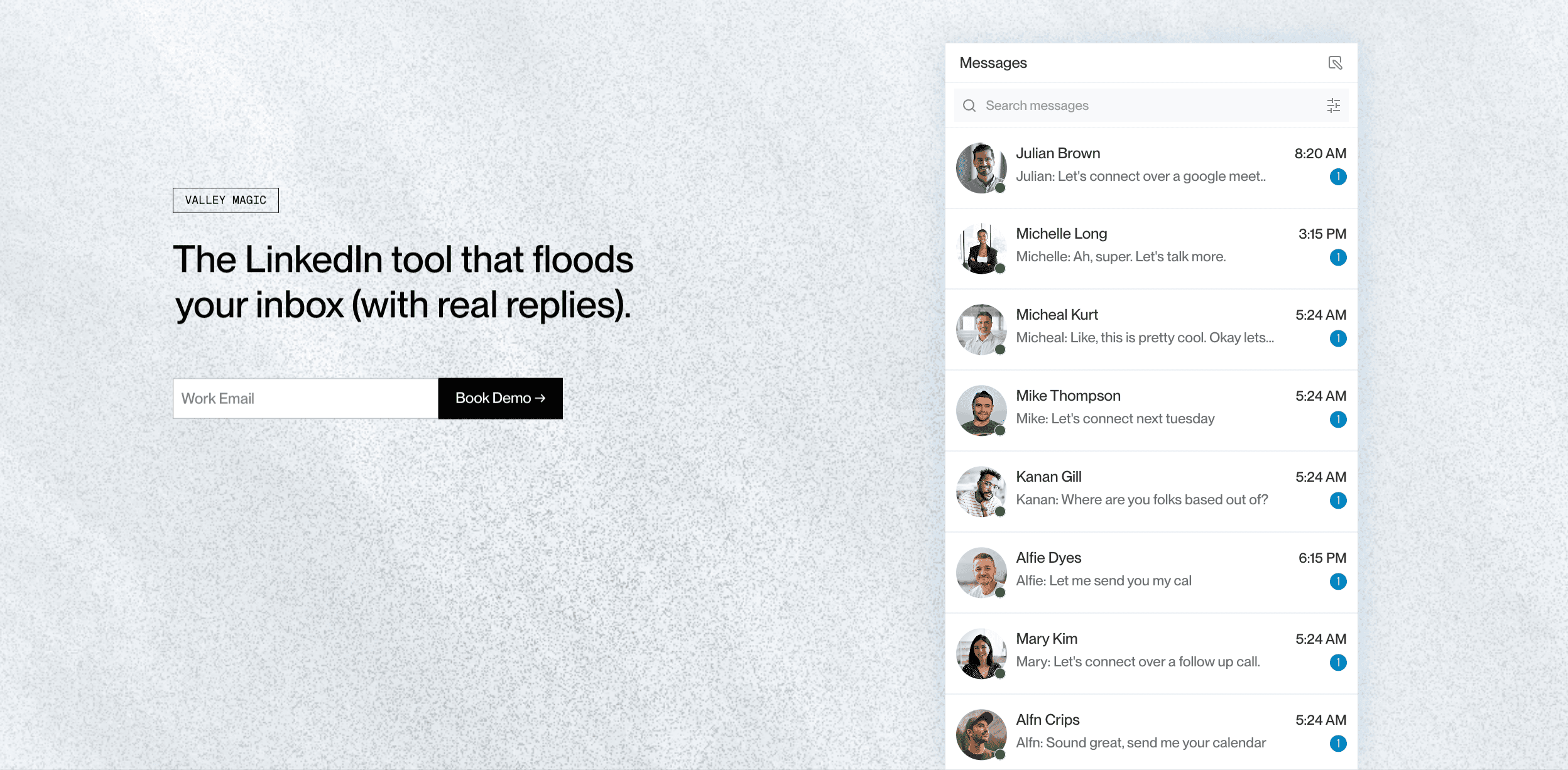
► Check Out Valley's Incredible Outreach: A compilation of real time messages and responses!
Behavioral Randomization Prevents Detection:
Sophisticated automation detection looks for patterns that indicate bot behavior. Valley incorporates randomness that mimics humans:
Timing Randomization:
Messages don't send at exact intervals (every 30 minutes like a bot). Instead Valley adds 5-15 minute random variance, occasionally clusters 2-3 messages close together (humans batch sometimes), and includes longer gaps reflecting real work patterns.
Activity Pattern Variation:
Some days send 22 requests, others 25, occasional days 15-18 (simulating busy days with less networking), and weekly patterns vary (not identical Monday to Monday).
Message Length Variation:
Valley's AI generates messages of varying lengths: short messages (40-60 words), medium messages (70-90 words), and longer messages (100-120 words).
Identical message lengths every time signal automation.
Character-Level Variation:
Even messages to similar prospects differ: punctuation varies, phrasing alternatives used, sentence structures differ, and word choice rotates.
No two Valley messages are identical, even when referencing similar signals.
How Valley's Cloud Architecture Protects Accounts
The technical infrastructure powering Valley provides critical safety advantages over browser extension automation:
Cloud-Based vs. Browser Extension Risks:
Browser extension tools (Dux-Soup, Expandi, etc.) operate inside your browser, controlling your actual LinkedIn session. This creates risks: LinkedIn can detect automation scripts, extensions leave detectable footprints, browser crashes expose automation, and you must leave computer running.
Valley operates cloud-based, never touching your actual LinkedIn session: authenticated API access (not session hijacking), mimics official LinkedIn mobile app behavior, no browser dependencies or footprints, and runs 24/7 without your computer.
LinkedIn Mobile App Behavior Mimicry:
Valley's cloud architecture makes requests that look identical to the official LinkedIn mobile app: same API endpoints mobile app uses, identical request headers and authentication, proper rate limiting matching app patterns, and user agent strings matching real mobile devices.
To LinkedIn's systems, Valley activity appears as normal mobile app usage—the safest possible profile.
Zero Suspensions Track Record:
Valley users have experienced zero LinkedIn account suspensions or warnings across 2+ years of operation. This perfect safety record stems from: conservative daily limits (25 vs. 100 possible), cloud architecture avoiding detection vectors, behavioral randomization preventing patterns, and continuous monitoring of LinkedIn policy changes.

What Happens If You Violate LinkedIn Limits Manually?
Understanding LinkedIn's enforcement helps appreciate Valley's safety measures:
First Violation (Minor):
LinkedIn sends warning: "You've reached the weekly invitation limit." Temporary restriction on sending new requests (typically 1 week), existing conversations and messages unaffected, and restriction lifts automatically after cooling period.
Second Violation (Moderate):
Stronger warning with longer restriction (2-3 weeks), possible temporary suspension of messaging features, and LinkedIn support may require explanation.
Third Violation (Severe):
Temporary account suspension (1-4 weeks), required acknowledgment of LinkedIn User Agreement, potential loss of Premium features, and repeat offenses risk permanent ban.
Permanent Ban (Extreme):
Account terminated permanently, no appeal process, loss of all connections and content, unable to create new accounts from same identity.
Valley's safety mechanisms prevent ever reaching first violation, let alone escalation.
How Valley Handles Different LinkedIn Account Types
Safety considerations vary by account tier:
Free LinkedIn Accounts:
Strictest limits and monitoring, 100 connection requests per week maximum, no InMail credits, and limited search capabilities.
Valley works with free accounts but recommends Sales Navigator for professional usage.
LinkedIn Premium (Career/Business):
InMail credits included (5-15 per month), expanded search filters, profile views visibility, and same connection limits as free.
Valley's Premium features work but Sales Navigator provides better results.
Sales Navigator (Core/Advanced):
Professional sales tool signals legitimate use, 20-50 InMail credits monthly (Advanced gets 50), advanced search and filtering, open profile detection support, and account health monitoring built-in.
Valley + Sales Navigator combination delivers optimal results and maximum safety.
How to Maintain Account Health While Using Valley
Beyond Valley's built-in protections, users should follow best practices:
Maintain Active, Authentic LinkedIn Presence:
Post valuable content regularly (2-4 times weekly), engage authentically with others' content, accept connection requests from real people, respond to messages promptly, and keep profile complete and professional.
Active authentic usage creates strong account health baseline that supports automated outreach.
Don't Mix Valley With Other Automation Tools:
Running multiple LinkedIn automation tools simultaneously increases detection risk: conflicting automation patterns, exceeded combined limits, technical conflicts, and account flagging.
Choose Valley or another tool, not both simultaneously.
Monitor Your Weekly Connection Volume:
Valley provides dashboard showing: connection requests sent this week, InMails consumed, message volume, and response rates.
Stay aware even though Valley enforces limits.
Respond to Prospects Promptly:
High response rates signal genuine engagement to LinkedIn's algorithms. When Valley generates conversations, reply quickly (within 4-8 hours), maintain natural dialogue, and avoid copy-paste responses.
Real engagement validates that outreach is legitimate networking.
Keep Sales Navigator Subscription Active:
Sales Navigator license signals professional sales use case, provides legitimate access to expanded features, enables advanced search for targeting, and demonstrates paid commitment to platform.
Valley works best paired with Sales Navigator.
What Valley Does When LinkedIn Changes Policies:
LinkedIn occasionally updates automation policies and enforcement mechanisms. Valley's response:
Continuous Policy Monitoring:
Engineering team tracks LinkedIn's Terms of Service, monitors LinkedIn Engineering blog for API changes, tests detection mechanisms regularly, and engages with LinkedIn's official partner program.
Proactive Limit Adjustments:
If LinkedIn tightens limits, Valley automatically reduces daily caps before users affected. Example: If LinkedIn dropped safe limit from 25 to 20 daily, Valley adjusts within 24 hours.
User Communications:
Email notifications about policy changes, in-app warnings if behavior needs adjustment, and best practice guidance updates.
Valley prioritizes user account safety over aggressive volume, ensuring long-term sustainable usage rather than short-term gains that risk permanent bans.
The conservative approach to limits, sophisticated behavioral randomization, cloud-based architecture mimicking official apps, and perfect track record of zero suspensions demonstrate that effective LinkedIn automation and account safety aren't mutually exclusive, they're complementary when engineering prioritizes safety from foundation.
► Book a demo and explore how Valley can support your use case

Related Blogs

FEATURED READ
5 min
Valley vs HeyReach: Which LinkedIn Outreach Tool Wins More Qualified Meetings?
Read
Read

FEATURED READ
5 min
Valley in 2026: Is the Price Worth the Pipeline?
Read
Read

FEATURED READ
5 min
Valley vs Dripify: Which LinkedIn Outreach Tool Actually Converts in 2026?
Read
Read

FEATURED READ
5 min
Valley vs. Hiring an SDR: The Real Cost and ROI Breakdown for 2026
Read
Read
Which channels does Valley support?
Valley supports LinkedIn outreach, including connection requests and InMails. Valley users safely send 1000-1200 messages per seat every month.
How safe is it and does Valley risk my LinkedIn account?
Do I have to commit to an Annual Plan like other AI SDRs?
How does Valley personalize messages?
Is Valley available in my country?

VALLEY MAGIC





