How Does Valley Handle Reply Management and Conversations?

Try Valley
Make LinkedIn your Greatest Revenue Channel ↓

Saniya
Published:
Does Valley Automatically Send Replies to Prospects?
Valley operates on a semi-automated reply model requiring human approval for all responses. When prospects respond, Valley immediately drafts contextually appropriate replies but never sends without approval. This design choice is deliberate - replies are delicate and require human judgment to ensure appropriateness.
The approval process is streamlined: all drafted replies appear in centralized queue, one-click approval for suitable responses, quick editing for minor adjustments, and regeneration with specific feedback. Most users spend just 5-10 minutes daily managing replies even with high-volume campaigns. Valley's draft quality improves over time through pattern recognition from your edits.
► Book a demo and explore how Valley can support your use case
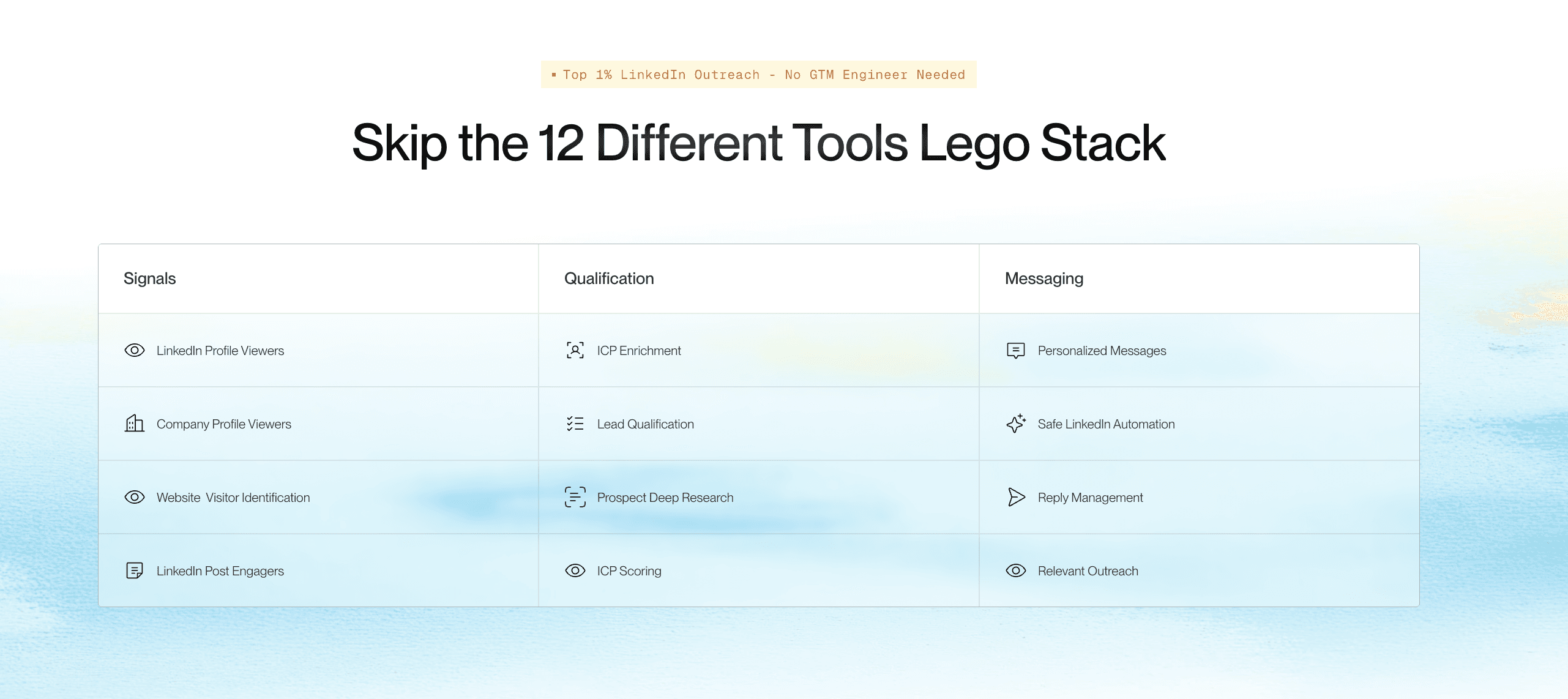

How Does Valley Categorize and Tag Responses?
Valley automatically categorizes responses into five primary buckets: Interested (clear buying intent or meeting acceptance), Maybe Interested (requesting information or showing curiosity), Not Interested (explicit rejection or not now), Out of Office (automatic replies or absence notices), and Human Handover (complex situations requiring manual control).
The categorization uses AI to understand context beyond keywords. "Let's chat" signals interest while "Let's reconnect next quarter" goes to maybe interested. Valley recognizes objections versus rejections, questions versus interest, and timing issues versus fundamental misalignment. Users can manually recategorize responses, and Valley learns from these adjustments.
Can Valley Handle Complex Multi-Step Conversations?
Valley excels at sequential conversation management through intelligent context retention. Each response draft considers the entire conversation history, prospect's original context and company research, previous objections or questions raised, commitments made in earlier messages, and natural conversation flow progression.
Valley won't repeat information already covered or contradict previous statements. If a prospect raises specific concerns, Valley addresses them directly. The platform remembers scheduling attempts, pricing discussions, and feature requests across multiple exchanges. This continuity creates natural conversations that build toward meetings rather than circular exchanges.
What's Valley's Approach to Following Up After No Response?
Valley's follow-up strategy balances persistence with respect. For initial non-responses, Valley sends 2-5 follow-ups (user configured) with increasing time gaps: 3 days, 5 days, 7 days, then 14 days typically. Each follow-up evolves rather than repeats - referencing different value propositions, sharing relevant insights, or suggesting future reconnection.
For responses that go cold, Valley can be configured to follow up after specific periods. However, this requires manual initiation - Valley won't automatically re-engage cold conversations. Users export these for CRM tracking or calendar reminders. Best practice involves 30-60-90 day re-engagement cycles with fresh angles rather than "just checking in" messages.
How Does Valley's Unified Inbox Work for Teams?
Valley's unified inbox revolutionizes team response management. All team member conversations appear in one interface, filterable by sender, campaign, response type, or date. This centralization enables single-person response management for entire teams or collaborative handling with clear ownership.
The inbox maintains context - each conversation shows prospect details, research summary, ICP score, campaign source, and conversation history. Team members see who handled previous responses and can add internal notes. This visibility prevents duplicate effort while ensuring consistent communication. Agencies particularly value unified inbox for managing multiple client accounts efficiently.
Can Valley Draft Different Response Types Based on Prospect Reactions?
Valley intelligently adapts response styles based on prospect sentiment. For interested prospects, Valley suggests meeting times and sends calendar links. For skeptical responses, it provides proof points and case studies. For questions, it gives detailed but concise answers. For objections, it acknowledges concerns and reframes value. For timing issues, it suggests appropriate follow-up periods.
Valley doesn't use templates for replies - each is generated fresh based on context. This ensures responses feel natural and specific rather than canned. The AI understands subtle sentiment differences: enthusiasm versus polite interest, genuine objections versus brush-offs, and buying questions versus tire-kicking.
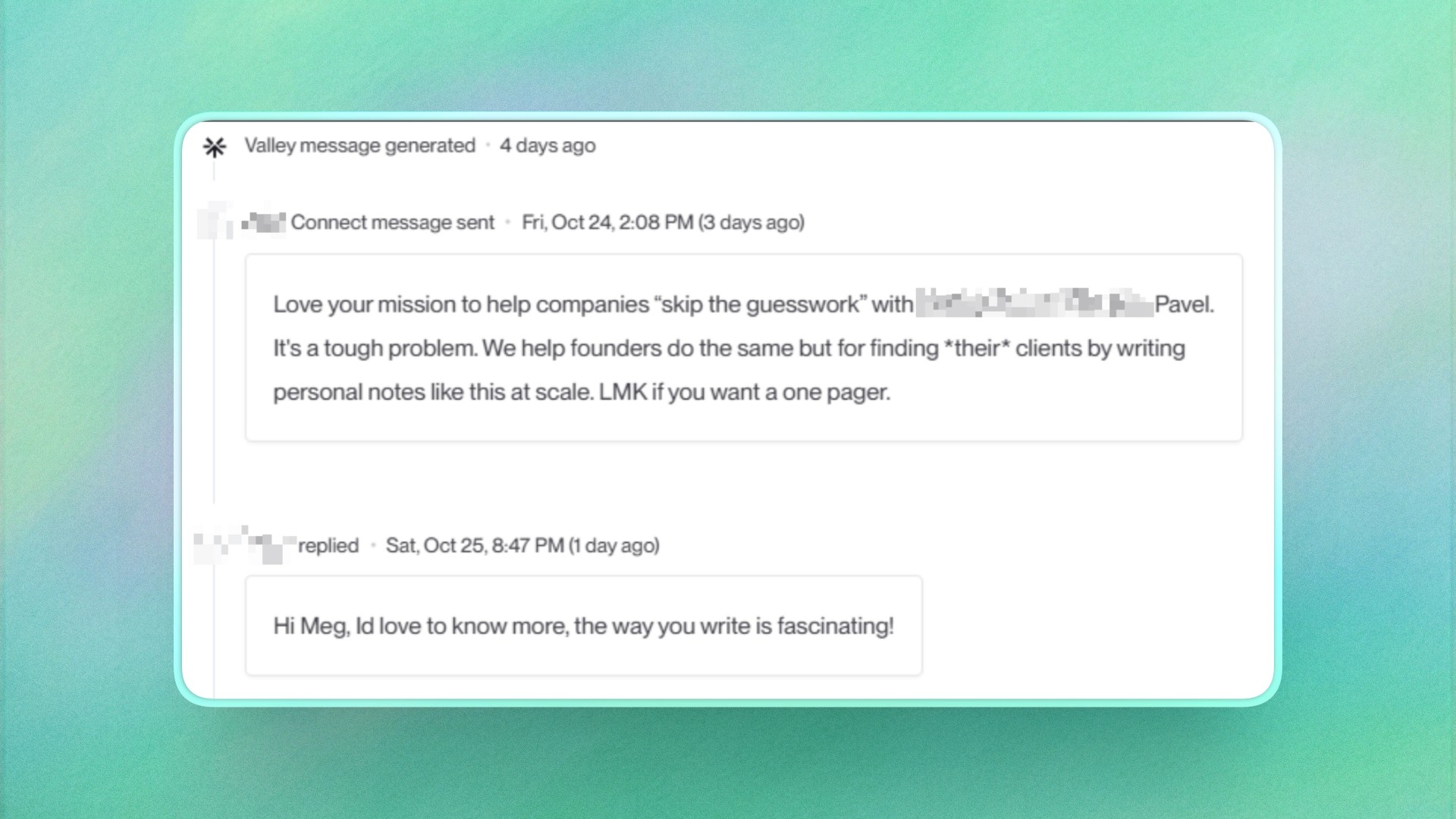

How Quickly Should Valley Users Respond to Prospects?
Valley enables near-instantaneous response capabilities, but strategic timing often works better than immediate replies. Best practices suggest: Respond within 1-4 hours during business hours for maximum engagement, wait until next morning for evening responses to appear natural, space responses to avoid appearing over-eager, and batch similar responses for efficiency while maintaining quality.
Valley queues responses for optimal sending times if configured. This prevents 3am replies or instant responses that seem automated. The platform can randomize response times within parameters you set, maintaining authenticity while ensuring timeliness.
► Check Out More of Valley's Incredible Outreach: A compilation of real time messages and responses!

Related Blogs

FEATURED READ
5 min
Valley vs HeyReach: Which LinkedIn Outreach Tool Wins More Qualified Meetings?
Read
Read

FEATURED READ
5 min
Valley in 2026: Is the Price Worth the Pipeline?
Read
Read

FEATURED READ
5 min
Valley vs Dripify: Which LinkedIn Outreach Tool Actually Converts in 2026?
Read
Read

FEATURED READ
5 min
Valley vs. Hiring an SDR: The Real Cost and ROI Breakdown for 2026
Read
Read
Which channels does Valley support?
Valley supports LinkedIn outreach, including connection requests and InMails. Valley users safely send 1000-1200 messages per seat every month.
How safe is it and does Valley risk my LinkedIn account?
Do I have to commit to an Annual Plan like other AI SDRs?
How does Valley personalize messages?
Is Valley available in my country?

VALLEY MAGIC





