How Does Valley Score and Qualify Prospects for ICP Fit?

Try Valley
Make LinkedIn your Greatest Revenue Channel ↓

Saniya
Published:
How does Valley's ICP scoring system work?
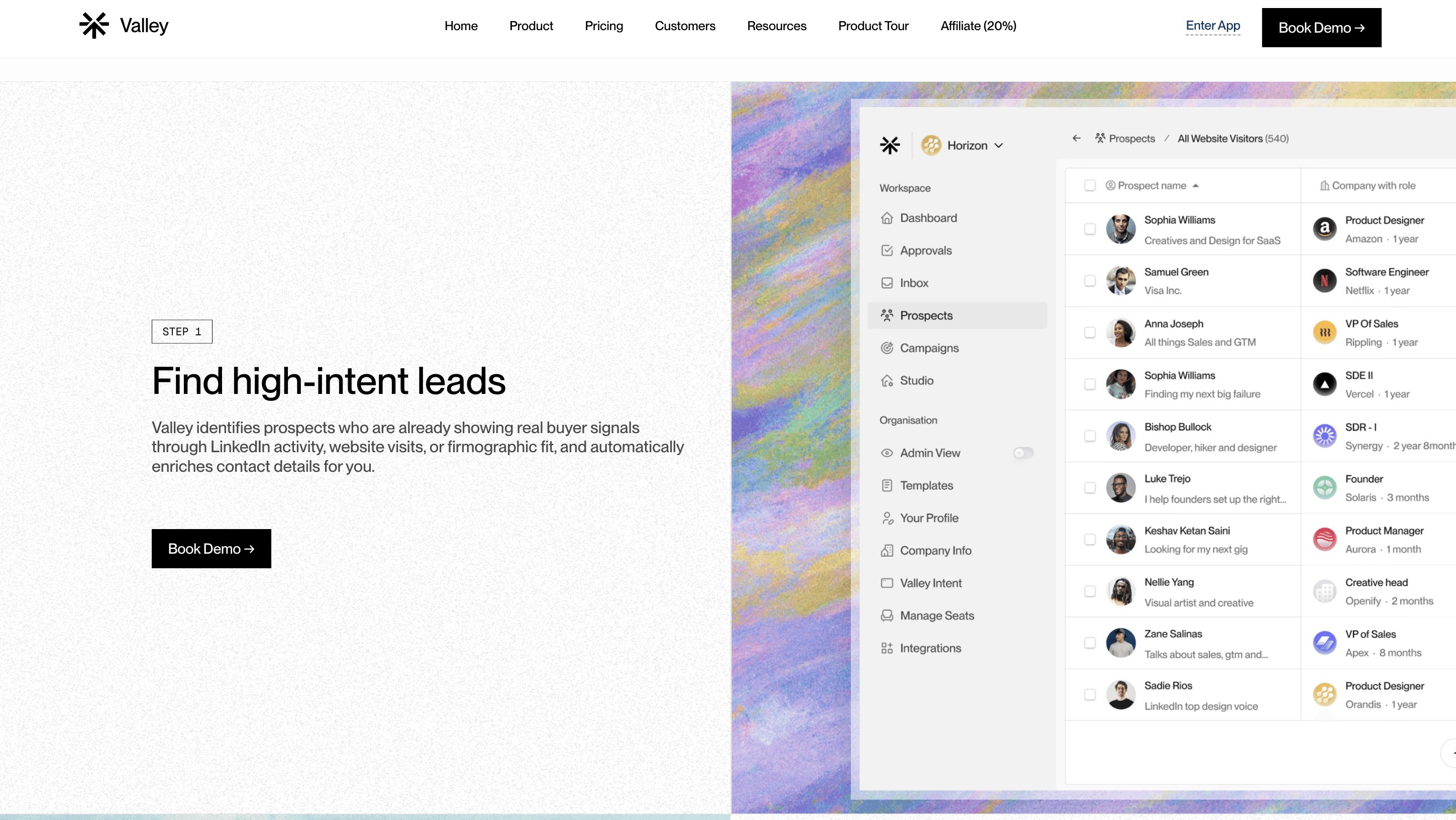
Valley scores prospects using two methods: an ICP fit score (high, medium, or low) and a specific numerical score based on macro details.
You define your Ideal Customer Profile in the product section by outlining criteria like titles, seniority levels, company sizes, industries, revenue indicators, funding status, geographic locations, and red flags that disqualify prospects.
Valley evaluates each prospect against these criteria automatically.
The dual scoring system provides both quick filtering and nuanced evaluation. The simple high/medium/low score enables rapid decision-making; you can instantly create campaigns targeting only high-fit prospects or set up separate outreach strategies for medium-fit prospects who need different messaging.
The numerical score (typically 0-100) provides granular ranking when you need to prioritize within a category; among 200 high-fit prospects, the numerical score helps identify the top 50 to contact first.
► Book a demo and explore how Valley can support your use case
Valley's scoring algorithm weighs different criteria based on importance signals you provide.
Required criteria (must-haves like "must be in North America" or "must have 50+ employees") function as absolute filters; prospects missing these automatically score as low fit.
Preferred criteria (nice-to-haves like "preferably Series B funded" or "ideally posted on LinkedIn in last 30 days") add points to the numerical score but don't disqualify prospects entirely.

What information does Valley use to determine ICP fit scores?
Valley triangulates three layers of information: individual prospect details (role, seniority, years of experience, decision-making authority), company details (size, revenue, industry, growth stage, tech stack), and macro positioning (where the company sits within their industry, competitive landscape, recent changes like hiring or funding rounds).
This comprehensive evaluation ensures scoring accounts for both qualification fit and likelihood to respond.
The individual layer examines whether this specific person can make or influence buying decisions. A marketing coordinator at a Fortune 500 company might work at an ideal company size, but lack authority to purchase your solution. Valley's research identifies decision-making indicators—do they have budget authority keywords in their title (Director, VP, Head of)? Do their LinkedIn posts discuss vendor selection or procurement? How long have they been in role (newly hired people often evaluate tools)?
The company layer validates whether the organization matches your ICP characteristics. Valley doesn't just check company size—it verifies whether the company has the infrastructure to use your solution. Selling enterprise software to a 10-person startup might be a poor fit regardless of their enthusiasm. Valley examines employee count, office locations, funding history, revenue indicators (from public sources or estimates), and growth signals like active hiring.
Can Valley filter out low ICP fits from large prospect lists automatically?
Yes. After uploading a list from Sales Navigator, a CSV file, or scraped LinkedIn posts, Valley scores every prospect. There's a "delete low ICP fits" button that removes prospects who don't meet your criteria with one click. This is particularly valuable when Sales Navigator data is inaccurate or when you're scraping broad lists that need refinement before outreach begins.
This filtering capability transforms how you can approach list building. Instead of spending hours manually qualifying prospects before uploading them, you can start with broader lists and let Valley handle qualification. For example, you might scrape all 2,000 people who engaged with a competitor's viral post, knowing many won't fit your ICP. Upload everyone, let Valley score them, delete the low fits, and you're left with 400 qualified prospects—a process that takes Valley 30 minutes versus the 10+ hours manual qualification would require.
The deletion is permanent and logged, so you can review which prospects were filtered out if you want to verify Valley's judgment. Some users review the low-fit prospects before deleting to ensure Valley isn't removing anyone valuable; this review process helps refine your ICP criteria by identifying patterns in false negatives.
► Check Out More of Valley's Incredible Outreach: A compilation of real time messages and responses!
How detailed can I make my ICP criteria in Valley?
You can define ICP criteria in natural language with as much specificity as needed. For example, you could specify: "Target delivery managers, product managers, CTOs, CEOs, or founders in the IT space in Italy with team sizes up to 50 employees, but exclude recruitment agencies." Valley interprets these natural language descriptions and scores prospects accordingly—no need for rigid filter selections.
Natural language ICP definition removes the technical barrier most tools impose. Traditional systems require you to think in database terms—selecting checkboxes, entering numerical ranges, and constructing Boolean logic. Valley understands descriptions like "We work best with fast-growing SaaS companies that have raised Series A or B funding and are expanding their sales teams rapidly, indicated by multiple SDR job postings."
The natural language approach also accommodates nuance that structured filters miss. You might specify: "Ideal prospects are in marketing leadership roles, but we also work well with sales operations leaders in companies where marketing and sales are tightly aligned." Valley's AI interprets this multi-dimensional criteria, whereas traditional filters force you to choose marketing OR sales, missing the contextual understanding.
Does Valley score prospects differently for warm versus cold outreach?
Yes. Valley's scoring considers the context of how prospects entered your pipeline. Profile viewers and post engagers receive different evaluation weights because they've shown intent signals. For example, someone viewing your profile who matches 80% of your ICP criteria might be scored higher than a cold Sales Navigator lead matching 90% of criteria, because the intent signal adds value.
Intent signals function as score multipliers in Valley's algorithm. A prospect with 75% traditional ICP fit who viewed your profile three times this week might receive an overall score of 85 due to the strong intent signal. Conversely, a prospect with 90% traditional ICP fit but zero engagement signals might score 90 with no multiplier. This ensures warm prospects get prioritized even when they're not perfect ICP matches.
The intent weighting varies by signal strength. Profile viewers receive moderate boosts (they showed curiosity about you specifically). Post engagers receive smaller boosts (they engaged with relevant content but not necessarily with you). Website visitors receive the highest boosts (they actively researched your solution). Multiple signals compound—someone who viewed your profile, engaged with your posts, AND visited your website receives maximum intent scoring.
What happens when prospects score as medium ICP fits?
Medium ICP fit prospects meet most but not all of your qualification criteria. Valley shows you which specific metrics are lagging for these prospects, allowing you to make informed decisions. You can create separate campaigns for medium fits with adjusted messaging, exclude them entirely, or manually review them before outreach. Many customers find success with medium fits using slightly modified value propositions.
The transparency Valley provides about why prospects scored as medium (versus high or low) enables strategic decision-making. The platform shows: "This prospect scored as medium fit because: ✓ Matches title criteria (VP Sales), ✓ Matches company size (150 employees), ✗ Company is in healthcare (you specified SaaS), ✓ Located in target region (North America)." This breakdown helps you decide whether the healthcare industry is a deal-breaker or if your solution could work cross-industry.
Some customers use medium-fit prospects as testing grounds for expanding ICP definitions. If you've primarily worked with SaaS companies but medium-fit healthcare prospects respond well and convert, that signals an opportunity to broaden your ICP. Valley's scoring provides the data to make these strategic pivots based on evidence rather than assumptions.

Can Valley score prospects based on signals like active hiring or recent funding?
Yes. You can incorporate intent signals into your ICP criteria. For example, you could specify that prospects should be scored higher if they're actively hiring (evidenced by job postings), recently received funding (from Crunchbase data), or posted on LinkedIn within the past 30 days. Valley captures these signals during research and factors them into both the qualification score and the messaging approach.
Hiring signals indicate growth, budget availability, and often pain points your solution could address. A company with 10 open sales positions is likely struggling to scale—if you sell sales enablement tools, this signal dramatically increases ICP fit. Valley identifies hiring signals by examining company career pages, LinkedIn job postings, and posts from team members mentioning new hires or team growth.
Funding signals indicate companies have capital to invest in new solutions and often face pressure to deploy that capital efficiently. Series A companies typically focus on product-market fit, Series B on scaling sales and marketing, Series C on operational efficiency. Valley incorporates funding stage into scoring and messaging—a Series B company gets pitched on "scale your outbound without scaling headcount," while a Series C company hears "optimize the outbound motion you've already built."
► Book a demo and explore how Valley can support your use case
How does Valley handle prospects from companies already in my CRM?
Valley includes a Do Not Contact (DNC) list feature where you can upload files of accounts or specific prospects to exclude. This prevents Valley from reaching out to existing customers, active opportunities, or competitors. The DNC list applies across all campaigns, ensuring you never accidentally message someone you're already engaged with through other channels.
The DNC functionality operates at both company and individual levels. You can exclude all employees of specific companies (existing customers, competitors, partners with contractual agreements preventing solicitation) or individual prospects (people you have personal relationships with, prospects your team is manually working, former employees who left on bad terms).
DNC lists update dynamically when you add new entries, Valley immediately checks all active campaigns and removes any matches. This prevents scenarios where you upload a prospect list on Monday, they become a customer on Tuesday, and Valley messages them on Wednesday. The real-time DNC checking ensures outreach stays current with your actual business relationships.

Related Blogs

FEATURED READ
5 min
Valley vs HeyReach: Which LinkedIn Outreach Tool Wins More Qualified Meetings?
Read
Read

FEATURED READ
5 min
Valley in 2026: Is the Price Worth the Pipeline?
Read
Read

FEATURED READ
5 min
Valley vs Dripify: Which LinkedIn Outreach Tool Actually Converts in 2026?
Read
Read

FEATURED READ
5 min
Valley vs. Hiring an SDR: The Real Cost and ROI Breakdown for 2026
Read
Read
Which channels does Valley support?
Valley supports LinkedIn outreach, including connection requests and InMails. Valley users safely send 1000-1200 messages per seat every month.
How safe is it and does Valley risk my LinkedIn account?
Do I have to commit to an Annual Plan like other AI SDRs?
How does Valley personalize messages?
Is Valley available in my country?

VALLEY MAGIC





