
Try Valley
Put your outbound workflow to work.

Saniya Sood
Published:
Updated:
Published May 2, 2026 · Updated August 31, 2026
The agencies that report 20 - 25 booked meetings per month per client account are running signal-first automation where the trigger for outreach is a prospect’s behavior, not a day on the calendar.

That is the divide worth understanding if you run a GTM agency and you are evaluating LinkedIn prospecting automation tools.
Effective LinkedIn prospecting automation for GTM agencies starts with signals profile views, post engagement, website visits qualifies prospects against a defined ICP automatically, then generates and sends personalized messages without human research effort per prospect.
Tools like Valley handle this end-to-end; generic automation tools handle only the sending.
► Book a demo (teams of 5+)and explore how Valley can support your use case
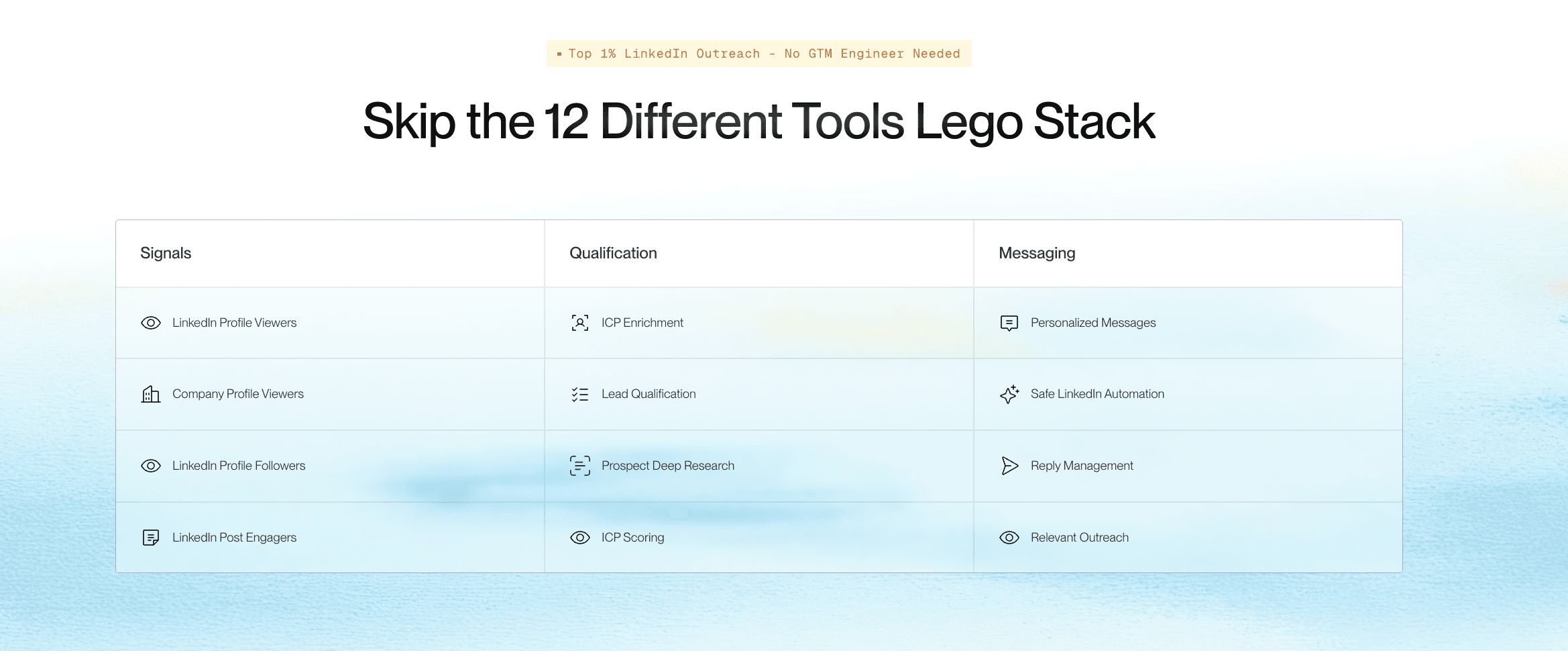
Why Most LinkedIn Prospecting Automation Tools Fail Agency Use Cases
Generic LinkedIn automation tools were built for solo founders blasting connection requests. They handle sequencing and scheduling. They do not handle qualification, research, or personalization at a level that produces reply rates above 15%.
For a GTM agency managing five client accounts, that limitation compounds. Each client has a different ICP, a different value proposition, a different set of proof points. Running five clients through a generic automation tool means five separate research workflows, five sets of manually written templates, and five dashboards showing 12% acceptance rates.
The automation exists at the message-delivery level. Everything above that deciding who to contact, why, with what context stays manual. Agencies using this model bill for the manual hours and then lose clients when the results plateau.
LinkedIn prospecting automation built for agencies inverts that. The platform handles ICP qualification, prospect research, message generation, and scheduling. The agency handles review, approval, and strategy. That is a different unit economics.
How Valley’s LinkedIn Prospecting Automation Works Differently for Agency Teams
Valley is not a sequencer.
It is a signal-to-meeting platform that happens to use LinkedIn as its execution layer.
Here is the operational sequence. An agency sets up a client Studio inside Valley with the client’s ICP parameters: title, industry, company size, geography, pain points, proof points, competitors to exclude.
Then they create a campaign drawing from one or more signal sources: website visitors matched to ICP, post engagers from the client’s last ten posts, a Sales Navigator URL filtered to target accounts.
Valley pulls those prospects, researches each one against five to seven data sources (recent posts, company news, role context, funding activity), generates a personalized first message that references the actual signal, and queues it for review. The agency approves or edits. Valley schedules delivery within LinkedIn’s safe daily limits.
The output: LinkedIn prospecting automation that produces messages a prospect cannot identify as automated.
That is why Lukas Gelžinis, Business Development Officer at Salesforge, reported: “Out of 200 messages I had 16 positive replies. I already booked 10 meetings. The average campaign with connections has a 46% reply rate.”

Give your sales team
an unfair advantage.
Model 1: Volume-first (generic tools). Send maximum connection requests. Use templated messages. Accept low acceptance and reply rates as a numbers game. Works at very high volume; burns through LinkedIn account goodwill quickly.
Model 2: Manual personalization (agency status quo). Research each prospect manually. Write individual messages. High quality, not scalable beyond 30 - 40 messages per week per team member.
Model 3: Signal-based automation (Valley's approach). Automate everything except strategy and approval. Signal capture, ICP qualification, prospect research, message generation, scheduling all automated. Agency inputs ICP parameters and reviews messages. Scales to 1,500 prospects per seat per month without dropping personalization quality.
For agencies billing retainers on pipeline outcomes, Model 3 is the only one that scales profitably.
LinkedIn Prospecting Automation Tools Compared: What to Evaluate
When evaluating LinkedIn prospecting automation tools for agency use, the categories that actually predict results are often not the ones featured in comparison tables.
Signal capture: Does the tool trigger outreach based on behavior or just lists?
Valley's position: Profile views, post engagement, website visitors, Sales Nav.
ICP qualification: Is every prospect scored against your defined ICP before messages go out?
Valley's position: Automatic scoring plus exclusions built in.
Research depth: How many data sources inform each personalized message?
Valley's position: 5 - 7 sources per prospect including recent posts, company news.
Message quality: Can you tell it was AI-generated after reading it?
Valley's position: Not according to customers; reads like a person wrote it.
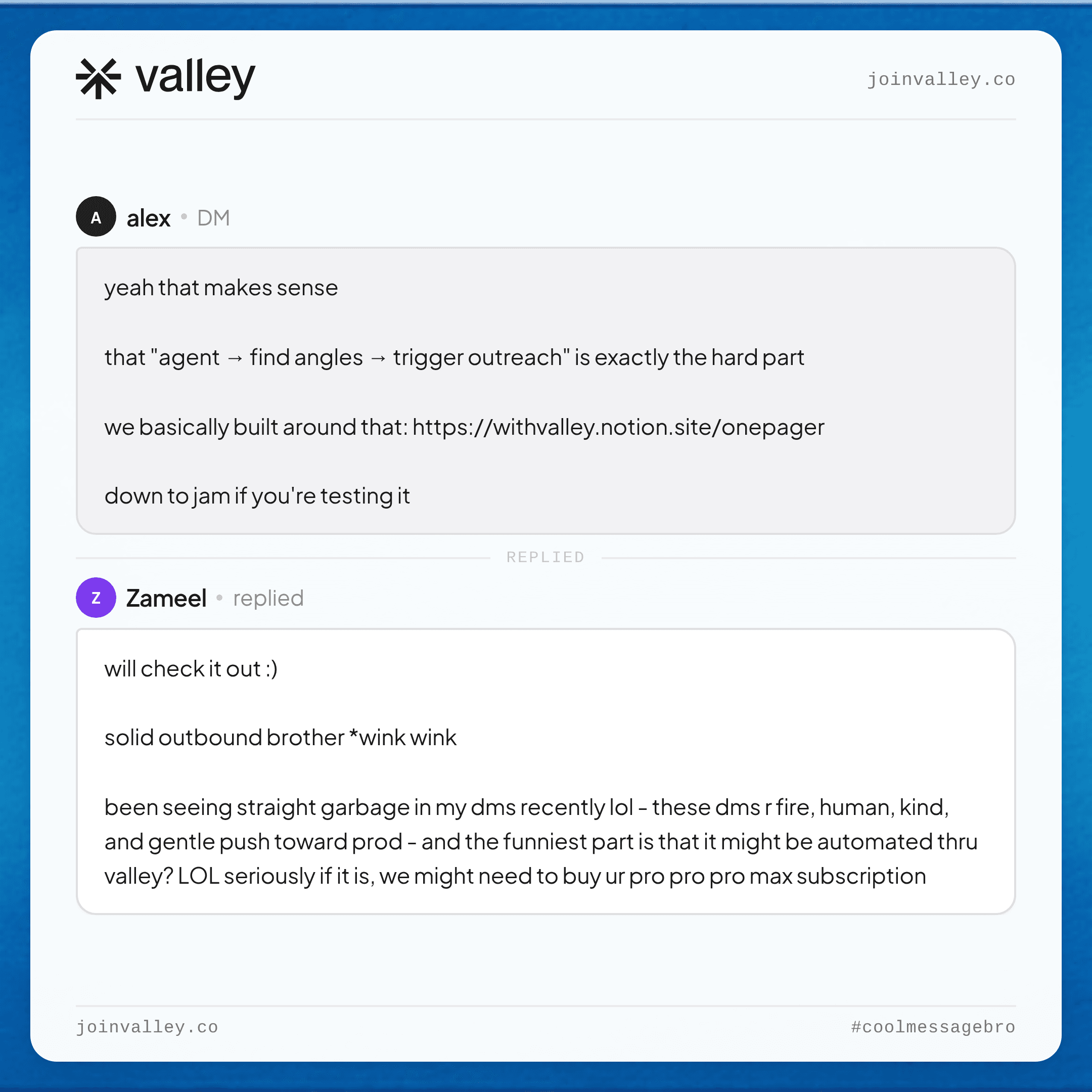
► Check Out More of Valley's Incredible Outreach: A compilation of real time messages and responses!
Multi-client support: Can you run separate campaigns for separate clients without cross-contamination?
Valley's position: Yes, separate Studios per client.
Safety record: Any client account suspensions?
Valley's position: Zero in 2+ years of operation.
Approval workflow: Can the agency review every message before it sends?
Valley's position: Yes, every message is reviewed and approved before scheduling.
Tools like HeyReach and Waalaxy cover sequencing and multi-account management.
They do not cover signal capture, deep research, or AI personalization at the level that produces Valley's reply rates.
Agencies that understand the distinction choose based on what they actually need to deliver results.

Give your sales team
an unfair advantage.
Automation replaces research time, template creation, scheduling, and follow-up sequencing. It does not replace strategy.
The agencies that get the best results from Valley invest upfront in defining a sharp ICP for each client, writing clear value propositions, and loading proof points that resonate with the target audience. Valley’s AI trains on that context and generates messages accordingly. The quality of inputs directly determines the quality of outputs.
Shilpi Goel of Leads the Way described the training dynamic: “I figured that if I just train it good enough, it will give me good messages. It works when you train it properly.” She also noted: “The depth of research is fantastic.”
► Book a demo (teams of 5+)& LinkedIn Prospecting Automation Built for Agencies
If your agency is running LinkedIn prospecting on behalf of clients and spending more than two hours per seat per week on research and message writing, the math is wrong.
Valley’s warm outbound platform is purpose-built for multi-client management with signal-based automation that handles the work you are currently doing manually.
Book a demo with the Valley team and walk through a client account setup specific to your agency’s ICP mix.
Frequently Asked Questions
What is LinkedIn prospecting automation?
Software that automates the process of identifying, qualifying, researching, and messaging prospects on LinkedIn replacing manual research and outreach with a systematic, signal-triggered workflow.
Can agencies run LinkedIn prospecting automation for multiple clients in Valley?
Yes. Each client gets a separate Studio with independent ICP settings, message styles, campaign sources, and booking links. No cross-contamination between client accounts.
What is the difference between LinkedIn automation tools and signal-based prospecting?
Standard automation tools automate message delivery. Signal-based tools like Valley automate the entire workflow from identifying who showed interest (signal), to qualifying against ICP, to researching and generating personalized messages.
How many prospects can Valley contact per month per seat?
Approximately 1,500 prospects per seat per month, operating within LinkedIn’s safe daily limits of 25 connection requests per day and up to 800 InMails per month.
Is LinkedIn prospecting automation safe for client accounts?
With Valley, yes. The platform uses dedicated IPs, operates within LinkedIn’s daily limits, and automatically excludes public profiles and competitors. Zero client account suspensions reported.
Related: LinkedIn outreach software for agencies.
► Your niche, your voice, your inbox: see the drafts in a free 7-day trial
See also: How GTM Agencies Use LinkedIn Prospecting Tools to Deliver Client Pipeline at Scale · Best LinkedIn Automation Tools for Agencies · Outbound Sales Automation for GTM Agencies: Moving From Volume to Meetings


