How to Use Stripe and Claude to Find Your ICP Golden Segment (6-Step Process)

Try Valley
Make LinkedIn your Greatest Revenue Channel ↓

Saniya
Published:
Updated:
How to Use Stripe and Claude to Find Your ICP Golden Segment (6-Step Process)
Published May 4, 2026 · Updated August 31, 2026
Most B2B SaaS founders have a gut feeling about who their best customers are. The data usually agrees, but with specifics you'd never guess on your own.

I spent 4 hours with Claude this past weekend and changed how we do marketing at Valley. This is the exact process. If you run a B2B SaaS, steal it.
Simple thesis: find which users retain the longest, understand what makes them different, then rewrite all your marketing to attract only those users. Everything you generalize for "everyone" is where you're losing money.
Step 1: Find Your Golden Segment Using Stripe
Export three lists from Stripe:
All transactions for the past few years
Users ranked by total amount paid (highest to lowest)
Users ranked by retention length (most payments to fewest)
Upload all of it to Claude. Ask it to analyze what's common between the users who retained longest and paid the most: industry, company size, persona, country, use case, decision-maker title.
You'll likely find 1 - 2 industries and company profiles that massively outperform the rest. That's your Golden Segment.
Ask Claude to visit their websites, research employee count, revenue levels, and what they actually do. Build a full picture.
This step alone is worth the entire exercise. Most founders have a gut feeling about who their best customers are. The data usually agrees, but with specifics you'd never guess.
Step 2: Build a Positioning Skill in Claude
Ask Claude to deep-research the positioning frameworks of Anthony Pierri, April Dunford, and Jason Cohen. Then combine all three:
"If these three sat in a room and positioned a company together, how would they do it?"
Save this as a Claude skill. You now have the world's best positioning brain on demand. Use it for everything going forward.
(We actually did this at Valley. Reply if you want the skill, happy to share it.)
Step 3: Rewrite Your Positioning From Scratch
Open a new Claude window. Give it three things:
Your current website
Your Golden Segment from Step 1
The positioning skill from Step 2
Then ask: "Given our most successful users and what we currently advertise, rewrite our entire positioning from zero."
You'll get:
The real pain points your best users actually care about
The value props that matter to them
The things they genuinely don't care about that you've been wasting space on
Most founders are surprised by how much current copy speaks to nobody in particular.
(Insert image: side-by-side comparison of before/after positioning copy - generic "we help teams do X" vs. specific pain-aware rewrite)
Step 4: Audit Every Marketing Asset
Feed Claude your website copy, one-pager, sales deck, and ad copy. Ask it to identify exactly what needs to change: every heading, every paragraph, every section, based on the new positioning.
You will be surprised how much of your current copy was written for a vague persona that doesn't convert.
Step 5: Create Your ICP Bible
One document. End-all, be-all. It should include:
Demographics and psychographics: who they are, how they think, what they're trying to solve
Core problems: in their words, not yours
Exact filters for Apollo or Sales Navigator list-building
AI qualification criteria: so any tool can auto-score incoming leads
Anti-signals: what your Golden Segment definitively does NOT look like
Give this document to every person on your team. Sales, marketing, product. Everyone operates from the same playbook.
The ICP Bible becomes the single source of truth for everything: outbound targeting, inbound qualification, ad audiences, content strategy, even product roadmap decisions. One document that aligns every function.
If you build nothing else from this process, build that.
(Reply if you want the ICP Bible template, I'll send it.)
Step 6: Implement Across All Signals
Website visitors, post engagers, profile viewers, job postings, partial form submissions. Qualify every lead against the ICP Bible. Enrich qualified ones (especially phone numbers) and push them to your sales team.
Every lead your team touches is now from the Golden Segment. Higher conversion. Lower churn. Higher LTV.
(Insert image: workflow diagram showing signals (website visits, post engagers, profile viewers) flowing into ICP Bible qualification filter, then into enriched lead output to sales)
The Total Investment
4 hours. A Claude subscription.
Not an agency. Not a $30K consulting engagement. 4 hours.

How Valley Fits Into This System
Once your ICP Bible exists, the next step is making sure every outbound signal gets qualified against it automatically.
Valley is an AI-powered LinkedIn outreach engine that constantly looks for leads who viewed your profile, engaged with a competitor, or followed your company page, and automatically scores each one against your exact ICP before any message goes out.
Real campaigns average 3x better results than standard outreach, because every prospect in the queue is already qualified. No reps wasting time on leads that would never convert. No campaigns burning through budget on the wrong segment.
(I'll also show you our real campaigns averaging 3x better results than regular outreach.)
Frequently Asked Questions
What is an ICP Golden Segment?
Your Golden Segment is the 1 - 2 customer profiles inside your existing user base that retain the longest and pay the most. It's identified by analyzing Stripe data (retention length and total amount paid) and finding the common attributes: industry, company size, persona, use case, and decision-maker title.
How do you use Stripe data to find your best customers?
Export three lists from Stripe: all transactions, users ranked by total amount paid, and users ranked by retention length. Upload them to Claude and ask it to surface what the highest-retention, highest-value users have in common. Claude can also research their websites and build a detailed profile of each segment.
What is an ICP Bible and what should it include?
An ICP Bible is a single document that defines your ideal customer profile in enough detail for every team, sales, marketing, product to operate from the same playbook. It should include demographics, psychographics, core problems, Apollo/Sales Nav filter criteria, AI qualification criteria for auto-scoring, and anti-signals (what your best customers do NOT look like).
Can I use Claude to rewrite my positioning?
Yes. Build a Claude skill based on the positioning frameworks of Anthony Pierri, April Dunford, and Jason Cohen. Feed it your Golden Segment data and current website copy. Ask it to rewrite your positioning from zero based on the real pain points of your best users. The output is significantly more specific than most agency-written copy.
How does Valley use the ICP Bible for LinkedIn outreach?
Valley accepts your ICP criteria and uses them to automatically score every inbound signal, profile viewers, post engagers, website visitors, competitor signal before any message is sent. Every prospect in a Valley campaign has already been qualified against your ICP, which is why conversion rates are consistently higher than standard outbound.
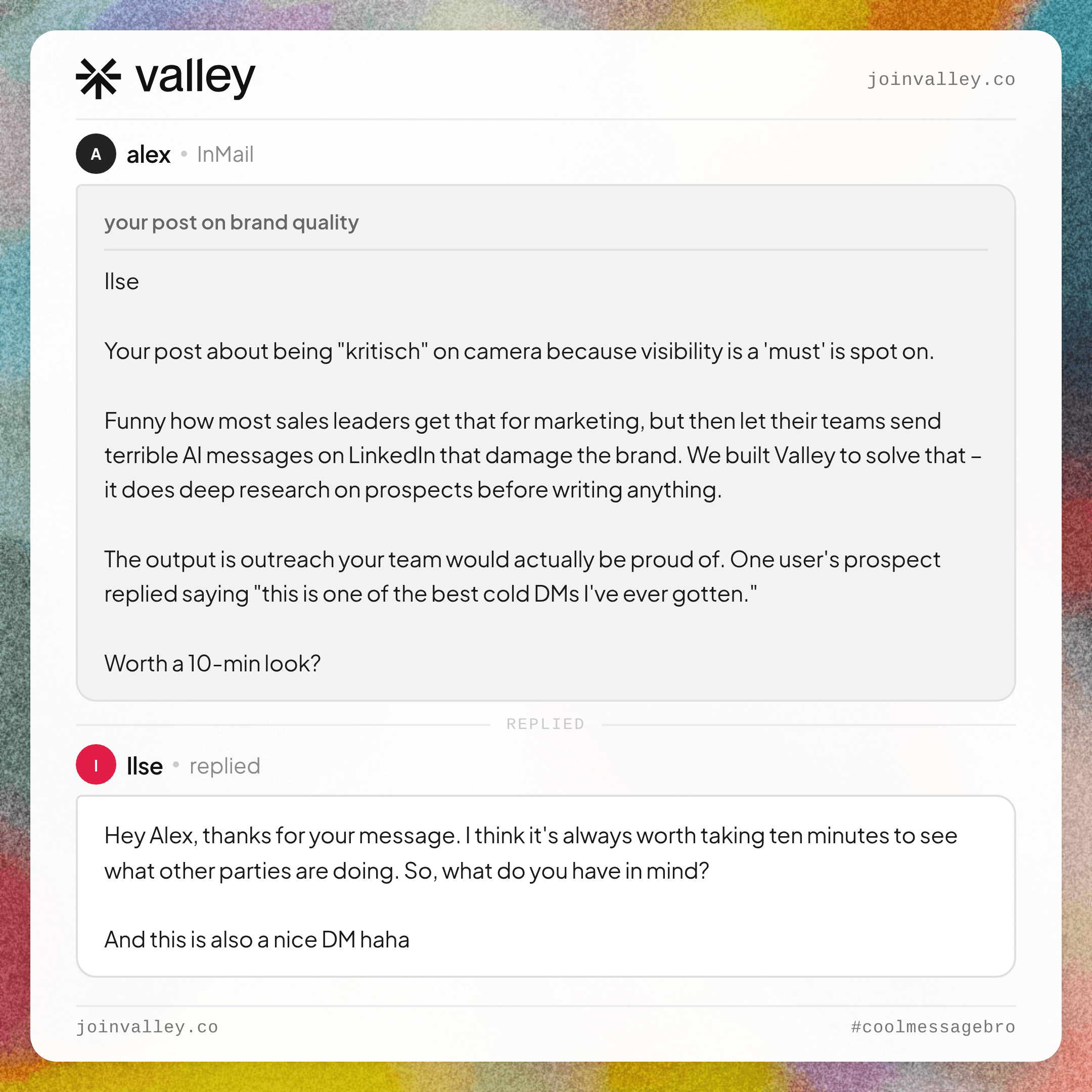
See more of Valley's outreach examples: coolmessagebro.com
Generate more demos using LinkedIn: Apply here
Become a Valley partner and earn 20% recurring commission: Join the affiliate program
Check if Valley is a fit for your company: Take the assessment


Related Blogs

FEATURED READ
5 min
ZoomInfo Pricing Explained (2026): What It Actually Costs
Read
Read

FEATURED READ
5 min
Apollo Pricing and Credits Explained (2026): What You Actually Pay
Read
Read

FEATURED READ
5 min
Clay Pricing and Credits Explained (2026): The Post-March Math
Read
Read

FEATURED READ
5 min
LinkedIn Sales Navigator Cost Explained (2026): Every Tier, Real Numbers
Read
Read
Which channels does Valley support?
Valley supports LinkedIn outreach, including connection requests and InMails. Valley users safely send 1000-1200 messages per seat every month.
How safe is it and does Valley risk my LinkedIn account?
Do I have to commit to an Annual Plan like other AI SDRs?
How does Valley personalize messages?
Is Valley available in my country?

VALLEY MAGIC





