The Best AI LinkedIn Outreach Tools for B2B SaaS in 2026 (Ranked by Reply Rate, Price, and ICP Fit)

Try Valley
Make LinkedIn your Greatest Revenue Channel ↓

The Best AI LinkedIn Outreach Tools for B2B SaaS in 2026 (Ranked by Reply Rate, Price, and ICP Fit)
Most comparisons in this category pick a winner. That's the wrong framing. The "best" LinkedIn outreach tool for a B2B SaaS startup in 2026 depends entirely on three things: what stage you're at, what your ICP looks like, and whether you're optimizing for volume or qualified conversations.
► Book a demo and explore how Valley can support your use case
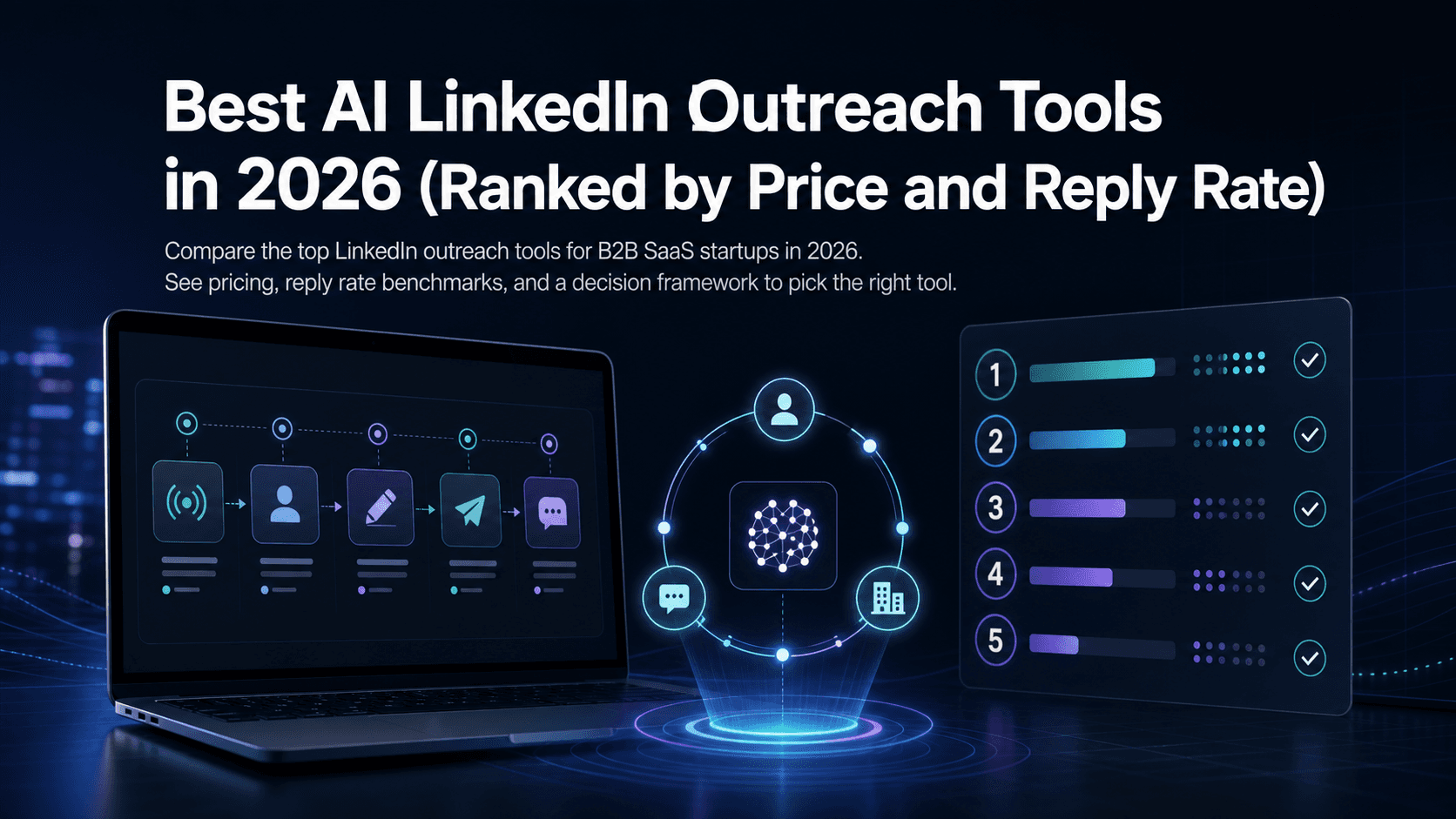
This guide breaks down every major tool, explains what each category of software actually does, and gives you a decision framework grounded in real operating constraints, including LinkedIn's connection limits, documented reply-rate benchmarks, and the tradeoffs between cold-list automation and signal-based warm outbound.
What "best" actually means for B2B SaaS on LinkedIn
LinkedIn automation isn't one category. Before comparing tools, you need to understand the three jobs any outbound system has to do:
Find and target the right people at the right moment
Personalize messages at scale without sounding like a template
Execute safely within LinkedIn's operating limits and measure what's working
Most tools only do one or two of these well. Data and workflow engines (Clay, Apollo) are excellent at job one but weren't built to execute LinkedIn outreach natively. LinkedIn execution tools (HeyReach, Expandi, Dripify) handle job three but leave targeting and personalization to you. Email-first platforms (Instantly) barely touch LinkedIn at all.
That fragmentation is why many SaaS teams end up running three or four tools simultaneously, and still get mediocre results.
Quick comparison: choose your tool by job-to-be-done
Tool | Primary job | LinkedIn execution | Best for |
|---|---|---|---|
Clay | Data enrichment + workflow orchestration | No native execution | GTM operators who want to build custom data pipelines |
Apollo.io | All-in-one sales platform | Limited (sequences) | Teams that need a single CRM + data + email platform |
Instantly | Email automation | No | High-volume cold email at scale |
lemlist | Multichannel outreach execution | Yes (limited) | Teams running email + LinkedIn sequences together |
HeyReach | LinkedIn automation + unified inbox | Yes (multi-account) | Agencies managing multiple LinkedIn senders |
PhantomBuster | Scraping + automation workflows | Yes (browser-based) | Developers and ops teams building custom workflows |
Expandi / Dripify / SalesRobot | LinkedIn-first automation | Yes | Volume-focused LinkedIn outreach with sequence control |
Valley | Signal-based warm outbound | Yes (native + safe) | Founders and small sales teams targeting ICP-fit leads already showing LinkedIn intent |
The Clay vs Apollo vs Instantly comparison comes up often. Roughly: Clay is a data layer, not an outreach sender. Apollo sits in the middle as a contact database with sequence capabilities. Instantly is pure email. None of the three were built with LinkedIn-first execution in mind.
Step 1, Targeting: build pipeline from intent signals, not cold lists
The most common mistake in B2B SaaS outbound is starting with a purchased list. You get contacts, not context. The people on that list have no particular reason to care about your message right now.
Intent signals are different. Profile viewers have already looked at your profile, they've registered curiosity. Post engagers and commenters have shown what topics interest them. Company page visitors are evaluating your product. Competitor followers reveal buying-stage intent. These aren't hypothetical buyers; they've raised their hand in some form.
The practical contrast: Sales Navigator exports give you a filtered list based on demographics. Firmographic filters (company size, industry, title) are useful but static. Signal capture gives you a dynamic list of people whose behavior tells you when to reach out, not just who to reach out to.
ICP scoring matters just as much. Sending a great message to a poor-fit lead wastes both parties' time. Automated ICP qualification, filtering against firmographics, title fit, and engagement type before any message goes out, keeps your pipeline clean and your acceptance rates high.
Valley is built around this model. It captures warm signals (profile viewers, post engagers, followers, competitor engagers, company page visitors) and scores each lead against your ICP before any outreach begins, automatically removing leads that don't fit so you only message the cohort most likely to convert.
Step 2, Personalization: what good AI personalization actually looks like
Generic template-based outreach performs poorly by every measured standard. Overloop (May 2026) states plainly: "Generic messages lead to low response rates." That's not a surprise to anyone running active campaigns, but the solution isn't simply adding a first-name variable.
Effective personalization for SaaS outreach requires:
A clear "why you, why now" tied to the signal that triggered the outreach (e.g., they commented on your post about a specific pain point)
Messaging that references the prospect's role and likely context, not just their title
Language that matches the sender's actual voice, not generic AI copy
The last point matters more than most teams realize. Personalizing LinkedIn messages at scale requires a system that can clone the sender's writing style, not just generate plausible-sounding text. A message that reads like it came from your head of sales will outperform one that reads like it was assembled by an AI that's never met them.
Valley addresses this with a multi-LLM personalization engine that analyzes the signals behind each lead, researches their public content and profile, and drafts messages in the operator's voice. The result is a ~9.3% average reply rate, a figure that holds because it targets warm leads rather than blasting volume.
Step 3, Execution safety: stay inside LinkedIn's limits
LinkedIn has real limits and enforces them. Knowing the numbers matters:
Weekly connection invitation limit: up to 100/week on Free plans, up to 250/week with Sales Navigator (Dux-Soup, May 2025)
Safe messaging volume: approximately 100 messages/week for free accounts, 150 for paid (SalesHero.io, May 2026)
Average LinkedIn connection acceptance rate in 2026: 28.5% (Expandi, June 2026)
Breaching these limits, or sending at machine-paced intervals with no variation, triggers restrictions. The safest automation runs cloud-side with dedicated IPs, varies timing to mimic human behavior, and respects daily caps. Browser-based tools that inject actions directly into your session carry higher detection risk.
Valley's approach to LinkedIn account safety enforces daily limits automatically and runs outreach natively inside LinkedIn, which reduces the behavioral fingerprint that triggers restrictions. You can approve messages manually before they send, or run on autopilot, useful for different risk tolerances and team sizes.
Top LinkedIn outreach tools for B2B SaaS startups (2026 review)
1. Valley, best for signal-based warm outbound
Valley is purpose-built for founders and small sales teams who want reply rates without mass-automation risk. Starting at $149/seat (as of July 2026, with a startup/SMB rate available on a call), you're paying for a 7-LLM personalization engine and signal-based targeting, not a bulk sender. That distinction is why the reply rates hold at around 9.3% where high-volume cold tools tend to sit at 1-3%.
The workflow: Valley captures intent signals from LinkedIn (profile viewers, post engagers, competitor followers, company page visitors), scores each lead against your ICP, removes unfits automatically, researches the remaining leads across multiple data points, and drafts outreach in your voice. You review and approve, or let it run on autopilot. Reply management is built in.
Customers report strong pipeline results. Bolt booked 25 enterprise demos in 45 days using the platform. ThinkFish books 400 meetings monthly. GGWP generated $4M in pipeline. These outcomes share a pattern: high-intent targeting plus voice-matched personalization, not raw send volume.
Choose Valley if: you're a SaaS founder or sales lead who wants qualified meetings from LinkedIn intent, you care about protecting your account, and you don't want to stitch together Clay + PhantomBuster + HeyReach + a custom AI layer to get there.
2. Clay, best for GTM data orchestration
Clay consolidates 100+ data providers into a workflow canvas that GTM operators use to build enrichment pipelines. It's exceptional at the "find and enrich" job. According to RevPartners (August 2025), multi-channel outreach fueled by Clay produces 15-25% response rates compared to the 3-5% industry average for cold outreach, though those results come from how Clay is used downstream, not Clay itself executing LinkedIn messages.
Clay doesn't send LinkedIn outreach natively. You need a separate executor (Expandi, HeyReach, or similar) and typically a messaging AI layer on top. The 2026 pricing overhaul also introduced a separate "Actions" meter that doesn't roll over, which changed the economics for smaller teams.
Choose Clay if: you have a technical GTM operator, you're building complex enrichment workflows across many data sources, and you're comfortable managing a multi-tool stack.
3. Apollo.io, best as an all-in-one sales platform
Apollo combines a large B2B contact database with sequence execution across email and LinkedIn. It's the go-to for teams that want one platform for prospecting, outreach, and basic CRM functions. LinkedIn execution exists within Apollo's sequences, but it's not the core product, it works better as an email platform that also touches LinkedIn.
Choose Apollo if: you need a contact database, email sequences, and CRM in one place, and LinkedIn is a supplementary channel rather than your primary one.
4. Instantly, best for high-volume cold email
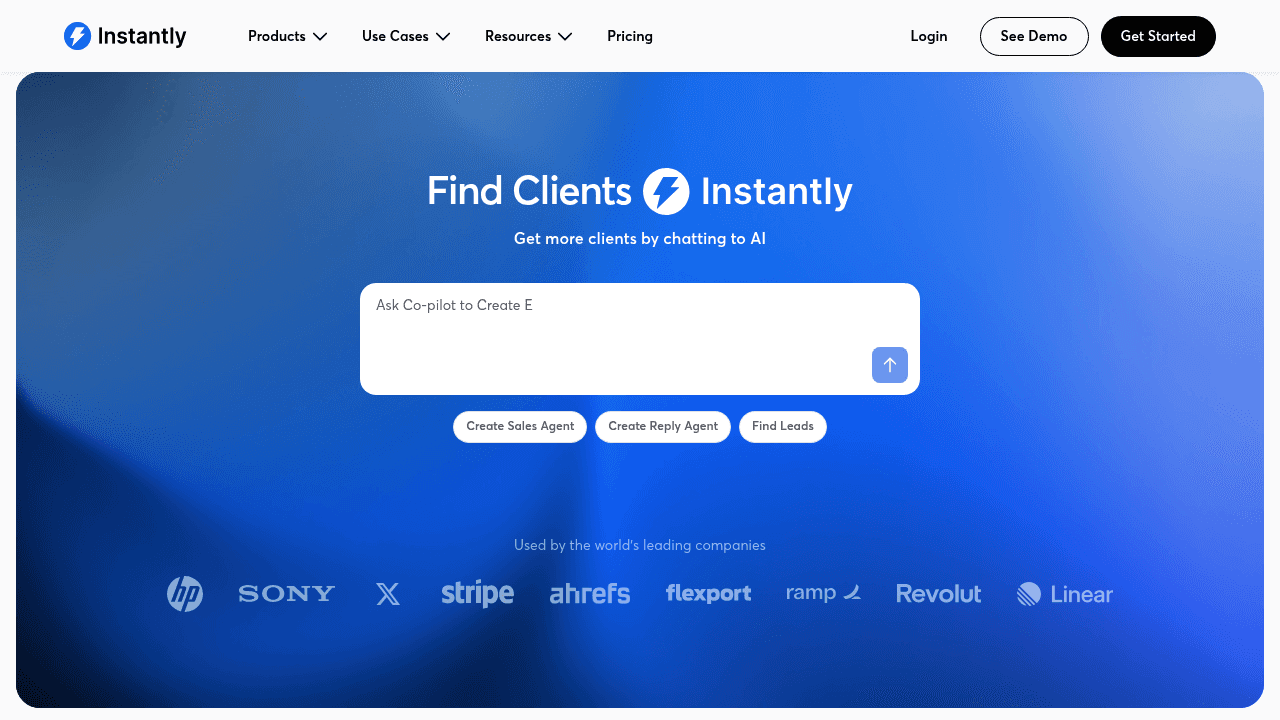
Instantly is an email automation platform first. If your outbound strategy centers on cold email deliverability, inbox rotation, and high send volumes, it's a strong choice. For LinkedIn automation, it's not the right tool, it doesn't execute LinkedIn outreach natively.
Overloop (May 2026) notes that cold email averages 8.5% reply rates vs. 5% for LinkedIn InMail, but LinkedIn InMail response rates jump to 18-25% when targeted well (Martal Group, April 2026), which suggests the targeting and signal quality matter more than the channel.
Choose Instantly if: email is your primary outbound channel and you need deliverability infrastructure at scale.
5. lemlist, best for multichannel outbound sequences
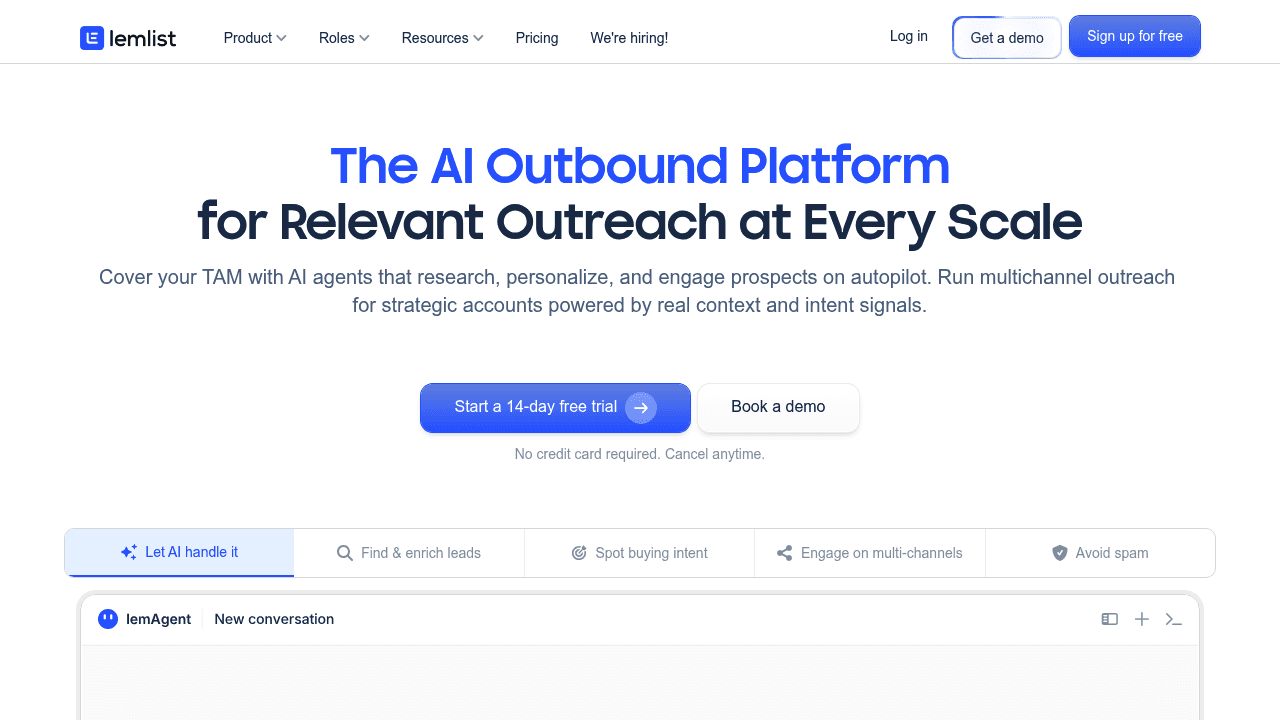
lemlist positions itself as an AI-powered outbound platform that covers email, LinkedIn, and calling in a single workflow. It handles multichannel sequencing well and includes personalization features. The lemlist vs Apollo comparison mostly comes down to whether you want multichannel-first execution (lemlist) or database-first prospecting with sequences (Apollo).
Choose lemlist if: you're running coordinated email + LinkedIn sequences and want one tool managing the cadence logic.
6. HeyReach, best for agencies running LinkedIn at scale
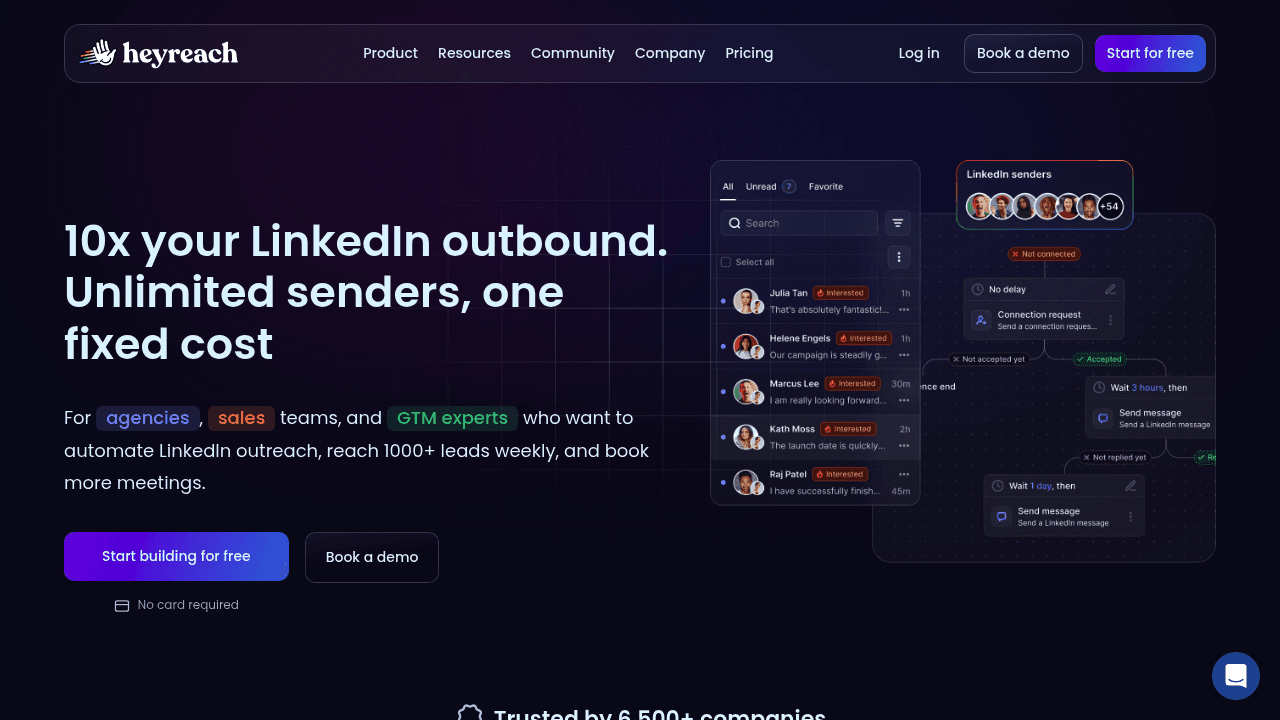
HeyReach focuses on multi-sender LinkedIn automation with a unified inbox for managing replies across multiple accounts. It's particularly useful for agencies sending outreach on behalf of clients across many LinkedIn profiles simultaneously. The Valley vs HeyReach comparison is essentially a trade-off: HeyReach offers multi-account volume; Valley offers deeper personalization and ICP-scoring on a per-account basis.
Choose HeyReach if: you're an agency managing 10+ LinkedIn senders and unified inbox management is the primary need.
7. PhantomBuster, best for custom automation workflows
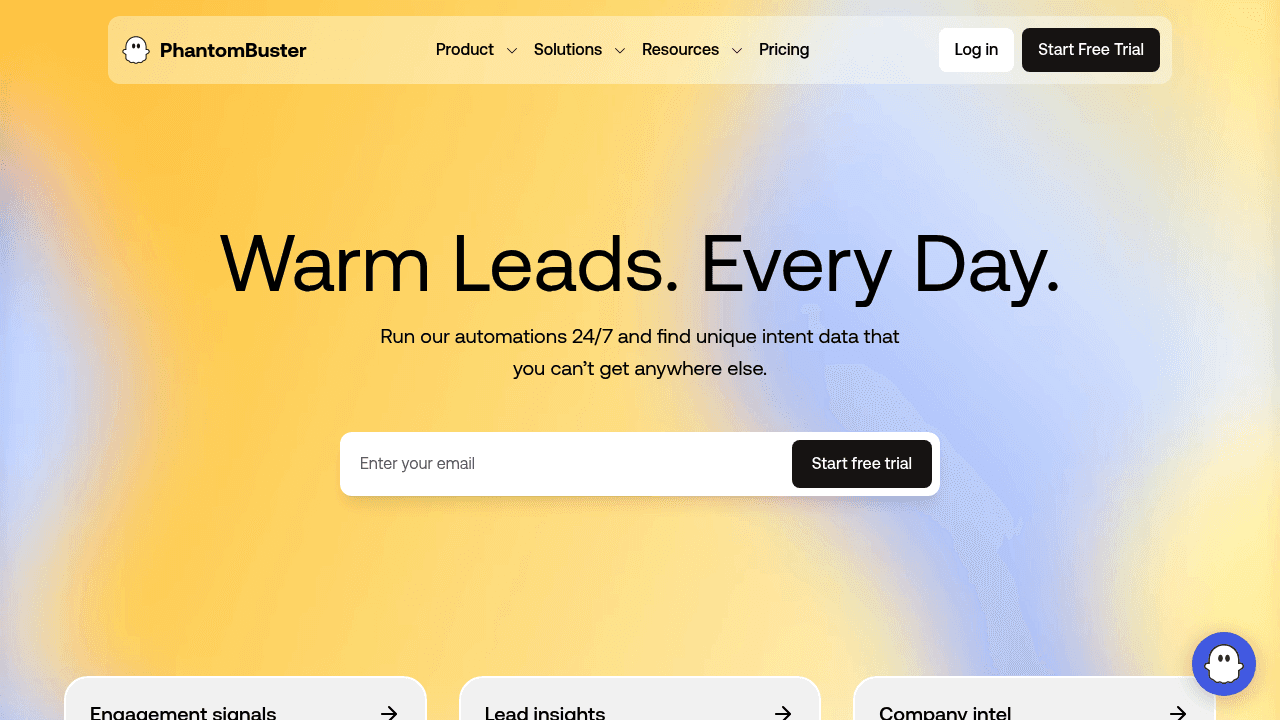
PhantomBuster is a scraping and automation platform that connects to LinkedIn, Twitter, and dozens of other platforms via "Phantoms" (pre-built automation scripts). It's powerful for developers and ops-focused teams who want to extract data and trigger custom workflows. It runs browser-based automation, which carries more account risk than cloud-native tools. Why teams replace PhantomBuster often comes down to the operational overhead of maintaining a multi-tool stack.
Choose PhantomBuster if: you have technical resources, you need cross-platform data extraction, and you're comfortable building custom workflows.
8. Expandi, Dripify, and SalesRobot, LinkedIn-first sequence automation
These tools sit in the "LinkedIn sequence automation" category: you import a list, build a connection + follow-up sequence, and let it run. Expandi vs Dripify and SalesRobot vs Dripify comparisons mostly come down to UI preferences, pricing, and safety infrastructure. Expandi claims dedicated IPs; Dripify and SalesRobot use cloud-based approaches with varying safety claims. None natively handle signal capture or ICP scoring, targeting quality depends entirely on the lists you feed in.
Choose Expandi/Dripify/SalesRobot if: you have a well-defined ICP list already built, you want simple sequence automation, and you're comfortable managing your own targeting logic.
Decision guide: pick your tool by startup stage
Stage 0-1 (pre-PMF, founder-led): Start with manual outreach augmented by light automation. At this stage, reply quality and learning matter more than volume. Valley's signal-capture approach fits here, you message people already showing interest, which generates better signal feedback on messaging.
Stage 1-2 (scaling, early SDR team): Add orchestration and testing loops. This is where you might run Clay for enrichment and Valley or HeyReach for LinkedIn execution in parallel. Keep volume controlled while you iterate messaging. Track acceptance rate, not just send volume.
Stage 2+ (repeatable outbound): Invest in dedicated LinkedIn execution with team-level analytics, multi-sender management, and CRM integration. The right stack depends on whether LinkedIn or email is your primary channel at scale.
Traps to avoid at any stage: buying lead lists without intent signals, scaling send volume before your messaging converts, and measuring reply rate as your primary KPI (meeting booked rate and pipeline created are the metrics that matter).
Benchmarks and KPIs worth tracking
Reply rate alone is a misleading north star. A tool that generates 15% replies from poor-fit leads produces less value than one generating 9% replies that convert into qualified meetings. The funnel that matters:
Connection acceptance rate (benchmark: 28.5% average in 2026, per Expandi)
Reply rate (cold email averages 8.5%; LinkedIn InMail averages 5% cold, 18-25% when well-targeted)
Meeting booked rate from replies
Show rate
Pipeline created
Data/workflow tools (Clay) most directly influence step one by improving targeting quality. LinkedIn execution tools influence step two via message timing and volume. Signal-based platforms influence the entire funnel by ensuring only high-intent, ICP-fit leads enter it.
For a deeper look at what's driving reply rates, the AI improvements to LinkedIn reply rates breakdown is worth reading alongside your own campaign data.
Example outreach system for a B2B SaaS startup
Here's what an end-to-end LinkedIn outreach strategy looks like when built around intent signals:
Signal capture, identify profile viewers, post engagers, competitor followers, and company page visitors from the past 7-14 days
ICP scoring, filter against firmographics (company size, industry, title) and remove poor-fit leads automatically
Research + personalization, pull public data (posts, bio, company news) to build a "why you, why now" context for each lead
Message drafting, generate a connection request or InMail in the sender's voice, referencing the specific signal that triggered the outreach
Approval or autopilot, review drafts manually (early stage) or let them send automatically (once quality is validated)
Reply management, handle responses in a unified inbox, route hot replies to CRM
CRM logging, sync all activity for pipeline tracking
30-day implementation: Week 1: configure ICP, connect LinkedIn account, set safety limits, review first batch of drafted messages manually. Week 2: run first campaign at reduced volume (50-75 connection requests), measure acceptance rates. Week 3: iterate on message templates based on reply patterns, increase volume if acceptance rates hold above 25%. Week 4: analyze meeting-booked rate, identify which signal types convert best, refine ICP filters accordingly.
This workflow is what Valley automates end-to-end. Teams using Valley's warm outbound system skip the tool-stitching step entirely.
The right tool is the one that fits your actual stack
If you're running cold email at high volume, Instantly or Apollo is probably your primary platform and LinkedIn is a supplement. If you're a technical GTM team building custom data pipelines, Clay is a serious investment worth making. If you're managing multiple clients' LinkedIn senders, HeyReach fits the agency workflow well.
For B2B SaaS founders and sales leads who want qualified pipeline from LinkedIn without building a six-tool stack or spamming their network: Valley is built for that specific job. Signal capture, ICP scoring, personalization in your voice, and safe native execution, in one platform.
Book a demo to see how Valley builds pipeline from LinkedIn intent signals, not cold lists.
FAQs
Which LinkedIn outreach tool is safest?
Tools that run cloud-native with dedicated IPs and enforce LinkedIn's daily limits automatically carry less account risk than browser-based tools. Valley, Expandi, and HeyReach all claim cloud-based infrastructure. Browser-based tools like PhantomBuster carry higher detection risk by nature. Any tool that lets you blast 500+ connection requests in a week is unsafe regardless of its marketing claims.
Clay vs Apollo vs LinkedIn-first tools, what's the difference?
Clay is a data enrichment and workflow orchestration platform, not a LinkedIn sender. Apollo is a sales platform with email sequences and a contact database that includes basic LinkedIn steps. LinkedIn-first tools (Valley, HeyReach, Expandi) actually execute LinkedIn outreach as the primary function. These are complementary categories, not direct substitutes.
Can you automate LinkedIn connection requests without getting restricted?
Yes, with proper limits. Dux-Soup (May 2025) confirms the weekly limit is up to 100 connections on Free plans, up to 250 with Sales Navigator. Staying well below these limits, varying timing, maintaining a clean profile with above-average acceptance rates, and avoiding mass-withdrawal of pending requests all reduce restriction risk.
How many connection requests per week should I send?
For accounts under 3 months old, start at 20-30/week and ramp slowly. Established accounts with healthy acceptance rates can typically sustain 80-100/week safely. The absolute ceiling on Free plans is 100/week; on Sales Navigator, 250/week.
Does LinkedIn automation fit SMB SaaS budgets?
Yes. Valley starts at $149/seat, which is within range for most SMB SaaS teams running focused outbound. Clay's Growth plan runs $495/month before execution tools; a full Clay + HeyReach + AI layer stack can exceed $600-700/month for the same output. All-in-one signal-based tools often prove more cost-effective than multi-tool stacks once you account for the operational overhead.
How long until you see results?
With a warm signal-based approach, you can expect meaningful data within 2-3 weeks: connection acceptance rates tell you whether targeting is right, reply rates tell you whether messaging is working. Meeting-booked rate takes 3-4 weeks to stabilize. Cold-list approaches take longer because the feedback loop is noisier.



Related Blogs


Which channels does Valley support?
Valley supports LinkedIn outreach, including connection requests and InMails. Valley users safely send 1000-1200 messages per seat every month.
How safe is it and does Valley risk my LinkedIn account?
Do I have to commit to an Annual Plan like other AI SDRs?
How does Valley personalize messages?

VALLEY MAGIC