What's Valley's Approach to Training and Onboarding?

Try Valley
Make LinkedIn your Greatest Revenue Channel ↓

Saniya Sood
Published:
How Long Does Valley Onboarding Actually Take?
Valley onboarding follows a rapid but thorough timeline that gets users operational within days, not weeks. The basic setup requires just 30-60 minutes of active work: 15 minutes for product configuration (ICP, value props, pain points), 15 minutes for writing style setup, and 15-30 minutes for first campaign creation. Messages start sending within 2-3 days including AI training time.
The extended onboarding for optimal results spans the first 30 days. Week 1 focuses on initial setup and launch, Week 2 on message review and refinement, Week 3 on campaign optimization based on early results, and Week 4 on scaling successful approaches. As one customer explained: "I spent that solid 30 days really perfecting the messaging... After 30 days of training, they switched to autopilot and started seeing consistent results."
Different plans receive different support levels. Valley Base users self-onboard using documentation and AI assistance. Valley Growth customers receive a 45-minute onboarding call with dedicated CSM. Valley Scale clients get white-glove support including strategy consultation and hands-on setup assistance. This tiered approach ensures appropriate support for different customer needs.
► Book a demo and explore how Valley can support your use case

What Resources Does Valley Provide for Self-Service Users?
Valley offers comprehensive self-service resources recognizing that many users prefer autonomous learning. Valley University provides video tutorials covering every feature, best practice guides for different industries, campaign templates and examples, and troubleshooting resources. The content is updated regularly as features evolve.
The AI support agent acts as an intelligent assistant, answering questions about features and setup, providing personalized recommendations based on your configuration, troubleshooting common issues, and guiding through complex workflows. Users report the AI assistant significantly reduces time-to-value for self-service onboarding.
Documentation covers both tactical and strategic elements: step-by-step setup guides, optimal configuration for different use cases, campaign strategy frameworks, and performance optimization techniques. The documentation is searchable and includes real examples from successful customers, making it practical rather than theoretical.
How Does Valley's Writing Style Training Work?
Writing style configuration is critical for message quality and represents Valley's unique advantage. The training process involves multiple inputs: uploading examples of your successful past messages, defining specific dos and don'ts for communication, specifying tone preferences and personality traits, and adding industry-specific terminology and phrases.
Valley provides preset styles as starting points: Valley Style (updated biweekly based on aggregate success data), Director Style (for mid-level outreach), Executive Style (for C-suite communication), and industry-specific templates. Most users customize these bases, creating unique voices that match their brand and approach.
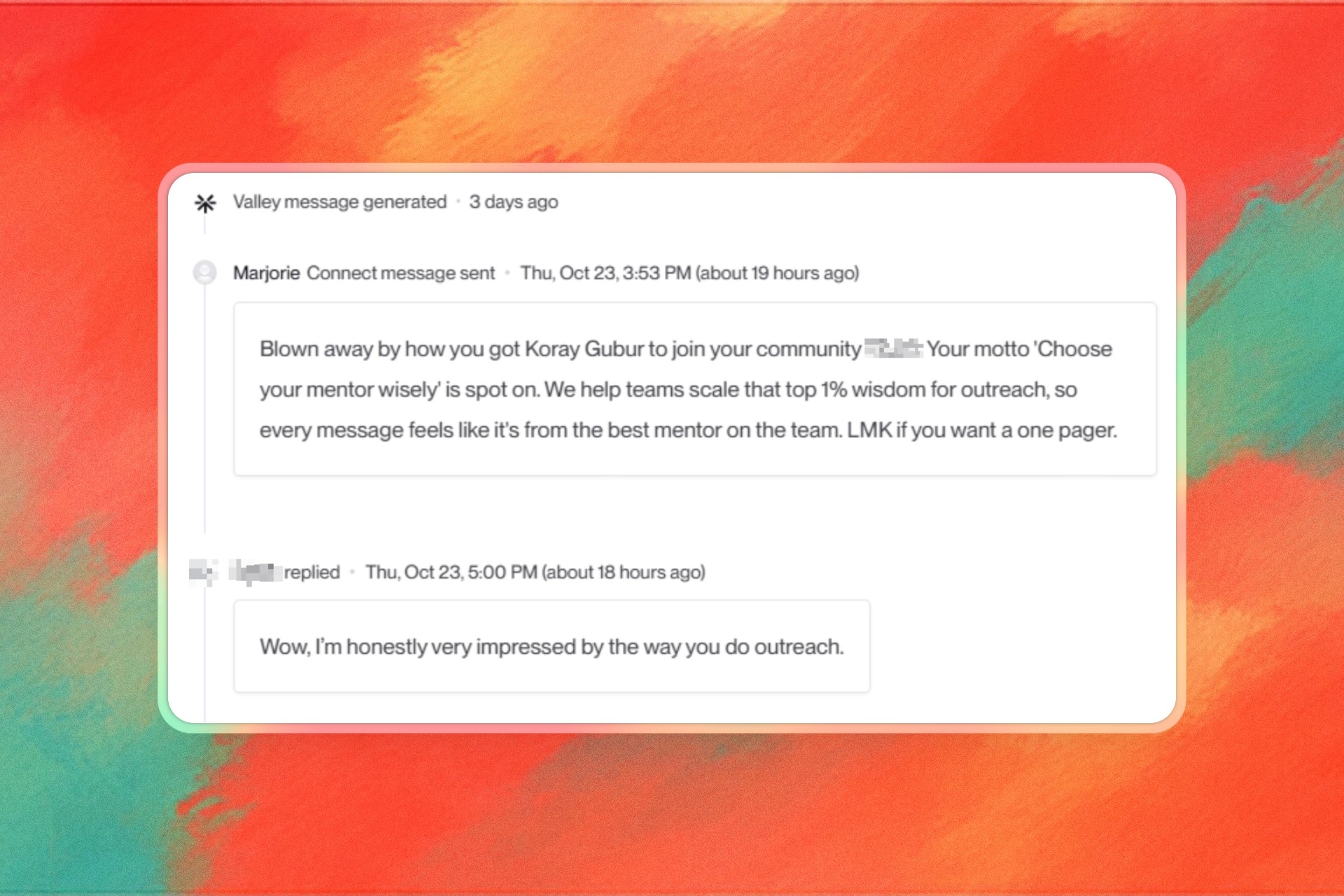
The AI learns from multiple signals during training: explicit rules you provide ("always mention ROI for CFOs"), implicit patterns from your examples (sentence structure, greeting style), and feedback from message edits during the training period. One user noted: "After 30 days of training, the AI had perfectly captured my voice - prospects couldn't tell the messages were AI-generated."
► Check Out More of Valley's Incredible Outreach: A compilation of real time messages and responses!

What Does Valley's Customer Success Support Include?
Valley's Customer Success program, included with Growth and Scale plans, provides proactive guidance beyond basic support. The service includes: weekly office hours for group learning and Q&A, monthly one-on-one progress reviews, quarterly business reviews with strategy recommendations, and dedicated Slack channel access for quick questions.
The success team takes an educational approach rather than just solving problems. They teach fishing rather than giving fish: explaining why certain approaches work, sharing what successful customers in similar industries do, helping interpret analytics for optimization, and providing strategic guidance on campaign structure. This educational focus ensures customers become self-sufficient while achieving superior results.
For agencies, Customer Success includes additional services: multi-client onboarding strategies, efficient campaign management techniques, client reporting templates and frameworks, and scaling guidance as agency seats grow. Some agencies report: "Valley's team will even jump on calls with our clients when needed for technical deep-dives."
How Do New Users Typically Structure Their First Campaigns?
Successful first campaigns follow proven patterns that Valley recommends during onboarding. The typical structure starts conservative: begin with one well-defined ICP, use Valley's recommended research agents initially, start with 100-200 prospects for testing, and run connection requests before adding InMails.
The research agent selection for first campaigns usually includes: Prospect Deep Dive and Company Deep Dive (essential for all), Recent Posts/Comments (for socially active audiences), Recent News or Funding History (for dynamic industries), and one industry-specific agent based on your market. This combination provides comprehensive personalization without overwhelming complexity.
Message volume starts conservatively then ramps up: Week 1 at 10-15 connections daily, Week 2 at 20-25 connections daily, and Week 3+ at full volume (25-30 connections, 30-40 InMails). This gradual increase helps new users manage reply volume while the AI learns their preferences.
What Are Common Onboarding Mistakes to Avoid?
Valley's team has identified frequent onboarding pitfalls that impact success. The most common mistake is poor ICP definition - being too broad ("companies that need sales help") rather than specific ("Series B SaaS companies with 20-50 SDRs using Salesforce"). Specific criteria enable better scoring and qualification.
Another critical mistake is skipping the writing style configuration or using generic instructions. Valley performs best with detailed, specific guidance. Instead of "be professional," provide "use conversational tone, avoid jargon, always lead with a specific observation about their company, never use exclamation points."
Users often make the mistake of launching large campaigns immediately. Starting with 1,000+ prospects before validating message quality overwhelms reply management and prevents optimization. Valley recommends starting small, perfecting the approach, then scaling. As one expert advised: "Test with 100 prospects, refine based on results, then scale to thousands."
How Long Before Users Can Run Valley on Autopilot?
The timeline to confident autopilot operation varies but follows predictable patterns. Most users transition to autopilot after 30-45 days: Week 1-2 running manual approval to understand Valley's messaging, Week 3-4 making refinements and adjusting writing style, and Week 5-6 transitioning to autopilot with occasional spot-checks.
The autopilot transition isn't binary. Users often adopt a hybrid approach: autopilot for initial outreach and manual review for replies and high-value prospects. This balances efficiency with quality control. One user reported: "I run autopilot for my standard campaigns but manually review everything for enterprise prospects."
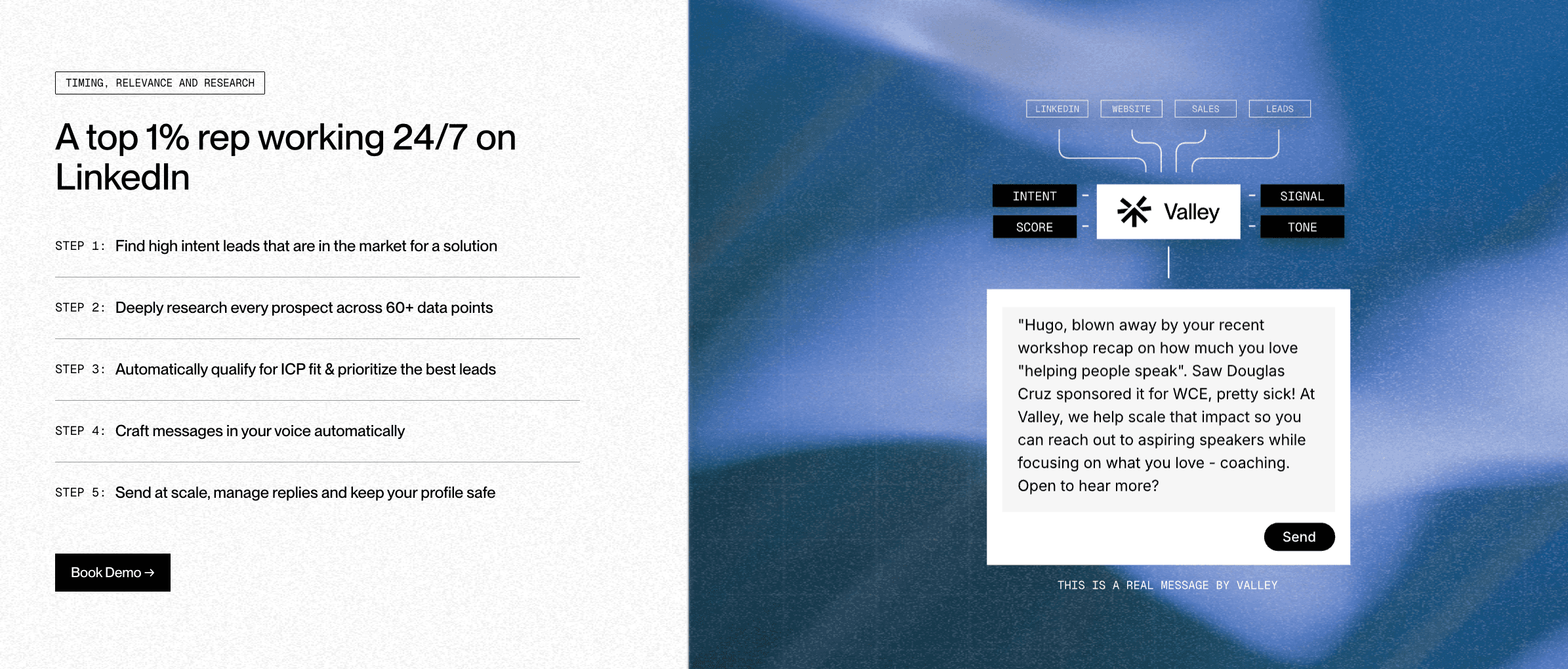
Success metrics indicate autopilot readiness: consistent 8%+ response rates, positive reply sentiment above 25%, minimal message edits needed during review, and comfortable reply management workload. When these metrics align, autopilot becomes a force multiplier rather than quality compromise. Valley's AI has learned your voice, prospects receive personalized outreach, and you focus on conversations rather than message creation.
► Book a demo and explore how Valley can support your use case
► Check Out More of Valley's Incredible Outreach: A compilation of real time messages and responses!
► Here's the Valley Warm Outbound Launch Video which we spent way too much money on.

Related Blogs

FEATURED READ
5 min
Valley vs HeyReach: Which LinkedIn Outreach Tool Wins More Qualified Meetings?
Read
Read

FEATURED READ
5 min
Valley in 2026: Is the Price Worth the Pipeline?
Read
Read

FEATURED READ
5 min
Valley vs Dripify: Which LinkedIn Outreach Tool Actually Converts in 2026?
Read
Read

FEATURED READ
5 min
Valley vs. Hiring an SDR: The Real Cost and ROI Breakdown for 2026
Read
Read
Which channels does Valley support?
Valley supports LinkedIn outreach, including connection requests and InMails. Valley users safely send 1000-1200 messages per seat every month.
How safe is it and does Valley risk my LinkedIn account?
Do I have to commit to an Annual Plan like other AI SDRs?
How does Valley personalize messages?
Is Valley available in my country?

VALLEY MAGIC





