What Types of Prospect Lists Can Valley Work With?

Try Valley
Make LinkedIn your Greatest Revenue Channel ↓

Saniya Sood
Published:
What prospect sources can I upload into Valley for outreach?
Valley accepts four primary prospect sources: Sales Navigator search URLs (copy-paste directly), CSV or Excel files with LinkedIn profile URLs, LinkedIn post URLs for scraping engagers, and automated profile viewer identification. Valley doesn't natively find prospects for you: you provide the sources, and Valley handles enrichment, scoring, research, and outreach.
The multi-source flexibility accommodates different prospecting strategies and data availability situations. If you're a sophisticated user with Sales Navigator, search URLs provide the most streamlined path. If you're using external data providers like Apollo, ZoomInfo, or LeadIQ, CSV uploads work perfectly.
If you're focused on warm outbound, post URLs and profile viewers generate prospects automatically without manual list building.
► Book a demo and explore how Valley can support your use case
Valley's architecture intentionally separates prospect sourcing from prospect engagement. Many tools try to be all-in-one solutions they help you find prospects AND automate outreach.
This creates compromise: their prospecting capabilities never match dedicated tools like Apollo, and their messaging capabilities never match dedicated tools. Valley focuses exclusively on engagement excellence, assuming you'll source prospects through whatever method works best for your specific situation.
Do I need a pre-built prospect list to start using Valley?
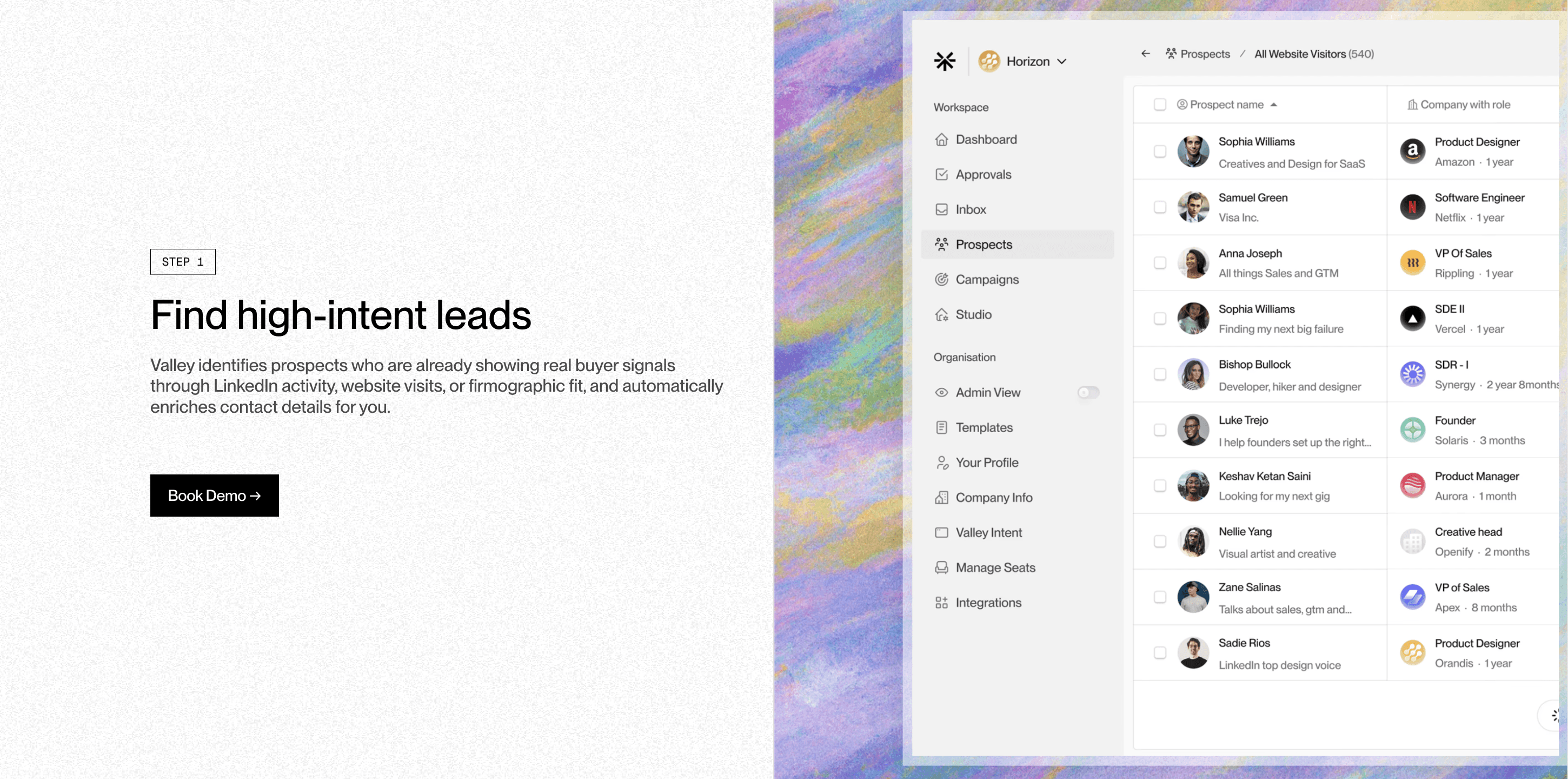
Not necessarily. Valley can automatically identify prospects through profile viewers (people visiting your LinkedIn profile), post engagement tracking (people reacting to or commenting on specified posts), and upcoming features like company page followers. These warm outreach sources generate prospects automatically without requiring list building. However, for cold outreach at scale, you'll need to provide lists.
The warm-outreach-only approach works well for founders, thought leaders, and content creators who generate consistent LinkedIn engagement. If you're posting 3-5 times weekly and each post receives 50-200 engagements, you're organically generating 150-1,000 prospects weekly through post engagement alone. Add profile viewers (typically 20-50 weekly for active LinkedIn users) and you have 170-1,050 warm prospects monthly without any manual list building.
However, most B2B companies can't rely solely on inbound and warm outreach to hit pipeline targets. If you need to book 20 meetings monthly and your warm sources generate 200 prospects monthly (converting at 10% to 20 meetings), you're fine. But if you need 40 meetings monthly, warm sources providing 200 prospects won't suffice—you need cold outreach at scale, which requires systematic list building from Sales Navigator or data providers.

Can Valley scrape prospects from LinkedIn groups or specific hashtags?
Currently, no. Valley doesn't have native functionality for LinkedIn group scraping or hashtag-based prospect identification. These features are on the roadmap but not yet available. You can manually identify relevant groups or hashtags, then use external tools to build lists from those sources before uploading to Valley for enrichment and outreach.
The group scraping limitation reflects LinkedIn's platform restrictions and Valley's focus on sustainable, compliant automation. LinkedIn has significantly restricted group scraping capabilities over the past few years specifically to prevent automated data harvesting. Tools that aggressively scraped group members often got their users' accounts flagged. Valley prioritizes account safety over feature completeness, so they've avoided building group scraping until they can implement it safely.
The workaround involves manual identification combined with external tools. If you identify five LinkedIn groups where your ICP congregates, you can use tools like PhantomBuster to scrape member lists from those groups, export to CSV, then upload to Valley. This adds a step compared to native integration but maintains account safety and gives you the prospect data you need.
► Check Out More of Valley's Incredible Outreach: A compilation of real time messages and responses!
What information does Valley need in a CSV file upload?
Valley requires only the LinkedIn profile URL for each prospect. You don't need email addresses, phone numbers, or other contact details—Valley enriches this information automatically using three best-in-class enrichment partners (including Wiza). Valley's waterfall enrichment checks multiple sources and uses majority rule to ensure accuracy when sources provide contradicting information.
The LinkedIn URL requirement simplifies data preparation significantly. Traditional tools require multiple fields: first name, last name, email, company, title, phone number. If any field is missing or formatted incorrectly, import fails or data quality suffers. Valley only cares about LinkedIn URLs; everything else gets enriched automatically. This means you can take a rough list with just names and companies, find their LinkedIn profiles, paste the URLs into a spreadsheet, and upload.
The enrichment happens during campaign creation. When you upload 1,000 LinkedIn URLs, Valley begins researching all 1,000 prospects simultaneously—pulling contact information, company details, recent activity, and conducting deep research according to your selected research agents. This 20-40 minute processing period transforms bare LinkedIn URLs into comprehensive prospect intelligence complete with verified email addresses and personalized messaging drafts.
Can Valley work with account-based lists instead of individual prospect lists?
Not directly. Valley requires individual prospects (leads), not company accounts. However, you can convert account-based lists into lead lists within Sales Navigator by setting up a search that highlights specific titles within your target companies, then exporting that as a lead-based search URL for Valley to import.
The account-to-lead conversion process takes about 5-10 minutes per 100 target accounts. If you have a list of 500 target companies, create a Sales Navigator search with these filters: "Company name is one of [paste your 500 companies]" AND "Title includes [your target titles like VP, Director, Head of]" AND "Seniority level is [Manager, Director, VP, etc.]." This search returns all individuals at those 500 companies matching your title criteria. Copy the search URL and paste into Valley.
The conversion also enables multi-threading within accounts. Instead of reaching out to one person per target company (traditional account-based approach), you might identify 3-5 relevant stakeholders per company and create separate campaigns for each persona. This multi-threading increases your chances of breaking into the account—if the VP of Sales doesn't respond, maybe the Director of Sales Operations will.
How does Valley handle duplicate prospects across multiple campaigns?
Valley tracks prospects across campaigns to prevent duplicate outreach. If you accidentally upload the same prospect to multiple campaigns, Valley flags this and allows you to remove duplicates. The platform also respects your Do Not Contact list globally—prospects on your DNC list won't receive messages regardless of which campaign they're added to.
The duplicate detection operates at profile URL level—Valley recognizes when the same LinkedIn profile appears in multiple places even if other details differ (for example, if someone changed job titles between list uploads). When duplicates are detected, Valley shows you which campaigns contain the prospect and asks which campaign should retain them. This prevents scenarios where a prospect receives your connection request from Campaign A on Monday and your InMail from Campaign B on Tuesday—confusing and potentially account-damaging situations.
The deduplication also extends to the DNC list. When you add a prospect to your Do Not Contact list (maybe they became a customer, or they asked to be excluded), Valley immediately searches all active campaigns and removes them from outbound queues. If they're in the middle of a sequence, Valley stops all future messages. This ensures DNC status applies universally and immediately across your entire Valley workspace.
► Check Out More of Valley's Incredible Outreach: A compilation of real time messages and responses!

Can I use Valley to enrich prospect lists without doing any outreach?
Yes. You can create a campaign, allow Valley to research and enrich all prospects (capturing email addresses and detailed research), then export that enriched list without ever launching outreach. This effectively uses Valley as a data enrichment tool. However, since Valley's research is expensive to generate, you still pay the full seat cost even if using it only for enrichment.
The enrichment-only use case makes sense in specific situations: you're using Valley for LinkedIn outreach but want to enrich prospects for parallel email campaigns in Instantly or another tool; you're building a target account list for ABM campaigns and need comprehensive intelligence on stakeholders; you're conducting market research and need detailed information about companies in your space without necessarily reaching out.
However, enrichment-only usage doesn't maximize Valley's value. Valley's core strength is the combination of research depth AND AI-personalized messaging—using only half of that capability means paying full price for partial value. Most customers who initially consider enrichment-only usage end up running outreach campaigns once they see Valley's message quality, realizing they can execute better LinkedIn outreach than they imagined possible.
What's the maximum number of prospects Valley can handle in a single campaign?
Valley can pull up to 2,500-3,000 prospects into a single campaign. However, given LinkedIn's monthly outreach limits (approximately 750-1,000 prospects contacted per account monthly), a list of 2,000-2,500 prospects provides roughly 2-3 months of outreach capacity before you need to upload a new list.
The capacity limits reflect both technical and strategic considerations. Technically, extremely large campaigns (5,000+ prospects) slow down Valley's processing and create unwieldy approval queues if you're not using autopilot. Strategically, campaigns work best when prospects share similar characteristics—a 500-prospect campaign of VPs of Sales at SaaS companies produces more consistent results than a 3,000-prospect campaign mixing multiple industries, seniority levels, and company sizes.
The multi-month coverage from properly sized campaigns means you're not constantly building new lists. Upload 2,500 prospects, run your dual InMail and connection request campaigns, and you have 2.5-3 months before needing new prospects. This quarterly list building cadence feels manageable; spend 2-3 hours every quarter identifying and uploading new prospect sources rather than weekly or monthly list building that disrupts consistent execution.
► Book a demo and explore how Valley can support your use case

Related Blogs

FEATURED READ
5 min
Valley vs HeyReach: Which LinkedIn Outreach Tool Wins More Qualified Meetings?
Read
Read

FEATURED READ
5 min
Valley in 2026: Is the Price Worth the Pipeline?
Read
Read

FEATURED READ
5 min
Valley vs Dripify: Which LinkedIn Outreach Tool Actually Converts in 2026?
Read
Read

FEATURED READ
5 min
Valley vs. Hiring an SDR: The Real Cost and ROI Breakdown for 2026
Read
Read
Which channels does Valley support?
Valley supports LinkedIn outreach, including connection requests and InMails. Valley users safely send 1000-1200 messages per seat every month.
How safe is it and does Valley risk my LinkedIn account?
Do I have to commit to an Annual Plan like other AI SDRs?
How does Valley personalize messages?
Is Valley available in my country?

VALLEY MAGIC





