From Signals to Meetings: The Complete GTM Agency Guide to Valley's Warm Outbound Framework

Try Valley
Make LinkedIn your Greatest Revenue Channel ↓

Saniya Sood
Published:
A GTM Agency Guide to Valley's Warm Outbound
By the end of this guide, you will know: what signals Valley captures and how to prioritize them, how to structure a client Studio from day one, what the message review workflow looks like at scale, what metrics to report monthly, and what the benchmark outcomes are at each stage of campaign maturity.
The Valley warm outbound framework for GTM agencies runs in four stages: signal setup and ICP configuration, campaign creation and AI training, message review and approval operations, and monthly reporting and optimization.
Agencies that complete all four stages with discipline report 8–15 meetings per seat per month within 60 days of launch. The framework is the difference between sporadic results and predictable pipeline for every client account.
► Introducing Warm Outbound on LinkedIn
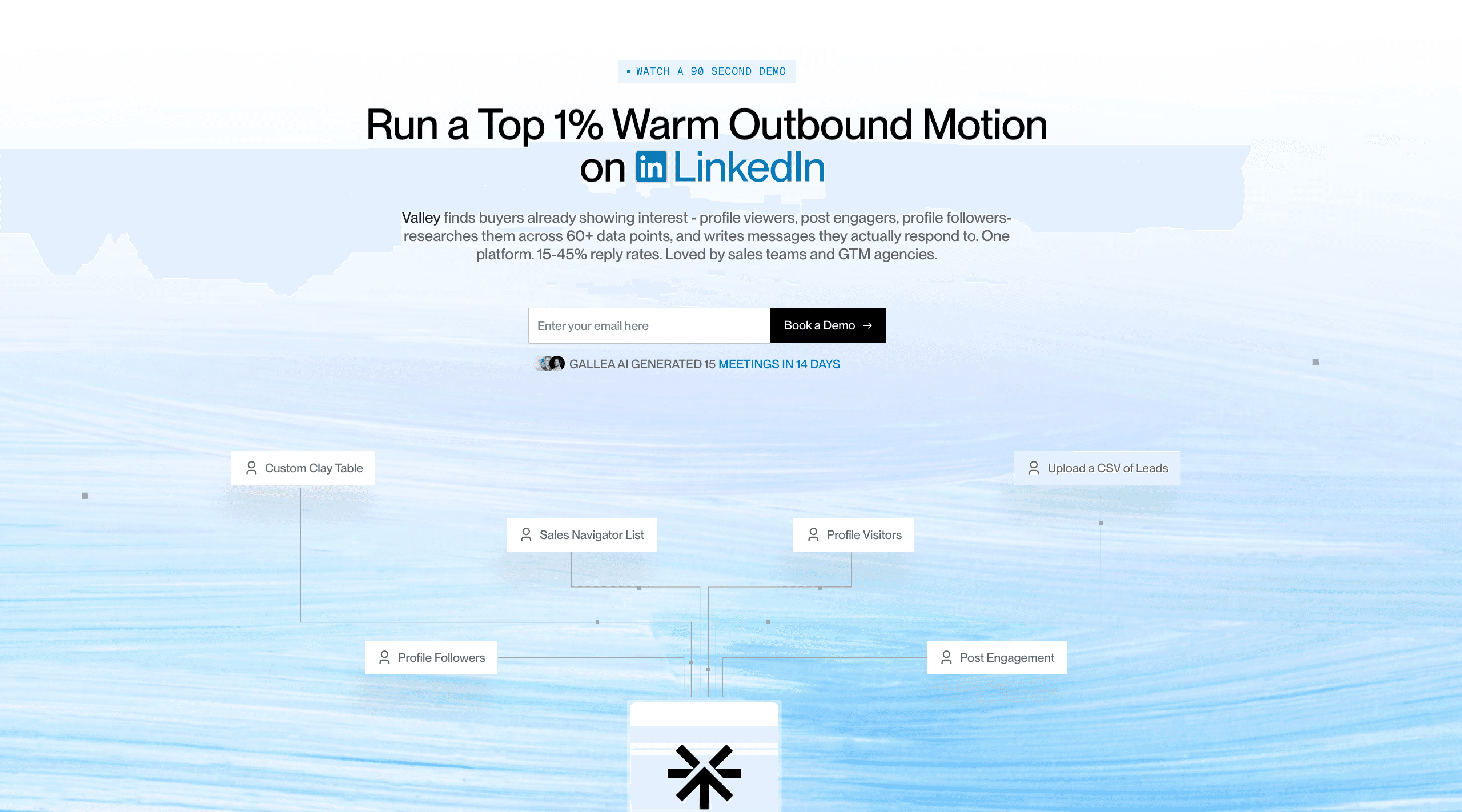
► Book a demo and explore how Valley can support your use case
Stage 1: Signal Setup and ICP Configuration (Week 1)
The quality of everything that follows depends on the precision of the ICP definition and the breadth of the signal setup. Agencies that rush this stage produce campaigns that generate volume without relevance.
ICP definition (per client Studio):
Job titles: Be specific. "VP Sales" is better than "Sales Leader." Multiple titles if the ICP includes more than one role type.
Industry: Use LinkedIn's industry taxonomy. Narrow is better than broad. Company size: Set a range that matches the client's ACV and sales motion.
Geography: Match to the client's sales territories and language capabilities. Exclusions: Define which types of companies to exclude (competitors, public companies if the client does not sell to them, specific industries if not relevant).
Studio content (per client): Company website URL (Valley uses this for research context). Booking link (embedded in message CTAs). Value proposition (3–5 sentences about what the client does and who they help). Pain points (the specific problems the client's offer addresses). Proof points (case studies, testimonials, metrics used in message generation). Competitor exclusion list (Valley will not message competitor employees).
Signal source activation: Connect the client's LinkedIn account via Valley's Chrome extension. Activate all available signal sources: profile views, post engagement, website visitor tracking. If the client has active LinkedIn content (two or more posts per week), post engagement campaigns will generate substantial warm prospect volume within the first two weeks.
Stage 2: Campaign Creation and AI Training (Weeks 1–4)
Campaign structure: Create separate campaigns per signal source a profile viewer campaign, a post engager campaign per recent post set, a website visitor campaign. This allows performance data to be tracked per signal type and campaign resources to be optimized based on which signal types produce the best results.
Writing style configuration: Before any messages are generated, configure the client's writing style in Valley.
Include: Tone (formal, conversational, technical, approachable). Communication do's (what to always include, what angles work). Communication don'ts (what never to say, what the client finds off-brand). Example messages (export the client's best-performing outreach from any previous program).
AI training period (Days 1–30): The first 30 days are training days. Review every generated message not just the quality bar (does this sound human?) but the specificity bar (does this reflect what we know about this prospect?) and the brand bar (does this sound like this client?).
Provide specific feedback on rejected or edited messages. Valley's AI learns from each feedback interaction and improves message quality continuously.
Most agencies report 40–60% approval rates in week one, improving to 70–80% by week four.
Read: Linkedln Prospecting Automation for GTM Agencies
Stage 3: Message Review and Approval Operations
Daily operations: Review the message queue in Valley's Training Center across all client accounts. Approve messages that meet the quality bar. Edit messages that are close but need adjustment (Valley tracks edits for training purposes). Reject with specific feedback messages that miss the mark significantly. Route positive replies from any client account to the appropriate client contact.
Weekly operations: Review signal capture volume per client: how many warm prospects entered each campaign this week? Review acceptance rates by campaign: which signal types are producing the highest acceptance rates? Review reply rates by campaign: which message angles are generating the most positive replies? Flag any patterns that suggest ICP reconfiguration or message style adjustment.
Monthly operations: Full performance report per client Studio: acceptance rate, reply rate, positive reply rate, meetings booked, pipeline value. Voice alignment review: share sample of recent messages with each client for brand approval. ICP refinement based on meeting quality: are the meetings booking with the right buyer profiles?
Read: LinkedIn Outreach Cold Messaging vs. Warm Outbound for GTM Agencies
Stage 4: Reporting, Optimization, and Scaling (Month 2+)
What to report to clients: Meetings booked (weekly), pipeline generated (monthly), positive reply rate (monthly), signals captured (monthly), ICP match rate (monthly), top-performing campaigns (monthly).
Scaling decisions: Once a client's campaigns are producing consistent positive reply rates above 25% and meetings above 8 per seat per month, consider: Adding a Sales Navigator campaign for proactive outbound to target accounts not captured by native signals. Adding a second seat (second LinkedIn profile) to expand prospect volume. Expanding the ICP to adjacent titles or industries if the client's offer serves them.
Case studies for GTM agency context:
Thinkfish, a lead gen agency running warm outbound on LinkedIn for clients at scale, reported 380–400 meetings per month across 50 seats approximately 8 meetings per seat per month at volume.
ButteredToast, a GTM services agency, generated $1M+ in pipeline with 5x output improvement.
Leads the Way (Shilpi Goel) built to 11–12 meetings per client engagement within the first month.
The pattern across agency case studies: month one produces proof, month two produces process, month three produces the client renewal conversation.
► Check Out More of Valley's Incredible Outreach: A compilation of real time messages and responses!
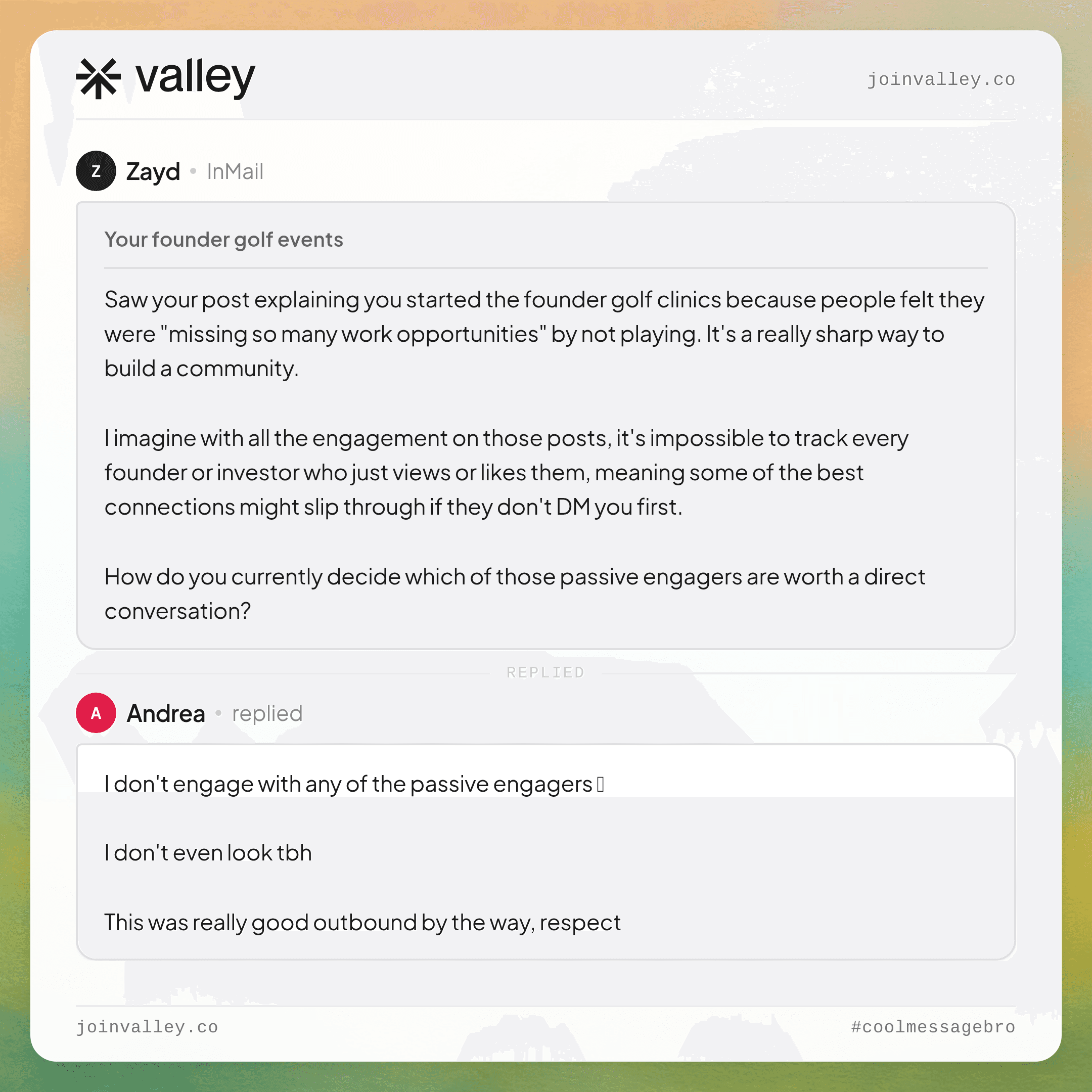

The Warm Outbound Narrative Every GTM Agency Should Internalize
Valley's framing of warm outbound is not just a product description it is a service positioning framework for agencies.
Cold outbound says: "Here is a list of people we think might want your thing. We messaged them."
Warm outbound on LinkedIn says: "Here are the people who were already thinking about your category who looked at your profile, engaged with your content, or visited your website. We started conversations with them at the right moment, with messages that referenced why they showed up. Here are the meetings we booked."
The second framing is more defensible, more referable, and more renewable. It is the framing that turns a transactional agency retainer into a strategic partnership.
Valley is the platform that makes it operationally real.
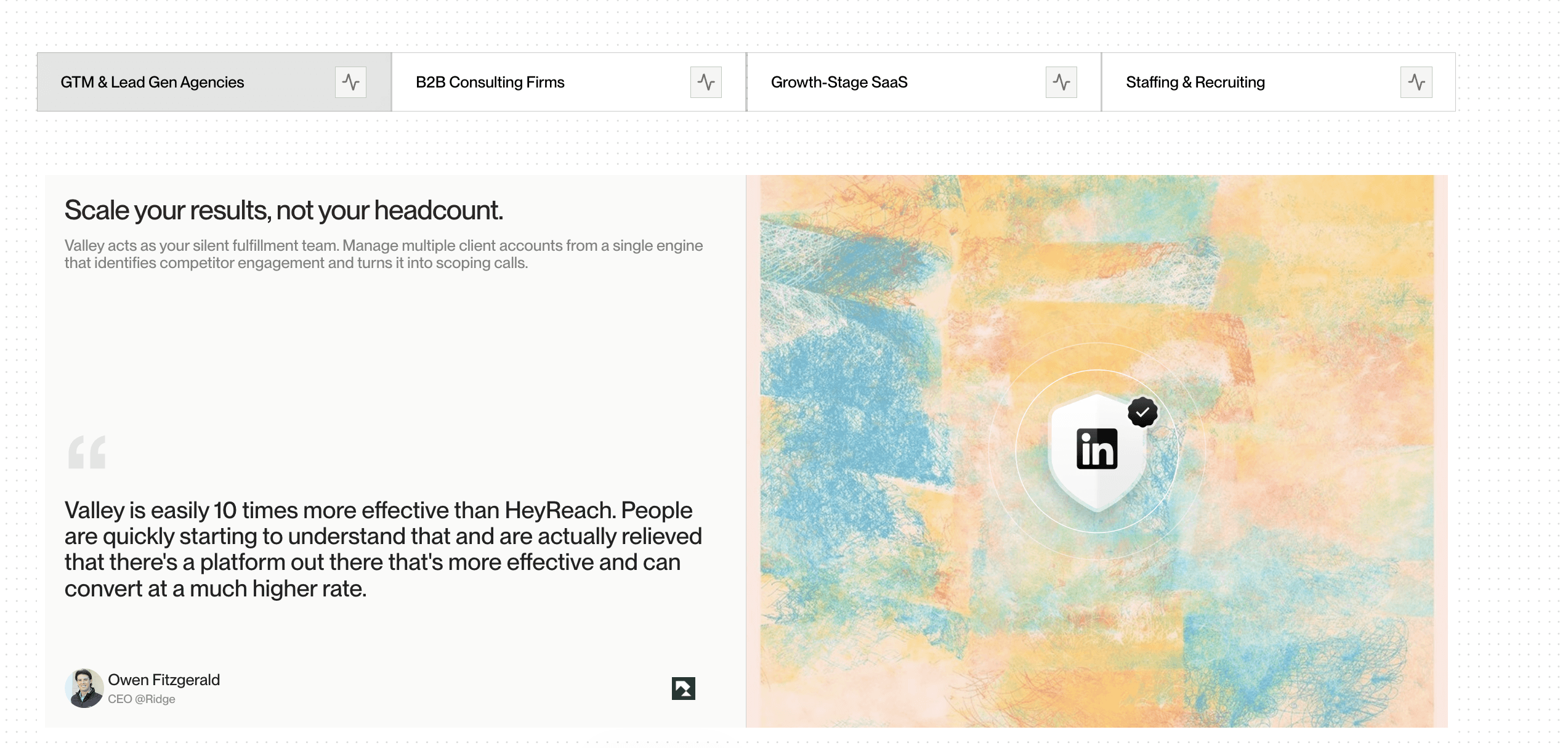
► Book a demo: Get the Full Warm Outbound Setup for Your Agency
If you are a GTM agency owner or operator and you want to build warm outbound on LinkedIn into your service stack with the system to run it for multiple clients at quality, at scale, and with predictable outcomes this is the conversation to start.
Book a demo with the Valley team and walk through a complete agency-specific setup and understand the full operational model from signal to meeting.
Frequently Asked Questions
What is warm outbound on LinkedIn, and how does it differ from standard LinkedIn automation?
Warm outbound on LinkedIn is outreach triggered by prospect behavior (profile views, post engagement, website visits) and informed by individual prospect research. Standard LinkedIn automation sends templates to cold lists. The behavioral trigger and research layer produce 3–5x higher reply rates.
How long does it take for a GTM agency to see results from Valley's warm outbound framework?
First meetings typically book within 72 hours of campaign launch. Consistent 8–15 meetings per seat per month typically establishes within 30–60 days as AI training matures and campaigns optimize.
What does Valley's AI research actually do for each prospect?
Valley pulls recent LinkedIn posts, company news, funding activity, role context, and publicly visible pain points for each ICP-matched prospect, then synthesizes a research brief used to generate a contextual, personalized first message. No templates. No variable fields.
How does Valley ensure LinkedIn account safety for agency clients?
Dedicated IPs per connected account, built-in daily limits (25 connections per day maximum), automatic exclusion of public profiles and competitor accounts, and no browser-level automation. Zero client account suspensions reported across the platform's history.
What is the ideal number of client seats for a GTM agency starting with Valley?
Start with three to five seats (Valley Growth tier) to prove the model for two to three clients. Scale to the Valley Scale tier (10–50 seats) once the operational workflow is established and client results are demonstrably positive. Agency-specific onboarding is available with Valley's team.

Related Blogs

FEATURED READ
5 min
Valley vs HeyReach: Which LinkedIn Outreach Tool Wins More Qualified Meetings?
Read
Read

FEATURED READ
5 min
Valley in 2026: Is the Price Worth the Pipeline?
Read
Read

FEATURED READ
5 min
Valley vs Dripify: Which LinkedIn Outreach Tool Actually Converts in 2026?
Read
Read

FEATURED READ
5 min
Valley vs. Hiring an SDR: The Real Cost and ROI Breakdown for 2026
Read
Read
Which channels does Valley support?
Valley supports LinkedIn outreach, including connection requests and InMails. Valley users safely send 1000-1200 messages per seat every month.
How safe is it and does Valley risk my LinkedIn account?
Do I have to commit to an Annual Plan like other AI SDRs?
How does Valley personalize messages?
Is Valley available in my country?

VALLEY MAGIC