Try Valley
Put your outbound workflow to work.

Saniya Sood
Published:
Updated:
By the Valley editorial team · Reviewed September 14, 2026
Built from vendor documentation and editorial buying analysis, not hands-on testing. How we compare outbound tools.
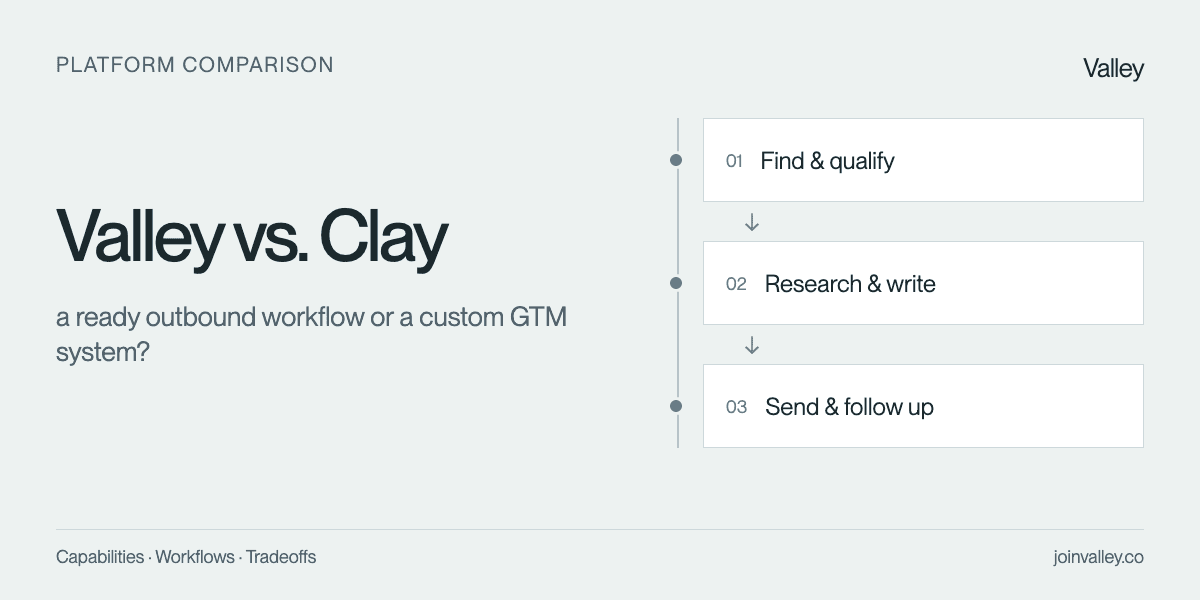
Choose Valley when you want to operate a connected outbound play with limited workflow construction. Choose Clay when custom data sources, enrichment logic and orchestration are central to the advantage your team is building.
Clay now sends email; the choice is how much you want to build
Clay has a native email Sequencer, including infrastructure setup and rep inboxes, with optional Slack approval for AI reply drafts. An article claiming Clay always needs an external email sequencer would now be wrong. The important distinction is the level of customization you want to own.
For a GTM engineer, being able to combine proprietary data and specific qualification logic can be the reason to buy. For a founder, maintaining that logic may be work they would prefer a product workflow to absorb. Neither is the correct architecture for every team. Ask who will update the system when a data field changes, a signal stops being useful or the sales team rewrites its offer.
Clay also supports reusable copywriting agents that accept style documents and examples. That is substantive writing support, not merely a data export. Its cited research, configurable qualification, native email and rep inboxes make “only the first three steps” inaccurate. The remaining structural difference is external LinkedIn execution and ownership of the custom system; automated learning loops are still described as forthcoming.
Product basis: Clay official documentation and Valley product workflow.
Seven stages, with specific capability requirements
Rating terms (built in, partial coverage, not established, not available yet) are defined in the comparison method. The Valley column describes its workflow; each competitor assessment states the specific documented mechanism.
Stage and requirement | Valley workflow | Clay |
|---|---|---|
Live buying signals + discovery Find prospects using multiple current buying-event types; a static contact database or one social trigger alone is insufficient. | Buying signals inform prospect discovery. | Built in: Default and custom signals monitor hiring, job changes, news and funding alongside prospect discovery. Source |
ICP qualification Evaluate a prospect against configured ICP criteria before outreach; distinguish fit assessment from engagement-only branching. | Fit assessment before campaign enrollment. | Built in: Claygent scoring agents evaluate configured ICP criteria and return a rationale. Source |
Sourced prospect research Produce substantive prospect-specific open-web findings with inspectable supporting sources; profile fields and generic enrichment alone are insufficient. | Prospect context and supporting sources. | Built in: Claygent can research prospects across the live web and return cited structured findings. Source |
Learned writing style Generate outreach from stored writing examples, style documents, sent-mail history, or learned edits; variables, generic AI copy and acoustic voice cloning alone are insufficient. | Drafts informed by your voice and research. | Built in: Reusable agents accept tone guides and writing samples; documented prompts use examples to reproduce style. Source |
Automated email + LinkedIn Execute both email and LinkedIn outreach automatically within the product; show the two channel dependencies separately. | LinkedIn plus email; email is optional on Starter. | Requires another tool: Sequencer automates email; automated LinkedIn sending requires another execution tool. Email: Built in. LinkedIn: Requires another tool. Source |
Reply management Provide a native workspace or agent for triaging and responding to inbound prospect replies; report the covered channels. | Campaign replies with prospect context. | Built in: Permissioned rep inboxes route replies; optional Slack approvals can assist drafting. Source |
Outcome-driven improvement Use observed campaign outcomes to update future targeting or messaging automatically; analytics, manual A/B decisions and instruction edits alone are partial. | Campaign results and feedback inform future targeting and messages. | Partial coverage: Native results and agent observability exist; automated learning loops are described as forthcoming. Source |
Three differences to weigh
Claygent can research prospects across the live web and return cited structured findings.
Reusable agents accept tone guides and writing samples; documented prompts use examples to reproduce style.
Sequencer automates email; automated LinkedIn sending requires another execution tool.
A concrete workflow to evaluate
A developer-tools company has product usage in a warehouse and wants to contact accounts that crossed an adoption threshold. Clay deserves a serious look when that proprietary signal needs joins, custom logic and routing. For Valley, demonstrate the discovery or import path you will actually use, then inspect research and voice-aware drafts in the campaign. Compare the first working play and the work required to change its qualification rule.
Pricing and packaging
Clay lists Launch starting at $185/month with 2,500 Data Credits and 15,000 Actions, and Growth starting at $495/month. These usage units differ from contacts or emails. Confirm billing selection, infrastructure and expected consumption for the actual workflow. Official pricing / purchase information. Checked September 14, 2026.
Valley is priced per seat: Starter $199/month or $149/month billed quarterly ($447); Plus $299/month or $249/month billed quarterly ($747); Growth $499/month or $419/month billed quarterly ($1,257). Plus includes 1,000 emails/month, priority Slack support and an onboarding call. Those are optional add-ons on Starter. Growth includes everything in Plus and $300 in additional monthly credits. Compare Valley plans.
Compare the same seat count, term and usable workload; the pricing comparison rules list the line items to keep separate.
Setup and switching
Inventory every enrichment dependency, scheduled run, suppression rule and CRM write before replacing a Clay workflow. Retain valuable custom data work even if outreach moves elsewhere. If switching to Clay, name a workflow owner and budget for debugging stale fields and API changes as well as credits.

Give your sales team
an unfair advantage.
Customer context
Bolt.new: seven-figure pipeline in under 60 days. Read the Valley customer story for its audience, offer and operating process.
Buyer questions
Does Clay need a separate email sequencer?
No. Clay documents native email sequencing. A combined email-and-LinkedIn implementation still needs an explicit LinkedIn execution path, while rep inboxes manage replies in Clay and Slack approval is optional. Evaluate that complete setup.
How should we make the final decision?
Take a small, fixed audience and one approved offer into both demonstrations. Inspect source accuracy, exclusions, message usefulness, reply ownership and the time spent correcting work. Choose the workflow your team can run consistently at an acceptable total cost.
Continue with Valley vs. Competition, the related buyer report, or start a Valley evaluation.
Sources and review notes
Reviewed September 14, 2026. Send corrections through the contact options on this site with the vendor, claim and supporting documentation.


