
Try Valley
Put your outbound workflow to work.

Saniya Sood
Published:
Updated:
Published April 8, 2026 · Updated August 31, 2026
Claude Code is one of the most underused tools in growth right now - and almost every marketer ignores it because it sounds technical. It isn’t. This guide is the exact setup we use at Valley, written specifically for marketers and growth people who’ve never touched a terminal.

Bookmark this. It’s worth it.
The Full Tool Stack (Nothing More)
Before you build anything, get these in place:
Tool | Cost | Purpose |
|---|---|---|
Claude Pro or Max | $20 - $200/mo | AI for planning and building |
Terminal (your computer) | Free | Where you run Claude Code |
GitHub | Free | Stores your projects |
Railway | Free tier | Complex deployments |
Vercel | Free tier | Simple deployments |
Anthropic API credits | ~$50 to start | Powers builds via API |
Slack API key | Free | Connects most automations |
That’s the entire stack. Nothing else.
Terminal Basics You Actually Need
You’re not becoming an engineer. You need exactly these commands - nothing more:
cd: navigate into a folderls: see what’s inside a foldermkdir: create new foldersgit status,git add,git push,git pull,git clone: push projects to GitHub
Watch one basic terminal video. That’s it. Done.
How to Set Up Your Folder Structure
This setup takes 10 minutes and saves hours on every future build.
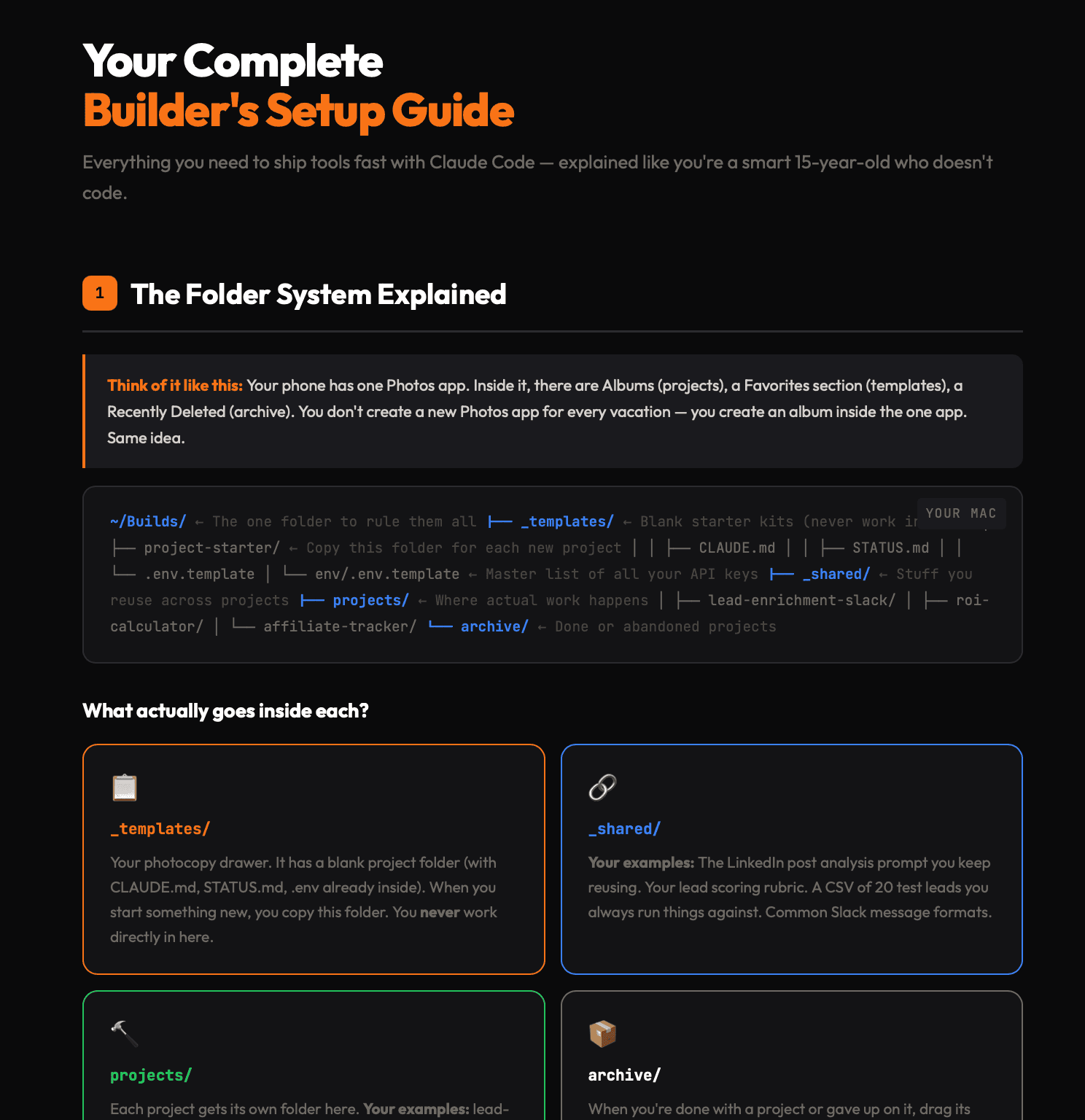
Step 1: Go to your Documents folder. Create a folder called Builds.
Step 2: Inside Builds, create 4 subfolders:
templatesprojectssharedarchive
Step 3: Inside templates, create 3 files:
claude.md: general standing instructions for Claudestatus.md: progress tracker for each build.env: your environment file
Step 4: In your .env file, list every marketing tool you use that has an API. Apollo, Ahrefs, Slack, Instantly add all API keys here so every new project is plug-and-play from the start.

Give your sales team
an unfair advantage.
This is the workflow that separates clean builds from messy ones. The key is: plan in Claude chat first, then build in Claude Code.
Step 1: Plan in Claude Chat (Not Claude Code)
Open a normal Claude chat with Opus. Use this prompt:
"You're the world's best PM who writes incredible PRDs. Help me plan what I want to automate. Ask me questions. Find every edge case."
Let it ask questions. Work through the full scope.
Step 2: Generate Your Spec
After the planning conversation, ask Claude to output:
A
spec.mdfile with the full specificationThe exact prompt to use in Claude Code
A list of every API key and variable you'll need
Step 3: Set Up Your Project Folder
Duplicate your templates folder. Rename it to your project name. Drop the spec.md into that folder.
Step 4: Create a GitHub Repository
Create a new GitHub repo with the same name as your project folder. This is where the build gets stored.
Step 5: Open Claude Code and Build
Open Claude Code. Use Opus for anything complex. Paste your prompt. Tell it to read the spec.md in detail first, then create a plan. Always keep plan mode on.
Step 6: Deploy
Simple projects → deploy on Vercel
Complex projects → deploy on Railway
What Valley Has Built With This Workflow
These are real automations we've shipped using exactly this stack:
Content engine: pulls transcripts and Slack activity overnight, drafts LinkedIn posts ready by morning
Backlink builder: fires automatically on Stripe payments, writes a blog post about the new customer, emails them a backlink exchange request
Slack + LinkedIn bot: paste a LinkedIn post URL into Slack, it scrapes everyone who engaged, enriches them, filters for decision-makers, pushes to Instantly
Figma integration: auto-creates newsletter headers, blog images, and testimonial graphics
3 - 5 days. No YouTube rabbit holes. No bootcamp. Real automations in production.
The Cheatsheet We Use Internally
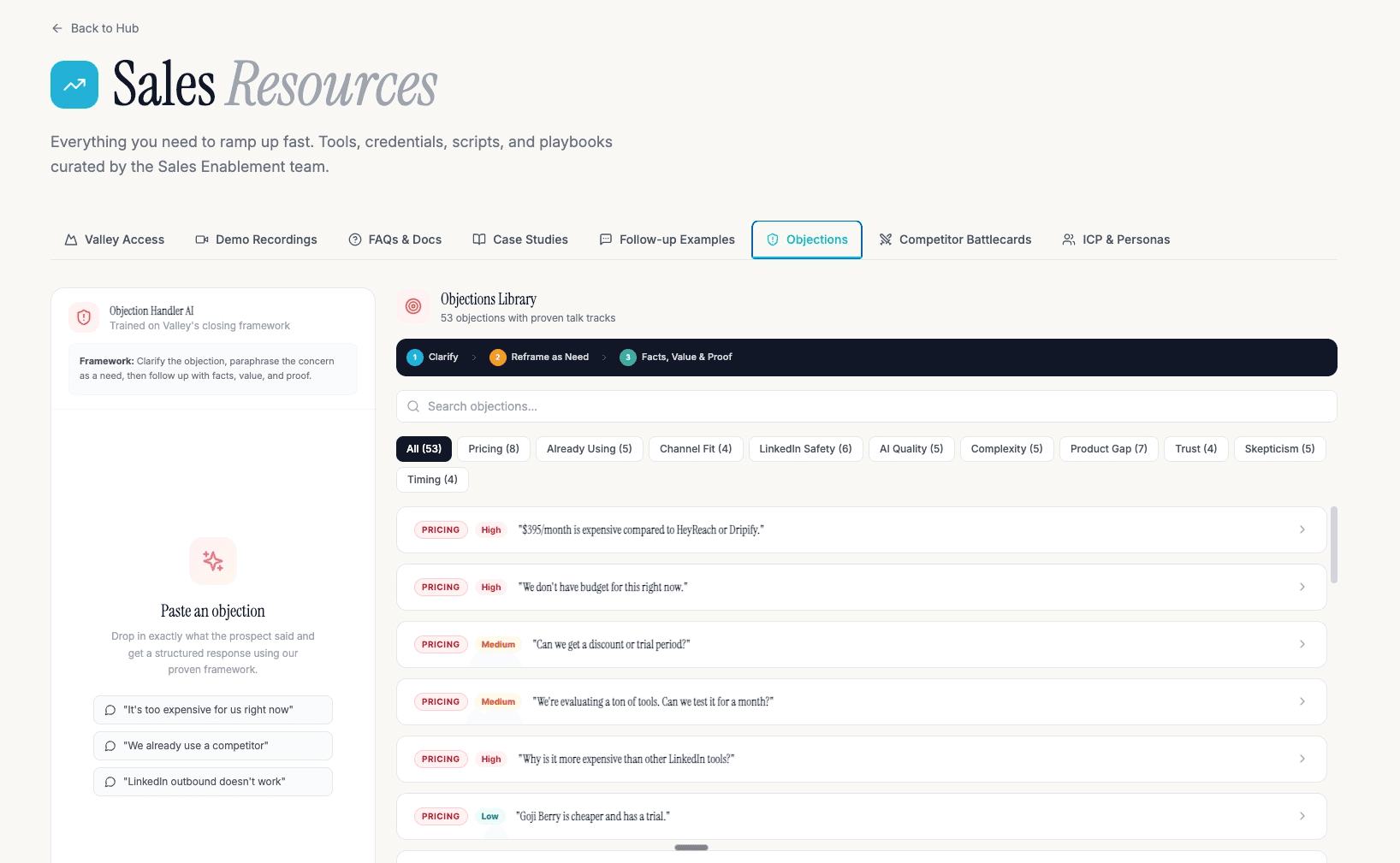
We've packaged the full setup the spec.md template, the claude.md file, the folder structure, the prompts, and the tool list, into a single document.
Reachout to any Valley team member and we'll send you the link to the claude.md files we use.

Give your sales team
an unfair advantage.
Once you’re running Claude Code automations, the next obvious build for any B2B company is LinkedIn outreach.
Valley is the AI-powered LinkedIn outreach engine built for founders, sales leaders, and growth teams. It captures LinkedIn signals profile viewers, post engagers, website visitors qualifies them against your ICP, and sends personalized messages automatically. Real campaigns average 3x better results than standard outreach.
You can even connect Valley directly to the automations you build with Claude Code pushing enriched, qualified leads from your Freckle or webhook setup straight into Valley campaigns.
If you want a LinkedIn engine that constantly looks for leads who viewed your profile, engaged with a competitor, or followed your company page automatically scores them based on your exact ICP and sends fantastic personalized outreach:
(I’ll also show you our real campaigns averaging 3x better results than regular outreach.)
Frequently Asked Questions
Do I need to know how to code to use Claude Code?
No. You need 5 terminal commands and a clear spec. Claude Code handles the actual code writing, your job is planning and reviewing.
What’s the difference between Claude Chat and Claude Code?
Claude Chat (Opus) is for planning and writing specs. Claude Code is the agentic tool that actually builds and executes in your terminal. Always plan in chat first, then build in Claude Code.
What’s the best Claude plan for this workflow?
Claude Pro ($20/mo) is enough to start. If you’re building multiple projects or running complex builds, Claude Max ($100 - 200/mo) gives you more capacity.
Why do I need a .env file?
The .env file stores all your API keys in one place. Every new project you build can import from it immediately, no re-entering credentials each time.
What’s the most important thing to build first?
Your claude.md file the standing instructions that tell Claude how you want it to work, what your company does, and what standards your builds should follow. Get this right once and every future build benefits.
See more of Valley’s messaging and automation examples: coolmessagebro.com
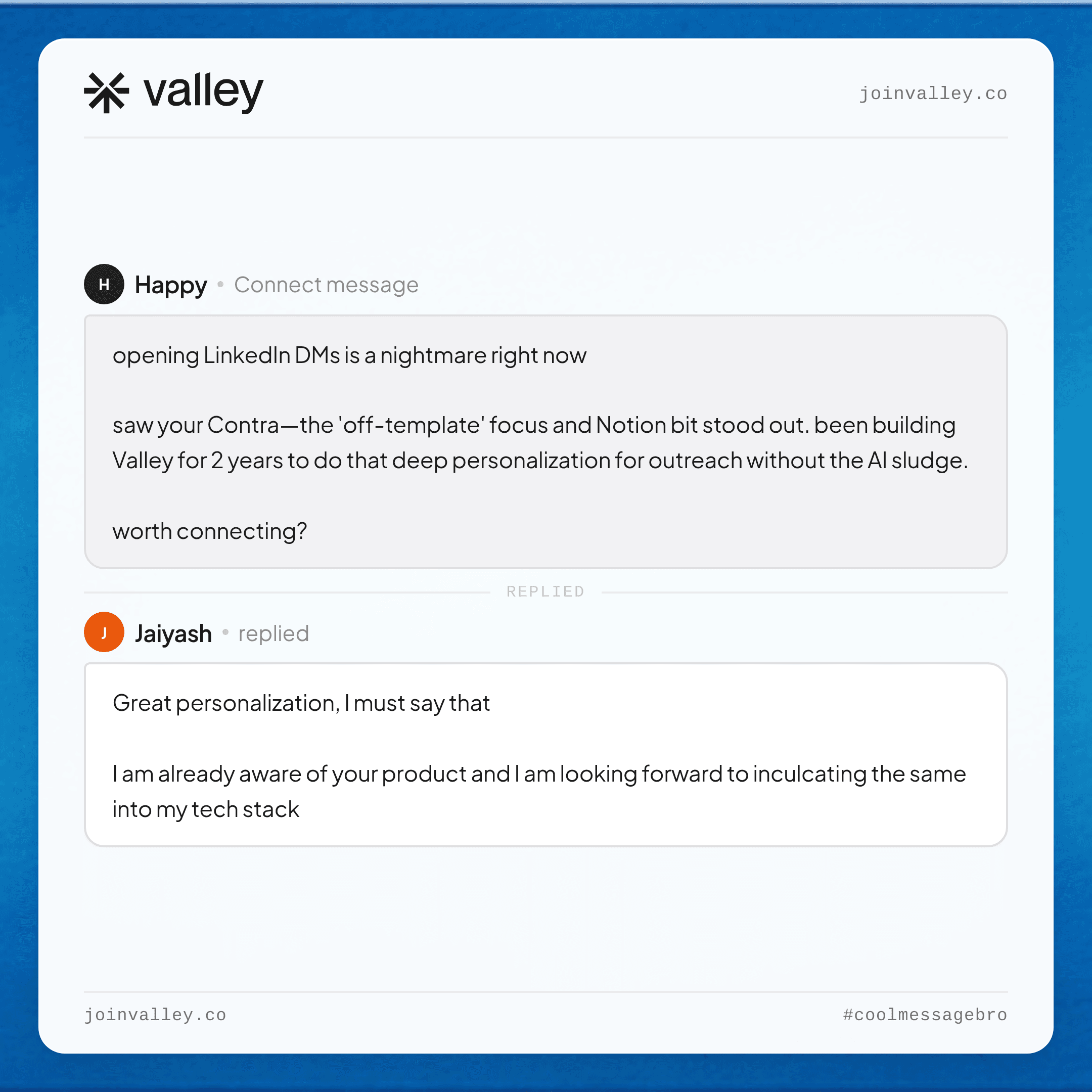
Generate more demos for your company using LinkedIn: Apply here
Become a Valley partner and earn 20% recurring commission: Join the affiliate program
Related: Valley's MCP server for Claude, ChatGPT and Cursor.
See also: How to Find Your Best LinkedIn Posts to Boost as Ads (Using Claude in 5 Steps) · How to Use Stripe and Claude to Find Your ICP Golden Segment (6-Step Process) · Website Visitor Tracking: Tools + Setup Guide for 2026


