Try Valley
Put your outbound workflow to work.

Saniya Sood
Published:
Updated:
Published August 3, 2026 · Updated August 31, 2026
The umbrella question: is there a safer, better alternative to Linked Helper in 2026? Yes - and the word “safer” is doing real work in that sentence. Linked Helper is the great survivor of LinkedIn automation’s desktop era: famously cheap, feature-dense, and architecturally dated - it drives your LinkedIn session from software running on your own machine, which is precisely the activity pattern LinkedIn’s detection systems watch for. The upgrade paths, by what you’re actually solving: Dripify (from $39/mo) for the like-priced cloud swap, Expandi ($99/mo) for the power-user depth, HeyReach ($79/mo) for multi-account agency work, and Valley ($149/mo) for the generational jump - from sequencing cold lists at all to working live signals across LinkedIn and email in one flow. This guide covers all four honestly, plus the same decision for MeetAlfred, Zopto (now Zeekeo), and Skylead users - with the architecture facts kept straight, because these tools are not equally risky.
Valley makes one of the tools in this category. We’ve marked our entry clearly and included tools that beat us for specific jobs.
Update (August 2026): Zopto has rebranded to Zeekeo (zeekeo.com). References to Zopto below apply to the same product under its new name.
TL;DR
Like-for-like, but cloud-safe → Dripify (from $39/mo annual)
Power-user features, professionally hosted → Expandi ($99/mo)
Agency, many accounts → HeyReach ($79/mo per sender)
Skip a generation: signals + both channels → Valley ($149/mo) (our tool - marked, cons included)
On MeetAlfred/Zopto/Skylead? Different situation - those are cloud tools; see their sections below.

Give your sales team
an unfair advantage.
LinkedIn automation tools split into three risk classes, and knowing which class you're in matters more than any feature comparison:
Browser extensions - automation inside your logged-in browser tab. Highest risk: your session, your IP, your user-agent, machine cadence. The restriction stories overwhelmingly start here.
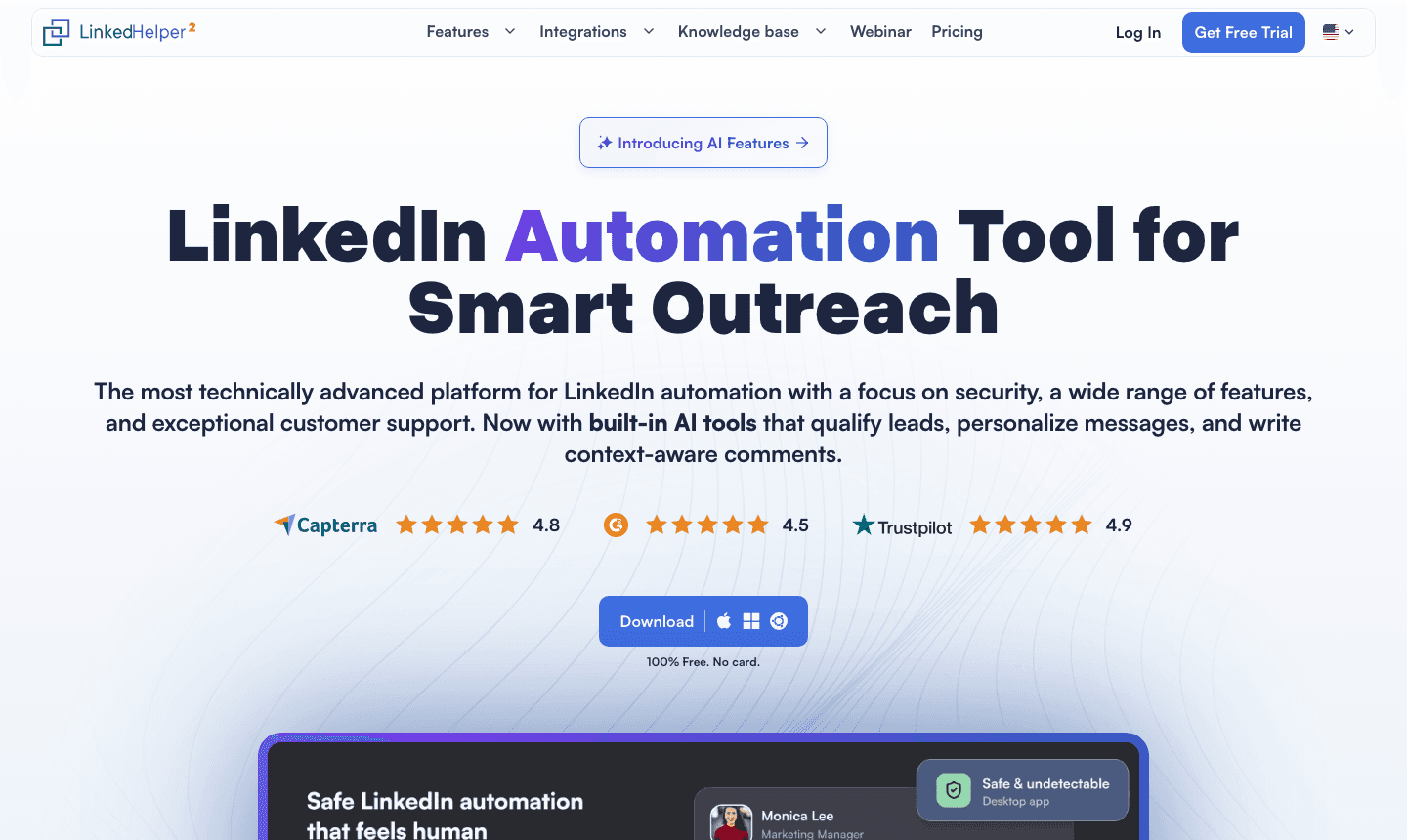
Desktop applications - Linked Helper's class. Software on your machine driving your session locally. Safer than extensions (it's not injected into the browser), but still activity from your device and IP at configured speeds - a pattern LinkedIn can fingerprint, and the reason the "Linked Helper alternatives safe" search exists.
Cloud platforms - MeetAlfred, Zopto, Skylead, Expandi, Dripify, HeyReach, Valley. Sending runs from the vendor's infrastructure, ideally with a dedicated IP per account and human-pattern limits. This is the durable class; within it, the differences are capability and price, not survival.
The rule that never changes: cloud + dedicated IP + human-pattern limits = durable; anything riding your own machine's session = the restriction pattern, discounted upfront in the subscription price. The cheapest automation is priced for the risk you're carrying. (The full safety hierarchy.)
Why people leave Linked Helper (beyond the architecture)
Talk to long-time Linked Helper users and three more reasons recur. The UI is power-user archaeology - deeply capable, famously unintuitive, and increasingly costly to train new team members on. The machine dependency - campaigns run when your computer runs; laptops sleep, sessions drop, campaigns stall. And the ceiling every list-tool shares: Linked Helper executes whatever list you feed it, with no opinion about whether anyone on that list wants to hear from you. At 2026's compressed cold reply rates (1 - 5% for templated sequences), execution quality stopped being the bottleneck years ago. Targeting did.
The alternatives, honestly compared
1. Dripify - the like-priced cloud swap
What it is: clean drip-campaign sequencing on safe cloud architecture with built-in caps and randomized human-pattern delays. From $39/mo annual ($59 monthly), 7-day trial. What works: nearly Linked Helper money for genuinely safe infrastructure; simple enough that the team actually uses it. What doesn't: template-variable personalization; linear sequences only; no signal layer. Verdict: the lowest-friction exit - same job, safe class. (Dripify's own alternatives, when you outgrow it.)
2. Expandi - the power-user's cloud home
What it is: the most mature LinkedIn-only cloud sequencer - country-based dedicated IPs, human-behavior simulation, image/GIF personalization, webhooks. $99/mo ($79 annual), 7-day trial. What works: the feature depth Linked Helper power users actually use, professionally hosted; the strongest safety reputation among volume sequencers. What doesn't: per-seat cost; still list-in, sequences-out. Verdict: where Linked Helper's heaviest users usually land.
3. HeyReach - the agency math
What it is: cloud automation priced per sender ($79/mo, or $999/mo for 25 senders on the Agency plan), unified inbox included. 14-day trial. What works: low per-sender cost at 25 client accounts - the arithmetic that decides most agency evaluations. What doesn't: thin personalization; rotating templated volume across many accounts raises report-rate exposure even on clean infrastructure. (Examined in full.) Verdict: the volume-agency pick.
4. Valley - the generational jump (our tool)
What it is: a different input, not a better sequencer. Valley assembles the audience from behavior - profile viewers, post engagers, followers, website visitors, competitor audiences - scores every lead against your ICP (non-fits deleted before outreach exists), researches each qualified prospect across 200+ sources, drafts in your voice, and runs one sequence across LinkedIn and email: connection request → follow-up → InMail → email, with condition branching. The dated change worth knowing: Valley added native email in August 2026 - previously LinkedIn-only. Email sends from your own Gmail/Microsoft inbox via OAuth (no purchased inboxes, no warmup, no rotation), ~30/day per seat, with enrichment, bounce verification, and opt-out suppression built in - an add-on on Starter, included on Plus and Growth.
What works: the reply-rate generation gap - warm signal-based sends earn 15 - 45% against the 1 - 5% sequencer-on-cold-list norm (7.3M-prospect data: 2.3× replies, 2.6× interested responses vs cold, every segment). Safety is the record, not a claim: zero restrictions across 1,000+ accounts in 2.5 years, dedicated IP per account, 5× money-back safety guarantee. $149/mo billed quarterly ($199 monthly), 7-day trial. What doesn't (honest cons): it needs signals to harvest - dormant presences ramp slower (email-first sequences on ICP-fit prospects soften this); it will not blast an unqualified list, which teams wedded to volume experience as friction; no multichannel reply-rate data exists yet - the combined motion is weeks old and we only publish LinkedIn-era numbers. Verdict: for the Linked Helper user whose real complaint was never the UI - it was that the sequences stopped earning replies.
On MeetAlfred, Zopto, and Skylead (the cloud-era cousins)
Different situation from Linked Helper - all three are cloud-class, so the safety alarm doesn't apply. The honest per-brand read:
MeetAlfred alternatives: the recurring exits are multichannel breadth (LinkedIn + email + X) delivered at less depth than the specialists, plus campaign-reliability complaints in reviews. Move to lemlist ($69 - 109/user/mo) for multichannel done at category-leading workflow depth, Expandi for LinkedIn-first power, or Valley if the multichannel instinct was really "I need more replies" - signals fix that; adding channels to cold lists doesn't.
Zopto alternatives: agency-oriented cloud automation at premium pricing whose targeting remains list-in, sequences-out - signal-tool money without the signal layer. Move to HeyReach for seat economics, Expandi for per-account power, or Valley (including Studios at $1,499/mo done-for-you) for agencies selling reply quality rather than send volume. (The agency tooling decision in full.)
Skylead alternatives: honestly, the fewest reasons to leave - Skylead's if/then smart sequences ($100/mo, verified) are genuinely good. Exits cluster on price-for-value against Expandi at $99, and on the ceiling all sequencers share: branching logic optimizes the path through a cold list; it cannot warm the list. Replace the category, or don't bother replacing the tool.
Keep exploring: Valley pricing, explained · real customer results.

Give your sales team
an unfair advantage.
Worth understanding why the desktop/cloud line matters, because it’s not vendor marketing - it’s how detection works. LinkedIn’s systems watch for patterns no human produces: sessions active at machine-regular intervals, action cadences with inhuman consistency, activity volumes that never sleep, and - for local tools - the same device/IP fingerprint producing automated-shaped behavior in the same session a human uses. A desktop tool like Linked Helper can randomize timing, but it cannot change where the activity comes from: your machine, your IP, your session. Every mitigation is a disguise on the same fingerprint.
Cloud platforms change the fingerprint itself: sending runs from vendor infrastructure with a dedicated residential-class IP per account, activity shaped to human patterns and capped inside LinkedIn’s limits, cleanly separated from your own browsing. That’s why the safety conversation in 2026 is really an architecture conversation - and why the record matters more than the promise: ask any vendor for their restriction numbers in writing. (Valley’s, for calibration: zero across 1,000+ accounts in 2.5 years, guaranteed at 5× money-back. Vendors who track their record publish it; vendors who don’t, can’t.)
The desktop-to-cloud migration checklist
Leaving Linked Helper specifically - the clean sequence:
Stop Linked Helper completely and let the account idle 3 - 5 days. Let activity patterns normalize before any new tool touches the account. Do not run old and new tools in parallel, even briefly.
Export everything first: prospect lists, campaign structures (as reference), and note which conversations are mid-thread - those you’ll continue by hand for a week.
Audit the account’s standing: pending invites (withdraw anything older than ~2 - 3 weeks; a bloated pending pile is its own risk signal), SSI trends, any past warnings.
Start the new tool at half-volume. Whatever the platform allows, begin at conservative daily caps and ramp over two weeks - the account’s history just changed shape once; don’t change it twice.
For a signal-based destination: connect accounts via OAuth, define the ICP, and let the pool populate before sending anything - the first week’s output should be qualification, not volume.
Total honest migration cost: about a week of reduced activity - cheap against the alternative this page exists to prevent.
The decision in three questions
What class are you in today? Desktop/extension → move to cloud this month; the risk is architectural and no feature justifies it. Already cloud → you’re shopping capability, not safety.
Is your bottleneck execution or targeting? Sequences misfiring, campaigns stalling → a better sequencer (Expandi, Dripify) fixes it. Sequences running fine at 2% replies → no sequencer fixes that; the input is the problem.
Where do your replies already come from? Pull your last 20. If the warm ones - people who knew you first - dominate, you have signal flow a system should be harvesting; if you have no warm replies and no presence, build presence alongside whatever tool you pick, because every tool on this page performs to its inputs.
The bottom line
Linked Helper’s longevity is genuinely impressive - it survived every era of LinkedIn automation by being cheap, capable, and stubborn. But the era it was built for is over: detection got architectural, and no amount of randomized delay changes where desktop activity comes from. The exit is cheap and low-drama - Dripify swaps the risk out at the same price, Expandi keeps the power, HeyReach keeps the agency math - and for accounts that carry real pipeline, it’s overdue. The bigger opportunity hiding in the migration: while you’re changing tools anyway, check whether you’ve outgrown the category. A profile with hundreds of weekly views and an engagement stream feeding nobody is a signal system waiting to be turned on - and since August 2026 that system runs both LinkedIn and email in the same flow. Either way: off the desktop, this month. The subscription savings were never worth the account.
Related: The safest LinkedIn automation tools · Best LinkedIn automation tools 2026 · Agency playbook · Warm outbound, explained
► If Linked Helper stopped fitting, see whether Valley does: 7 days free, every feature on
FAQ
What’s the safest Linked Helper alternative? Any cloud-class tool beats the desktop-session model: Dripify (from $39/mo) for like-for-like pricing, Expandi ($99/mo) for power users, HeyReach ($79/mo) for agencies, Valley ($149/mo) for signal-based outreach across LinkedIn and email. “Cheap but local” is the trade to stop making.
Is Linked Helper safe to use in 2026? Safer than browser extensions, riskier than cloud platforms - it drives your session from your machine and IP, a fingerprintable pattern. Plenty of accounts run it without incident at conservative volumes; the point is that the risk is architectural, always on, and priced into how cheap it is.
What’s the best MeetAlfred alternative? lemlist for real multichannel workflow; Expandi for LinkedIn depth; Valley if the actual goal is replies rather than channel coverage.
What’s the best Zopto alternative for agencies? HeyReach for the lowest cost-per-seat volume play; Valley or Valley Studios for the warm-signal model that retains clients on outcomes. The split is your agency’s product: activity or meetings.
Is Skylead worth replacing? Only if Expandi’s ecosystem or Dripify’s price fits better - Skylead is legitimately good at sequencing. The upgrade that matters is categorical (signals over lists), not brand-for-brand.
Do any of these alternatives handle email too? lemlist runs email as sequence steps (per-seat). Valley runs native email inside its signal-based sequences as of August 2026 - your own OAuth inbox, ~30/day/seat, an add-on on Starter, included on Plus and Growth. The volume-email job (inbox fleets, warmup) belongs to a different category entirely (Instantly, Smartlead) - see cold email vs LinkedIn in 2026 for that decision.
Linked Helper vs Dripify - is the upgrade worth it? For roughly the same annual money ($39/mo), you exchange desktop-session risk for cloud architecture and lose almost nothing in day-to-day capability. It’s the rare migration with no real trade-off - which is why it’s the default recommendation on this page.
Can my account recover after heavy Linked Helper use? Usually, yes. Past desktop-tool use isn’t retroactively punished as a rule; risk tracks current behavior. Stop the tool, let activity normalize for a few days, withdraw stale pending invites, then resume through cloud-class tooling at conservative volumes. Accounts with prior warnings should ramp slower still.
Zopto vs HeyReach for an agency - which way? HeyReach on economics ($999/mo for 25 senders vs premium per-account pricing) for volume-model agencies; Zopto’s argument is its agency dashboarding. If the agency’s pitch to clients is reply quality rather than send volume, both lose to the signal model - that’s the categorical fork, not a brand one.
See also: Valley vs. Linked Helper: a web campaign workspace or desktop automation? · Schedule LinkedIn Messages: 3 Safe Ways in 2026 · Safe LinkedIn Automation Tool for Agency Lead Gen


