
Try Valley
Put your outbound workflow to work.

Saniya Sood
Published:
Updated:
Published May 11, 2026 · Updated August 31, 2026
For a GTM agency managing three to ten client accounts, that manual prospecting work is the primary operational bottleneck. It is where time goes, where quality degrades under pressure, and where the economics of the retainer erode.

The LinkedIn prospecting tools that change the economics for agencies are those that automate the prospecting layer not just the sending layer.
GTM agencies need LinkedIn prospecting tools that handle the full workflow: identifying warm prospects from signal data, qualifying against client ICP automatically, researching each prospect individually, and generating personalized outreach not just scheduling messages from a pre-built list. Valley is built for this complete workflow; most competitor tools handle only the sending layer.
► Book a demo (teams of 5+)and explore how Valley can support your use case
What LinkedIn Prospecting Tools Actually Need to Do for Agency Operations
A useful framework for evaluating LinkedIn prospecting tools at the agency level.
Layer 1 Prospect identification: Who should receive outreach and why? Generic tools start with a list the agency builds manually. Better tools identify prospects based on signals who has already shown interest in the client’s offer through profile views, post engagement, or website visits.
Layer 2 ICP qualification: Does every prospect on the list actually match the client’s target buyer profile? Most tools leave this to the agency. Valley applies ICP scoring automatically, excluding prospects that do not meet title, industry, company size, or other defined criteria before any message is generated.
Layer 3 Prospect research: What specific context should the message reference? Generic tools use variable substitution (name, company, post title). Research-layer tools pull recent LinkedIn activity, company news, and role context to build a research brief per prospect.
Layer 4 Message generation: What is the first message, and why should the prospect care? Template tools give agencies a starting point to customize. AI research tools like Valley generate a message based on the specific research brief no template, no variable fields, just a context-specific outreach.
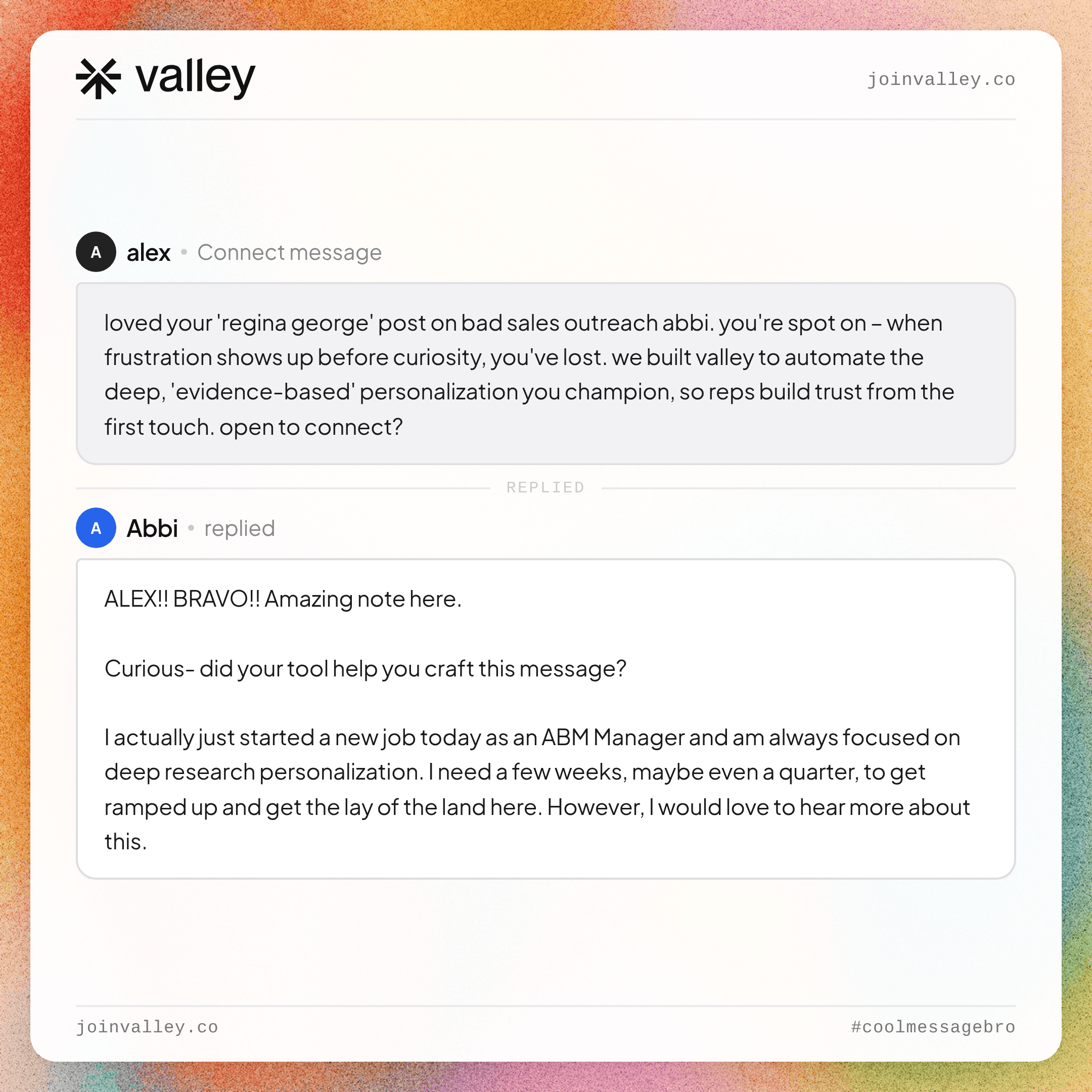
► Check Out Valley’s Incredible Outreach: A compilation of real time messages and responses!
Layer 5 Safe delivery: Is the message scheduled within LinkedIn’s safe operating limits? All reputable tools handle this; Valley adds dedicated IPs per account and automatic exclusion of public profiles.
Only tools that handle all five layers autonomously qualify as complete LinkedIn prospecting tools for agency use.

Valley: Prospect identification signal-based (5 types), ICP qualification automatic, prospect research deep (5 - 7 sources), message generation AI-generated from research, multi-client yes (Studios), safety excellent.
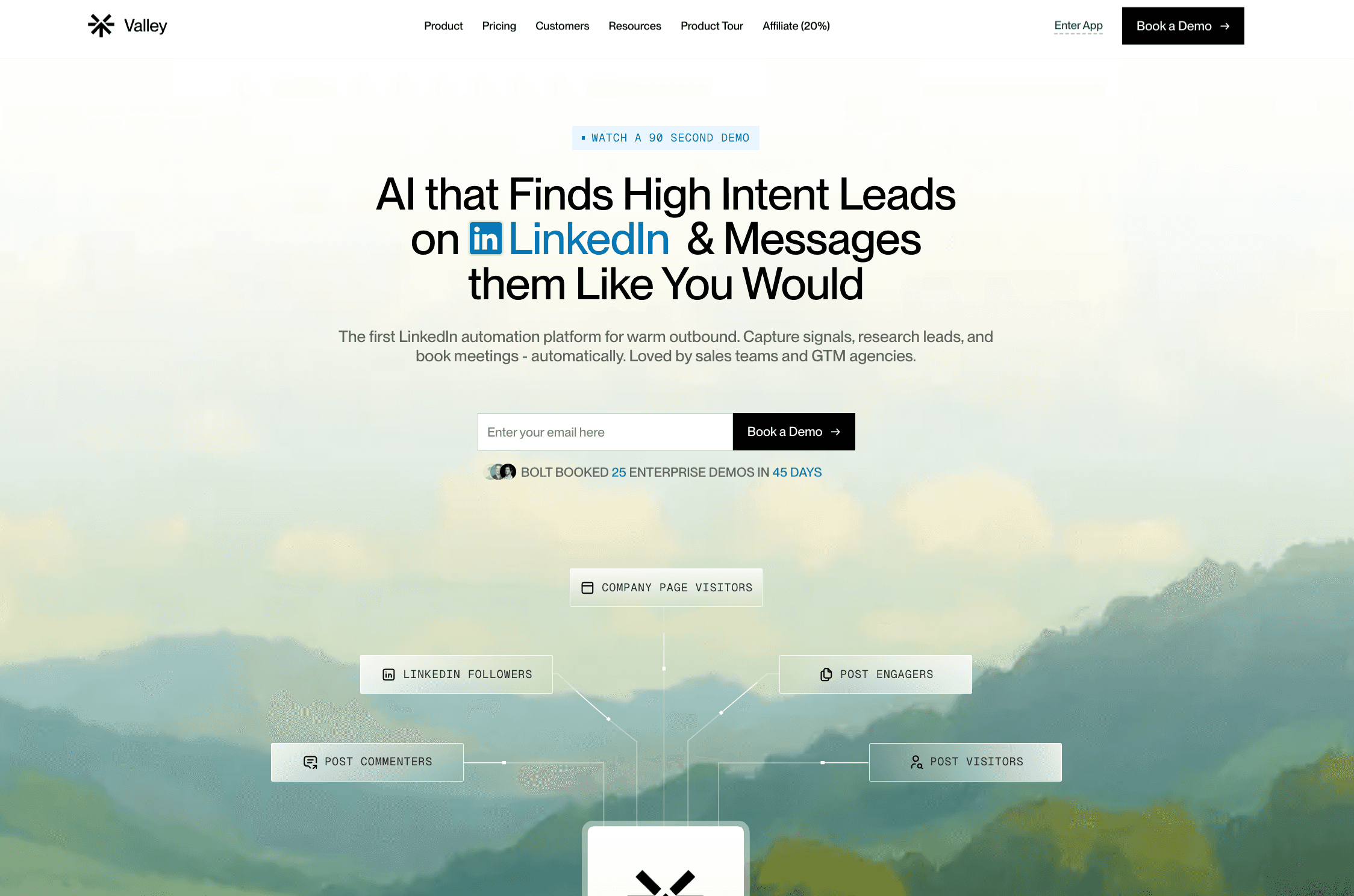
HeyReach: Prospect identification list-based, ICP qualification manual, prospect research no, message generation template-based, multi-client yes (multi-account), safety good.
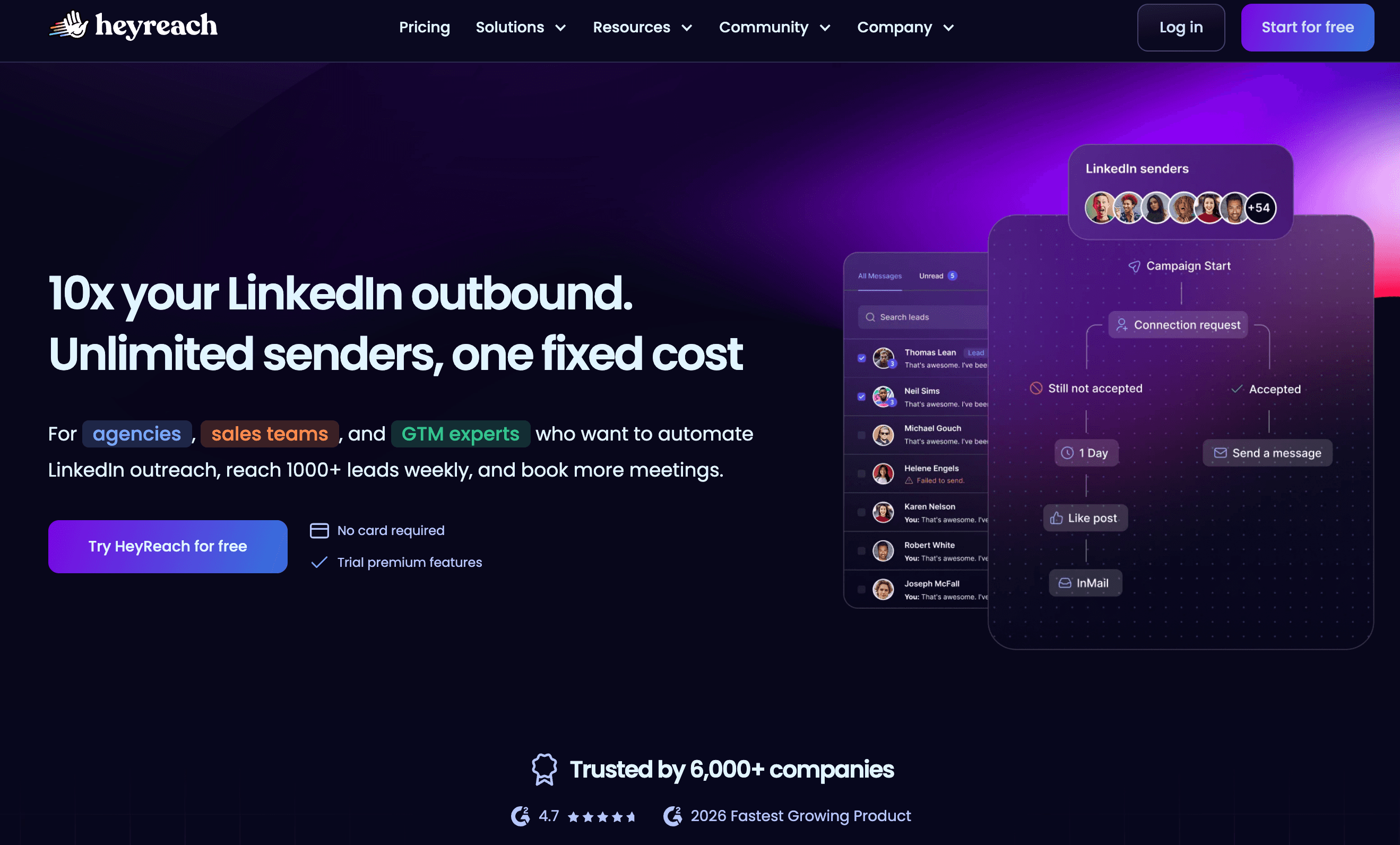
Expandi: Prospect identification list-based, ICP qualification manual, prospect research no, message generation template-based, multi-client yes, safety good.
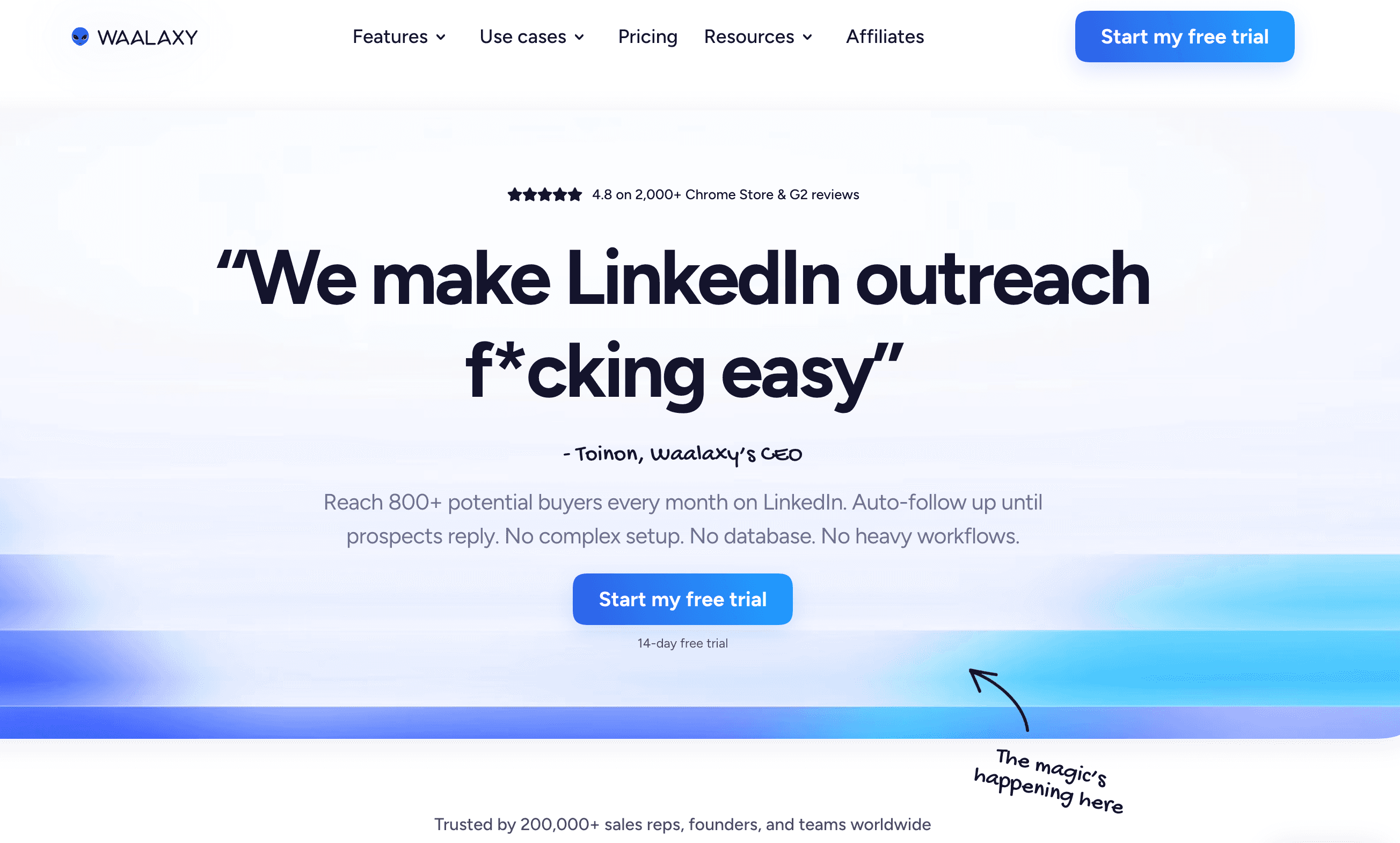
Waalaxy: Prospect identification list-based, ICP qualification manual, prospect research no, message generation template-based, multi-client limited, safety good.
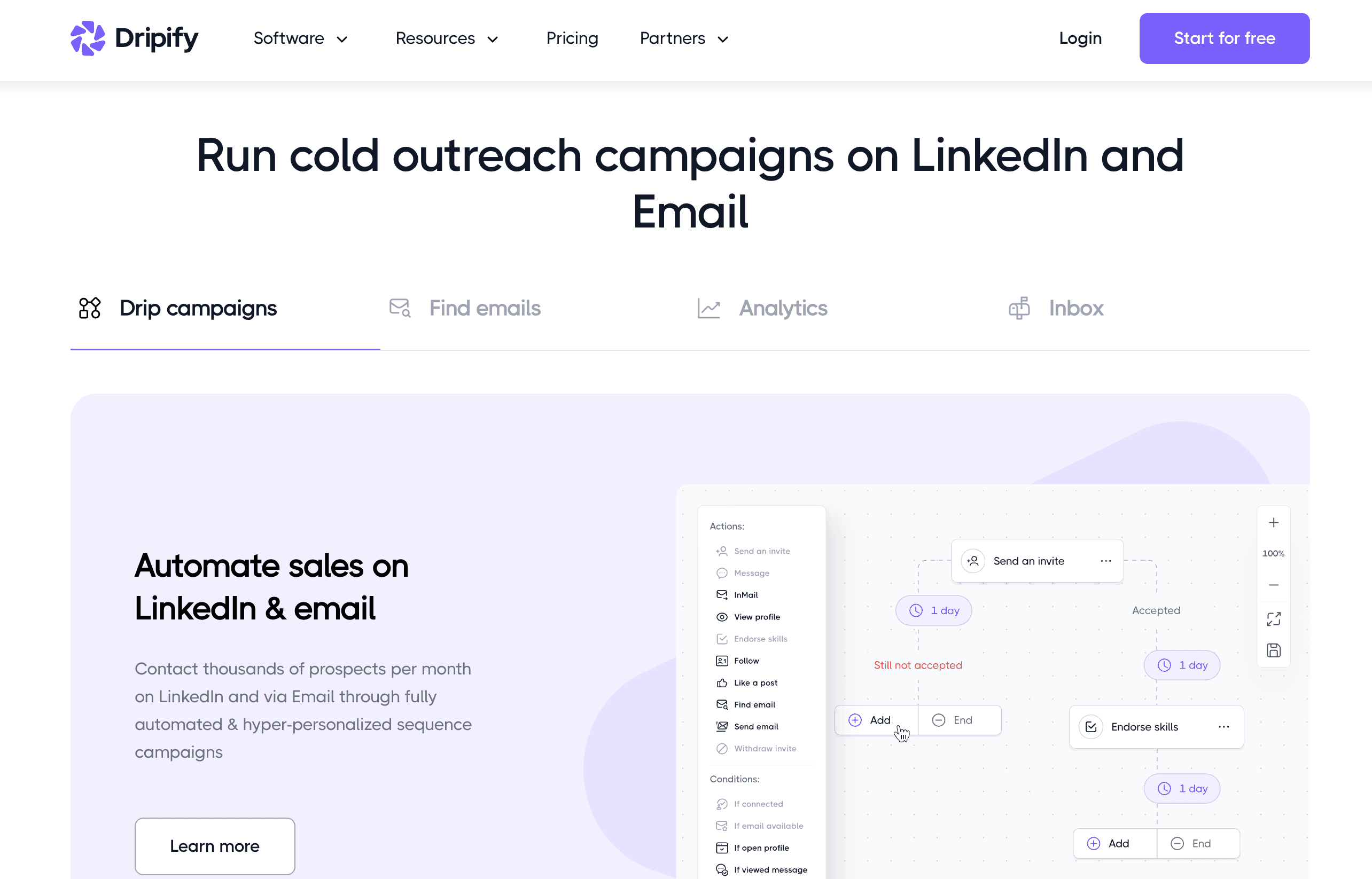
Dripify: Prospect identification list-based, ICP qualification manual, prospect research no, message generation template-based, multi-client limited, safety good.
The distinction between signal-based and list-based prospect identification is the most consequential difference in this comparison.
It determines whether outreach starts warm (someone already interested) or cold (someone who has never engaged with the client). Reply rates follow from that starting condition.
The Prospecting Tool Stack Most GTM Agencies Are Running and What to Simplify
A typical GTM agency running LinkedIn prospecting for clients without a consolidated platform is managing: Sales Navigator (list building and targeting), a data enrichment tool (Apollo, Clay, or similar), a LinkedIn automation tool (HeyReach, Expandi, Dripify, or similar for sending), a message template library (maintained manually per client), and a CRM or spreadsheet for tracking replies.
That is four to five tools, multiple manual handoffs between them, and a research-and-writing burden that sits entirely on the agency team.
Valley consolidates signal capture, ICP qualification, prospect research, message generation, campaign scheduling, and approval workflow into one platform. Sales Navigator remains valuable for building proactive outreach lists; Valley handles everything downstream from list import. The enrichment tool, the automation tool, and the template library become redundant.
Agencies that consolidate report operational time savings of 15+ hours per week per team member time previously spent on manual research and message writing that Valley handles automatically.
What the Best LinkedIn Prospecting Tool Looks Like for a GTM Agency Client Engagement
A concrete scenario: An agency onboards a new client a Series A SaaS company selling to HR leaders at 50 - 500 person companies. The client wants 10 qualified meetings per month from LinkedIn outreach.
With a generic LinkedIn prospecting tool: Agency team builds a Sales Nav list of 800 HR leaders. Imports into HeyReach or similar. Writes five message templates. Runs A/B tests across templates. Books 4 - 6 meetings per month after optimizing for three months. Client retention is uncertain.
With Valley: Agency sets up a client Studio with ICP parameters (HR leader, 50 - 500 employees, SaaS or tech-adjacent), value proposition, and proof points.
Valley activates signal capture. Any HR leader who views the client’s profile, engages with a post about people management challenges, or visits the client’s website is flagged. Valley researches each qualifying prospect and generates a message that references the specific signal and a relevant aspect of their professional context. Agency reviews messages.
Valley schedules delivery. First meetings book within 72 hours. Month one: 8 - 12 meetings. Month three: 12 - 18 meetings as the AI training improves message quality.
The client renews. The agency expands the engagement to two additional seats.

If your agency’s LinkedIn prospecting workflow involves manual list building, template writing, and research per prospect, the operational cost is higher than it needs to be. Valley automates the prospecting work while keeping the agency in control through a message approval workflow that ensures quality before delivery.
► Book a demo (teams of 5+)with the Valley team and see a multi-client prospecting setup and understand the operational difference from your current stack.
Frequently Asked Questions
What are the best LinkedIn prospecting tools for GTM agencies?
The best tools handle the full workflow signal detection, ICP qualification, prospect research, message generation, and safe delivery. Valley covers all five layers. HeyReach, Expandi, Waalaxy, and Dripify handle sending and sequencing but require manual research and template creation.
How do LinkedIn prospecting tools identify warm prospects?
Signal-based tools like Valley identify warm prospects from behavioral data profile views, post engagement, website visits, new followers. List-based tools require the agency to build the prospect list manually from Sales Nav or similar.
Can one LinkedIn prospecting tool manage multiple client accounts?
Valley supports multi-client management with separate Studios per client, independent ICP parameters, and campaign isolation. Most other tools support multi-account management but not multi-ICP campaign configuration.
How do LinkedIn prospecting tools handle message personalization?
Valley generates personalized messages from individual prospect research briefs recent posts, company news, role context. Generic tools use variable substitution (name, company, industry) in pre-written templates.
Is LinkedIn prospecting tool use safe for client accounts?
Valley uses dedicated IPs per account, operates within LinkedIn’s daily limits (25 connections per day, 800 InMails per month), and automatically excludes public profiles and competitor contacts. Zero client account suspensions reported.
Related: running client outbound from one platform.
See also: AI Tools for LinkedIn That GTM Agencies Actually Use to Book Client Meetings · How Does Valley Work for Agencies and Multi-Client Management? · LinkedIn Outreach for GTM Agencies: Why Cold Templates Are Killing Your Client Retention


