
Try Valley
Put your outbound workflow to work.

Saniya Sood
Published:
Updated:
Published May 4, 2026 · Updated August 31, 2026
Most tools in the first category. They automate connection requests, write templates with GPT-generated personalization, manage sequences, and report on deliverability. They measure output in messages sent. You can send 3,000 messages per month and book six meetings. The ROI is thin, the client is frustrated, and you are defending volume as a value metric.

The second category is smaller. These tools Valley being the clearest example start upstream of the message. They identify who is already showing interest in your client, qualify those people against a defined ICP, research them individually, and write a message that references something specific and real. The output is measured in replies and meetings. That is the category GTM agencies need.
The AI tools for LinkedIn that GTM agencies use to book client meetings start with signal detection identifying prospects who are already showing interest (profile views, post engagement, website visits) then automate the research and personalization required to send a message that actually gets a reply. Valley is the only tool in this category that handles the full workflow from signal to meeting inside a single platform.
► Book a demo (teams of 5+)and explore how Valley can support your use case
► Built for exactly this workflow: try Valley free for 7 days

The typical AI tool for LinkedIn works like this: connect your LinkedIn account, import a contact list, select a message template, turn on GPT-based personalization that pulls recent post titles or job titles, and set a sending schedule.
The personalization sounds like this: "Hi [FirstName], I came across your post about [Recent Post Title] and wanted to connect we help [Company Size] companies like [Company] with [Generic Benefit]."
A prospect who receives that message knows within the first clause that it was generated. Not because AI personalization is inherently poor, but because the context is thin. Pulling a post title is not the same as understanding why someone wrote it, what problem they were solving, and how your client's offer maps to that problem.
Agency teams running five or ten client accounts through generic AI tools end up manually editing large percentages of generated messages before they go out. The automation handles scheduling; everything meaningful still requires a human. That is not scalable.
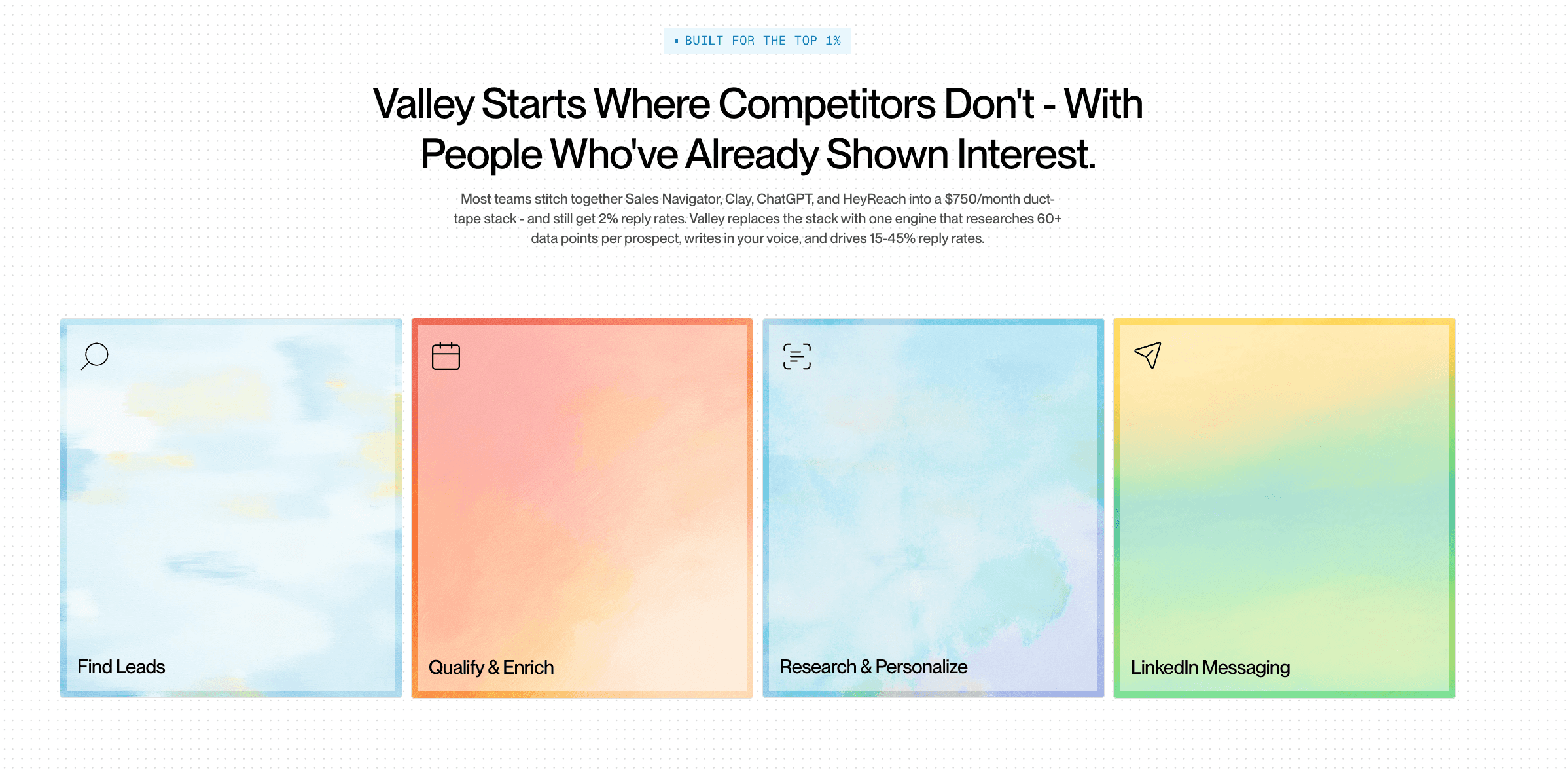
What AI Tools for LinkedIn Look Like When They Are Built Around Signals
Valley's approach to AI-powered LinkedIn outreach for agencies starts differently.
When a prospect views a client's LinkedIn profile or engages with a post, Valley registers that signal. It then qualifies the prospect: does this person match the client's defined ICP?
If yes, Valley runs research across five to seven data sources recent LinkedIn posts, company news, funding activity, role context, stated pain points in public content and generates a message that synthesizes that research into a contextual first message.
The message references something real. Not a post title an insight from the post. Not a company name a specific business context relevant to the client's offer.
That is why Angelene Perez-Vento of Growth Protocol described the output this way: "I have seen really, really nicely crafted messages that I steal for my own manual outreach too. The messaging is not nearly as personal with other tools and it doesn't sound like AI wrote it."
She went on: "We're looking at about $150K in pipeline in about four months. And that's me all on my own."
Comparing AI Tools for LinkedIn: What GTM Agencies Are Actually Evaluating
Capability | |||||
|---|---|---|---|---|---|
Signal-Based Triggering | Yes, with 5+ signal types | No, list-based | No, list-based | No, list-based | Limited |
ICP Qualification | Automatic scoring | Not built in | Not built in | Not built in | Not built in |
Research Depth | 5 - 7 sources per prospect | Not built in | Not built in | Not built in | Not built in |
Multi-Client Management | Yes, with separate Studios | Yes, multi-account | Limited | Yes | Limited |
Message Approval Workflow | Yes, every message reviewed | Template-based | Template-based | Template-based | Template-based |
HeyReach in particular is a strong choice for agencies focused on pure volume with multi-account management.
The question for agencies is whether they are being retained on volume or on meetings.
If the client contract specifies meetings delivered, signal-based AI tools for LinkedIn are the only category that delivers that reliably.
How GTM Agencies Set Up AI-Powered LinkedIn Outreach in Valley for Clients
Step 1 Studio setup: Create a Studio for the client. Add the client's company website, booking link, product description, ICP parameters, core value proposition, pain points the product addresses, and proof points. Add competitors to the exclusion list.
Step 2 Writing style configuration: Define the client's tone professional, conversational, technical, informal. Give Valley do's and don'ts. Export existing high-performing outreach messages to use as training examples.
Step 3 Campaign creation: Create the first campaign. Choose signal sources: website visitors, Sales Nav URL, post engagers, or CSV upload. Set max daily volume. Valley handles prospect research, message generation, and scheduling.
Step 4 Message review: Review the first batch of generated messages in Valley's Training Center. Approve, edit, or reject with feedback. Valley learns from feedback and improves message quality over the 30-day training window.
► Check Out Valley's Incredible Outreach: A compilation of real time messages and responses!
Step 5 Launch and monitor: Once messaging meets the agency's quality bar, scale volume and track acceptance rate, reply rate, and meetings booked.

GTM agencies using Valley report a consistent pattern: the first week produces meetings, the second week produces client excitement, and by month two the retainer is secure because the pipeline is visible and growing.
► Book a demo (teams of 5+) with the Valley team and see a full agency-specific setup and understand how warm outbound on LinkedIn integrates with your existing client delivery model.
Frequently Asked Questions
What are the best AI tools for LinkedIn for GTM agencies?
The best AI tools for LinkedIn for agencies are those that handle signal detection, ICP qualification, prospect research, and message generation not just template automation. Valley covers all four in one platform designed for multi-client management.
How do AI tools for LinkedIn generate personalized messages?
Better tools research each prospect individually across multiple data sources recent LinkedIn posts, company news, role context and generate messages that reference specific, relevant details. Generic tools use variable substitution (name, company, post title) which prospects identify as automated.
Can AI tools for LinkedIn manage multiple client accounts simultaneously?
Valley supports separate Studios per client, each with independent ICP parameters, message styles, and campaign sources. Most generic automation tools support multi-account but not multi-ICP configuration at the campaign level.
What reply rates should GTM agencies expect from AI-powered LinkedIn outreach?
With signal-based warm outbound on LinkedIn, agencies using Valley report 25 - 46% positive reply rates. Cold template tools typically produce 3 - 8% reply rates regardless of AI layer.
Are AI tools for LinkedIn safe for client LinkedIn accounts?
Valley operates within LinkedIn’s automation guidelines with dedicated IPs and built-in daily limits. Zero client account suspensions have been reported by agencies using the platform.
► Run your market’s motion end to end: start a free 7-day Valley trial
